This is a comprehensive solution to help manage visitors and their data efficiently. It captures Visitor's photograph, saves the necessary details of the Visitor through a data form. Visitor management tracks everyone that enters your premises.
Visitor's Log
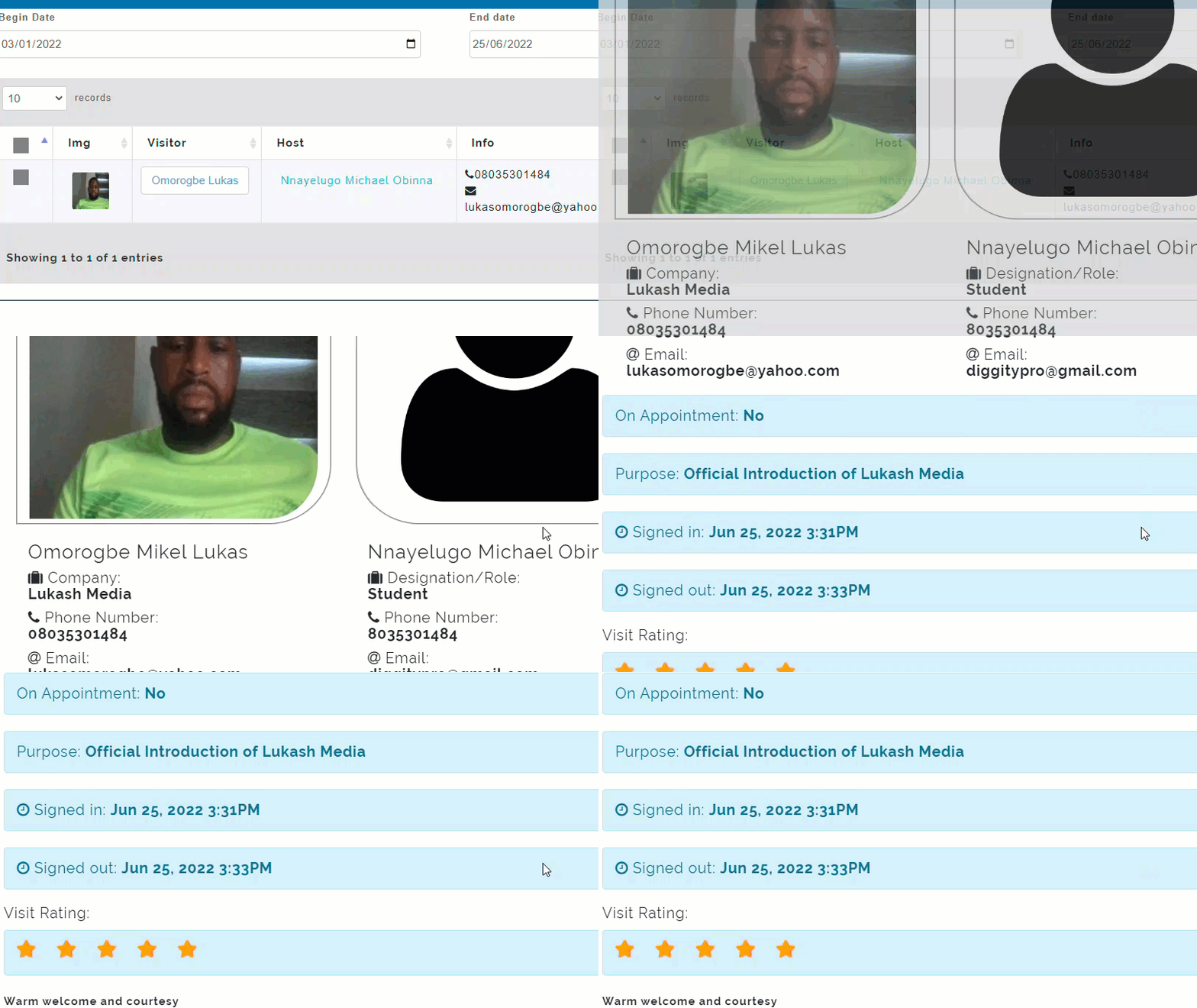
As visitors go in and out of your school, their movements are tracked and recorded in the Visitor's log . Visitors log captures details such as; Image of visitor, who they came to visit, whether they have a scheduled appointment with their host, the phone number, email, and name.
How to view a Visitor's Details in Visitor's Log
-
Go to Visitor Management
-
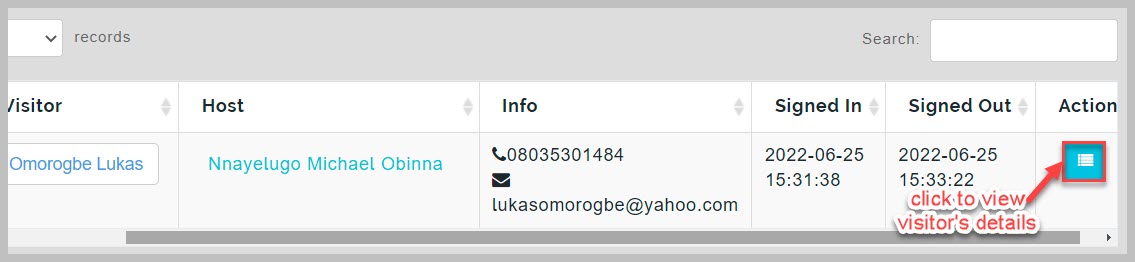
From Visitor's log page, navigate to the visitor you wish to view their details and click on details button
- The pop-up page displays all details of the visitor
How to Set Active Location for Visitors Management
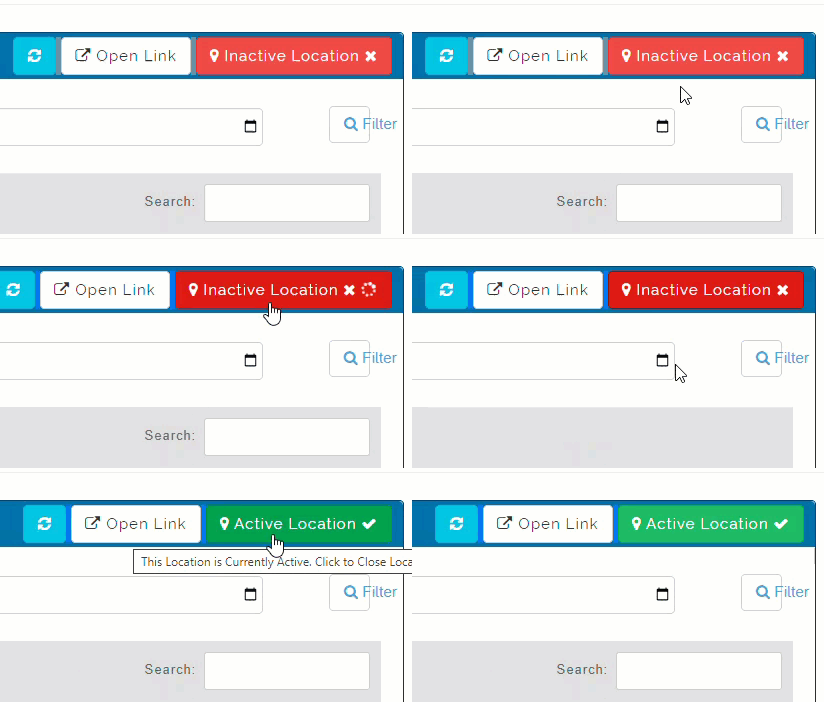
Visitors Management requires an internet-enabled smart device like a laptop, desktop or tablet to be used. This device needs to be set to a fixed location in your school premises designated as visitors entrance point. Once the device location is set, Visitors management GPS location lock needs to be activated.
How to Activate Visitors Management Location
To activate Visitors management location, follow these simple steps;
-
Navigate to Visitor's log page
-
At the top right corner of the page, click on Inactive Location button to activate