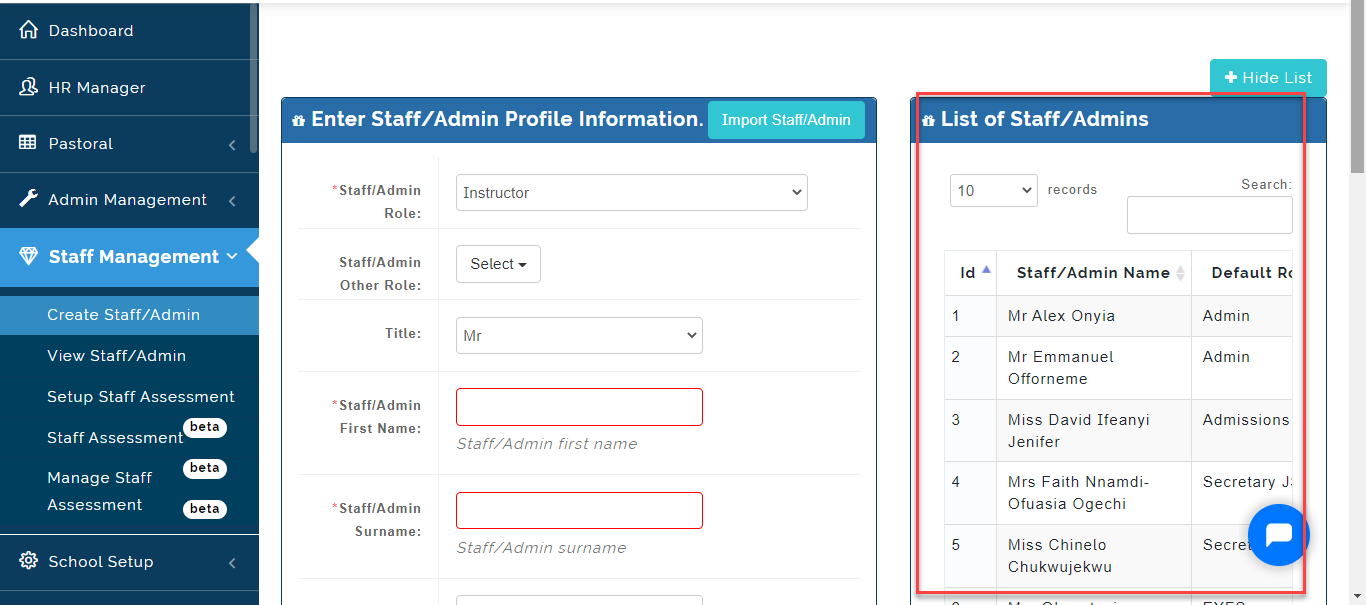
This is where the School Admin can create a Non-Teaching Staff Profile on the Portal.
To do this, follow these Steps:
Before You can Create a Staff/Admin Profile, you need to Create A Role under Settings.
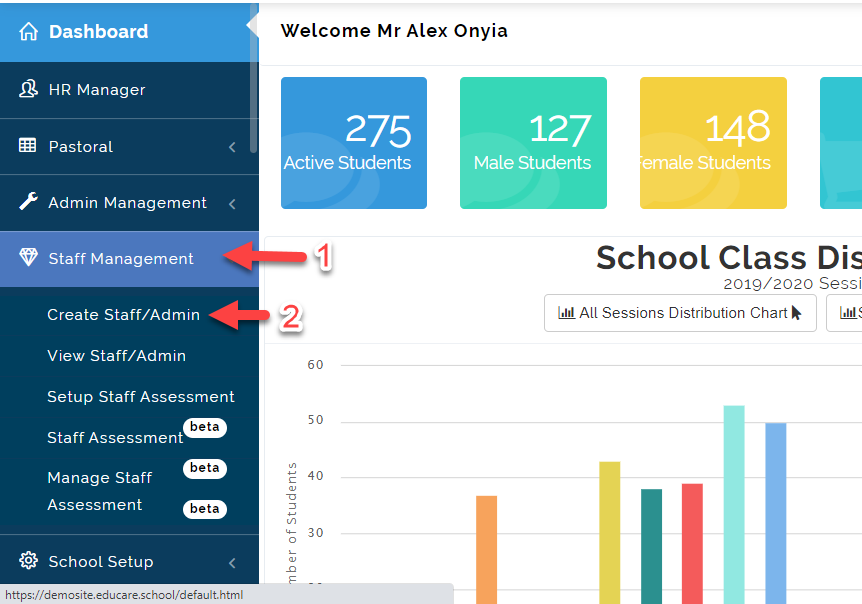
- Click on Staff Management and then Create Staff/Admin.
- Fill in the Staff/Admin Profile required and then Click on Save Profile .
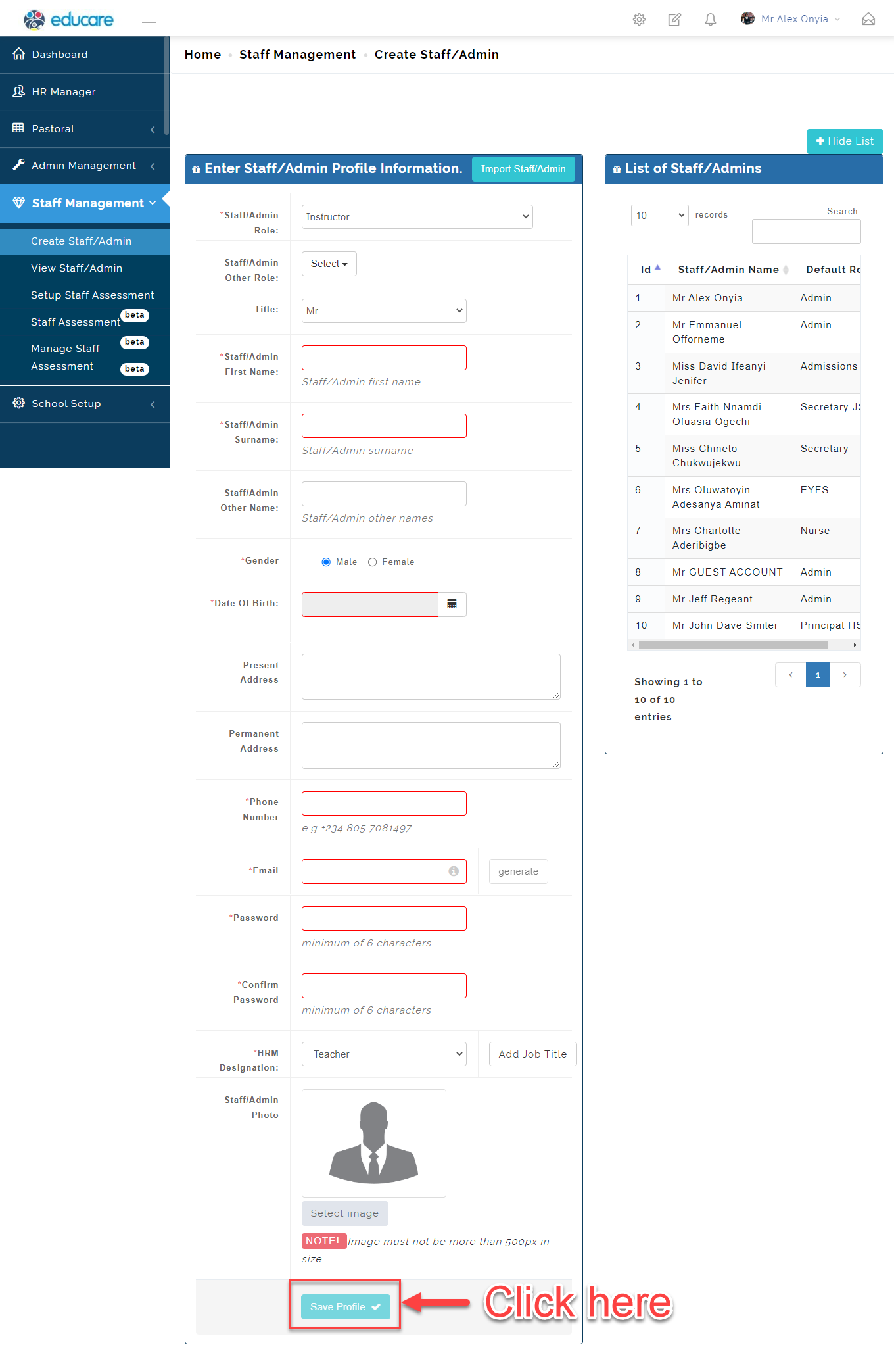
- It will automatically save and appear at the right corner of the screen under List of Staff/Admins.