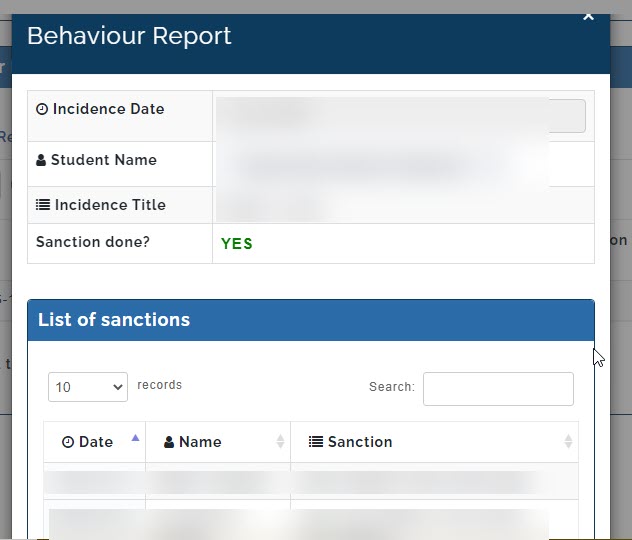
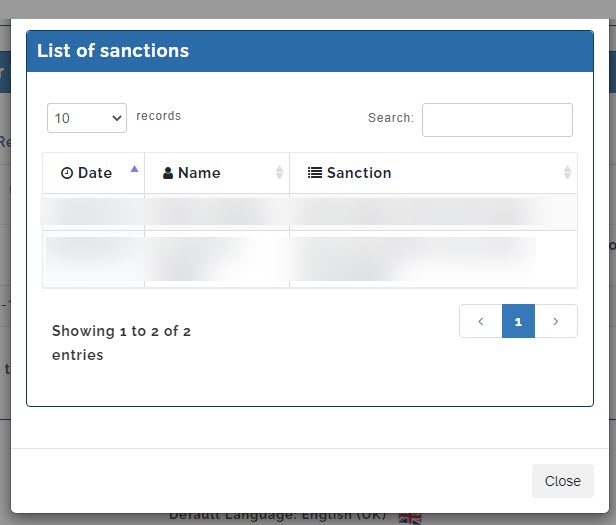
Level managers that has been assigned and are in charge of student's discipline can attend to students who refused to perform sanctions made by their teachers.
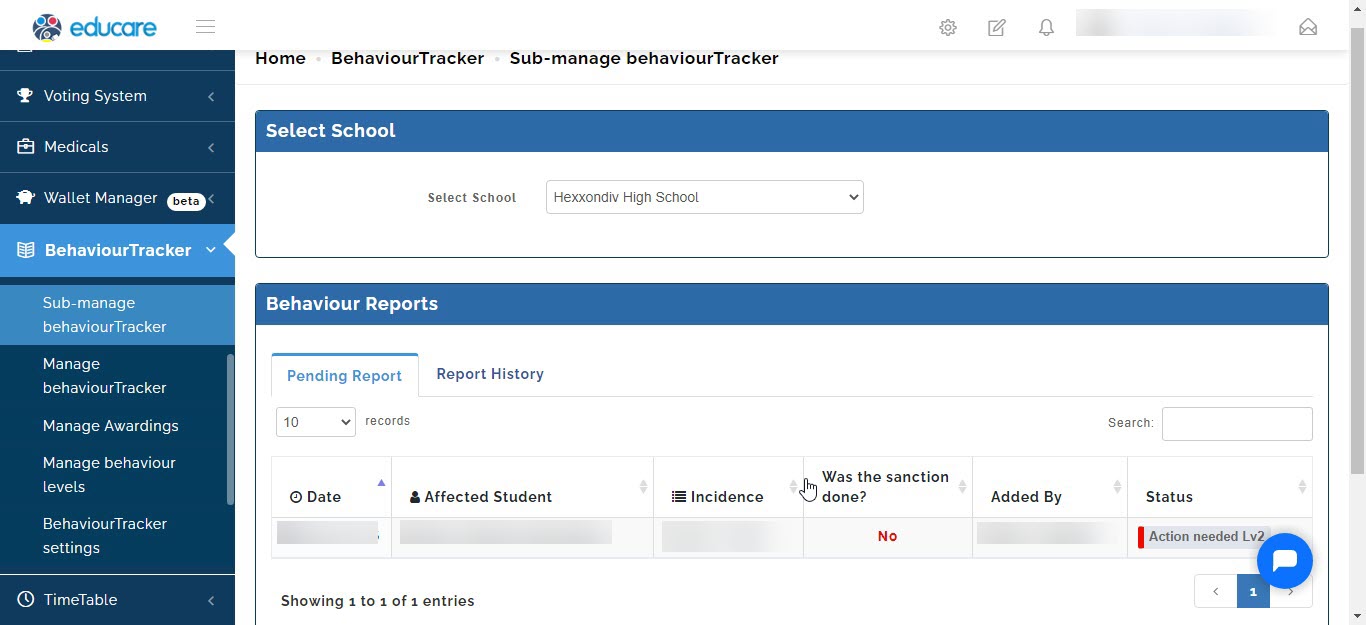
Level manager assigned can manage the incident report, to do that we will take you through the steps.
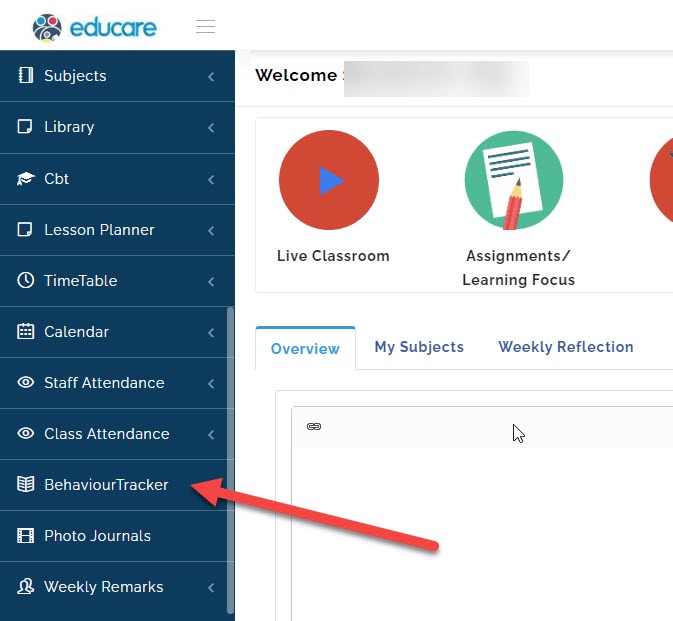
- Go to Behaviour Tracker
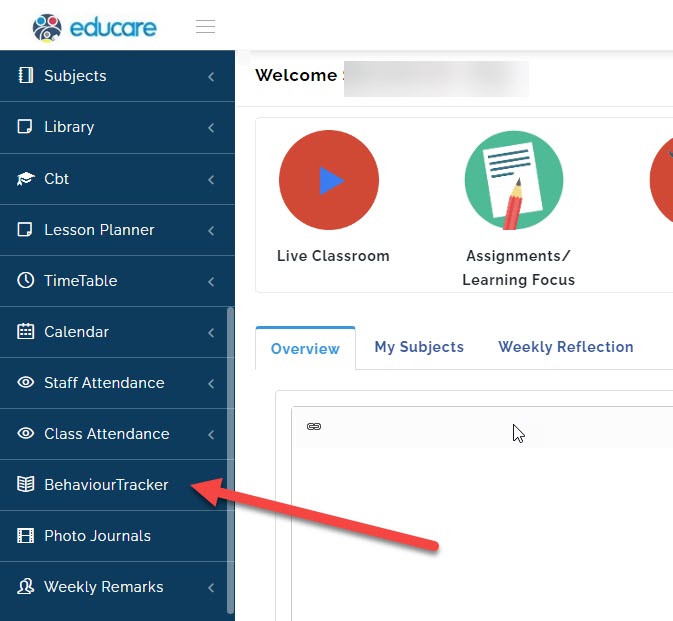
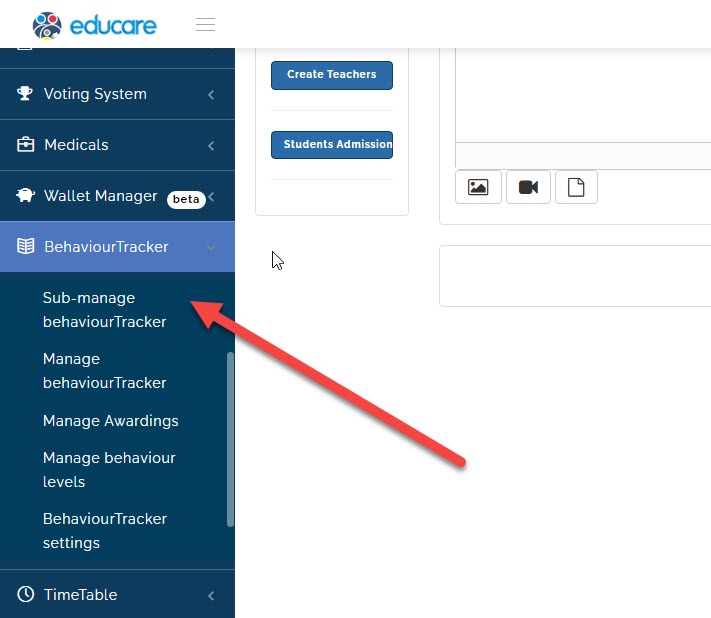
- Click on sub-manage behaviours tracker
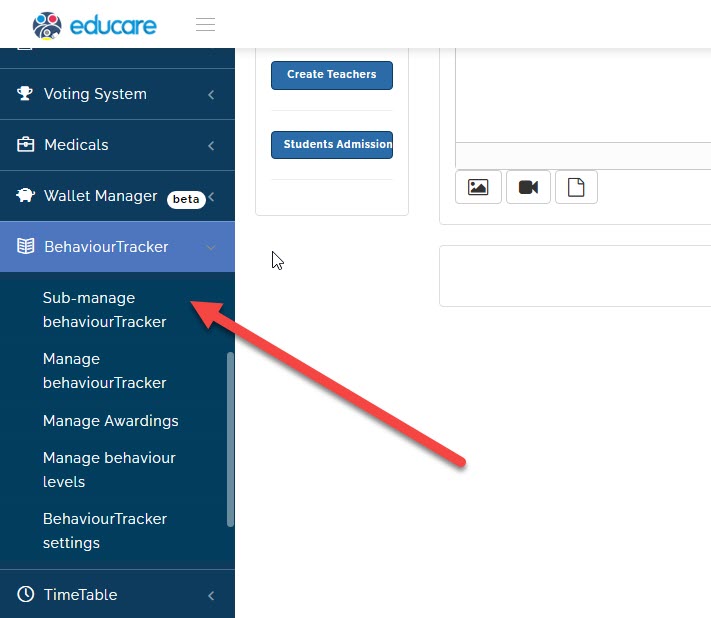
- A new page will open
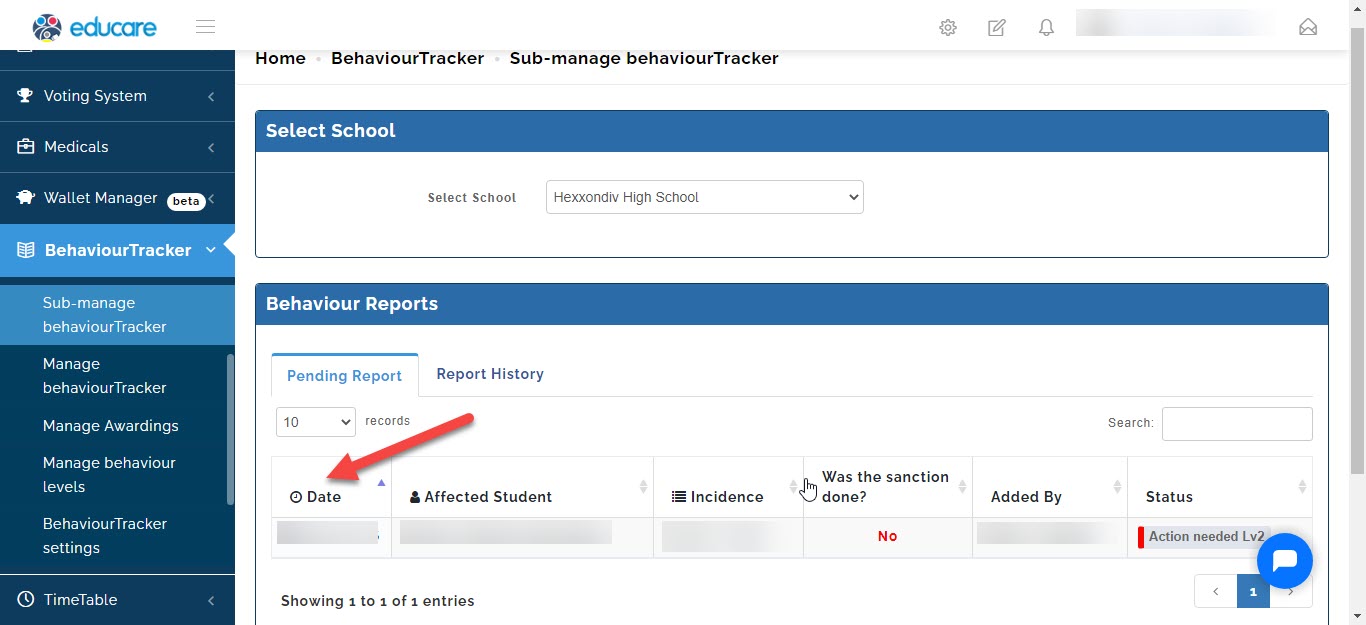
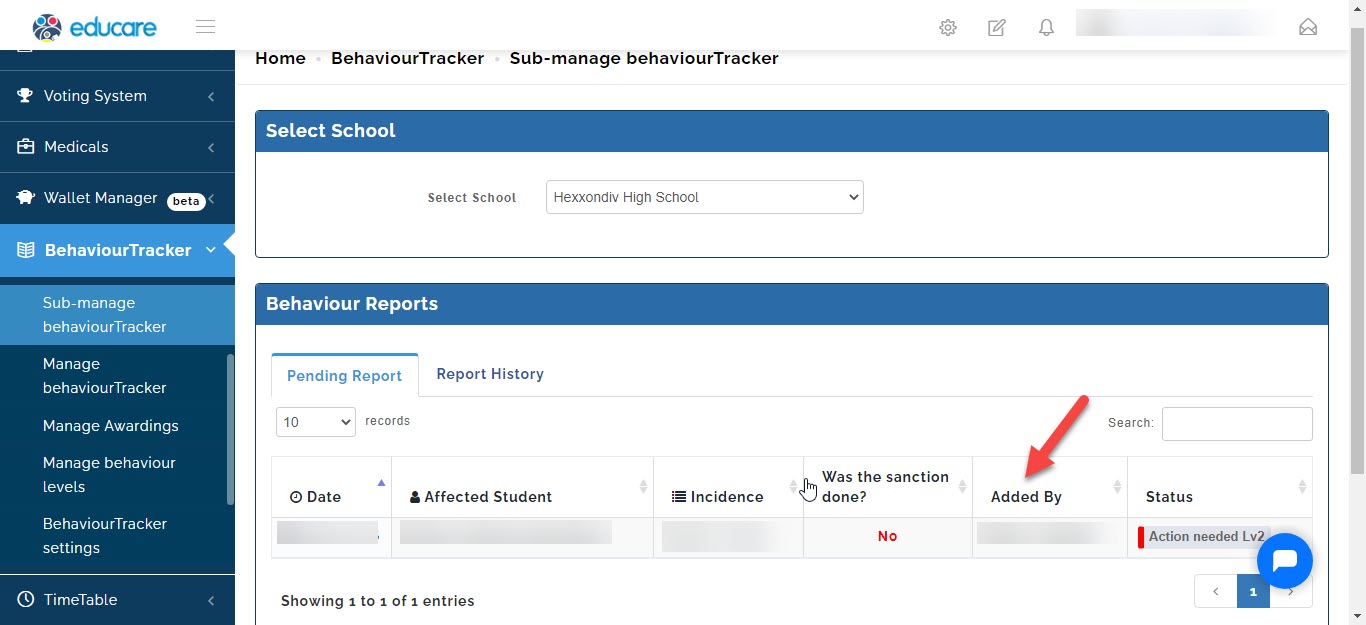
- You will be able to see the date the incident was issued,
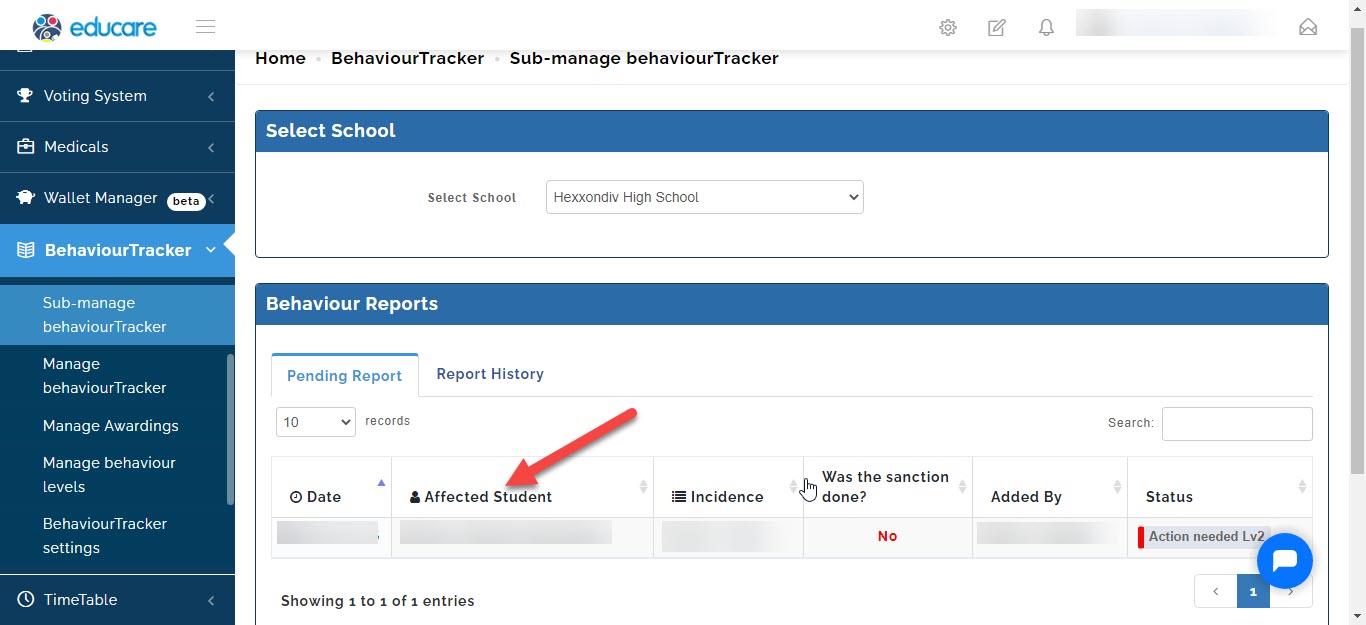
- The offending student,
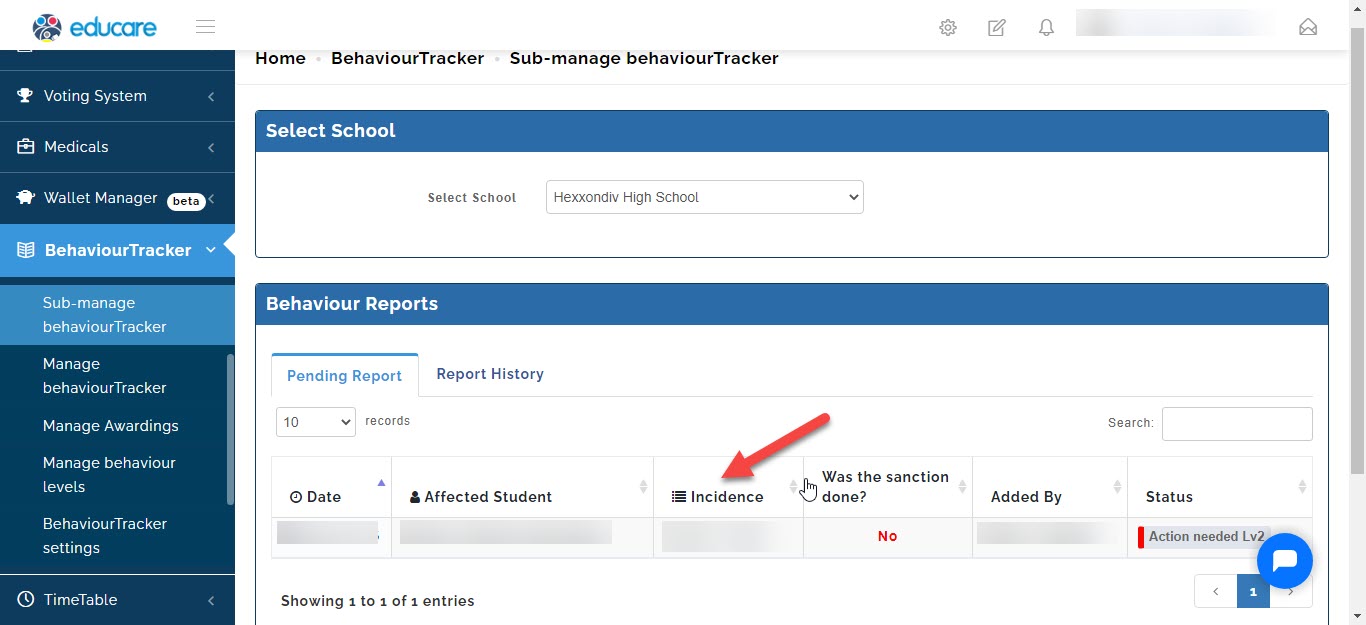
- The detail of the offense,
- The teacher that reported the incident.
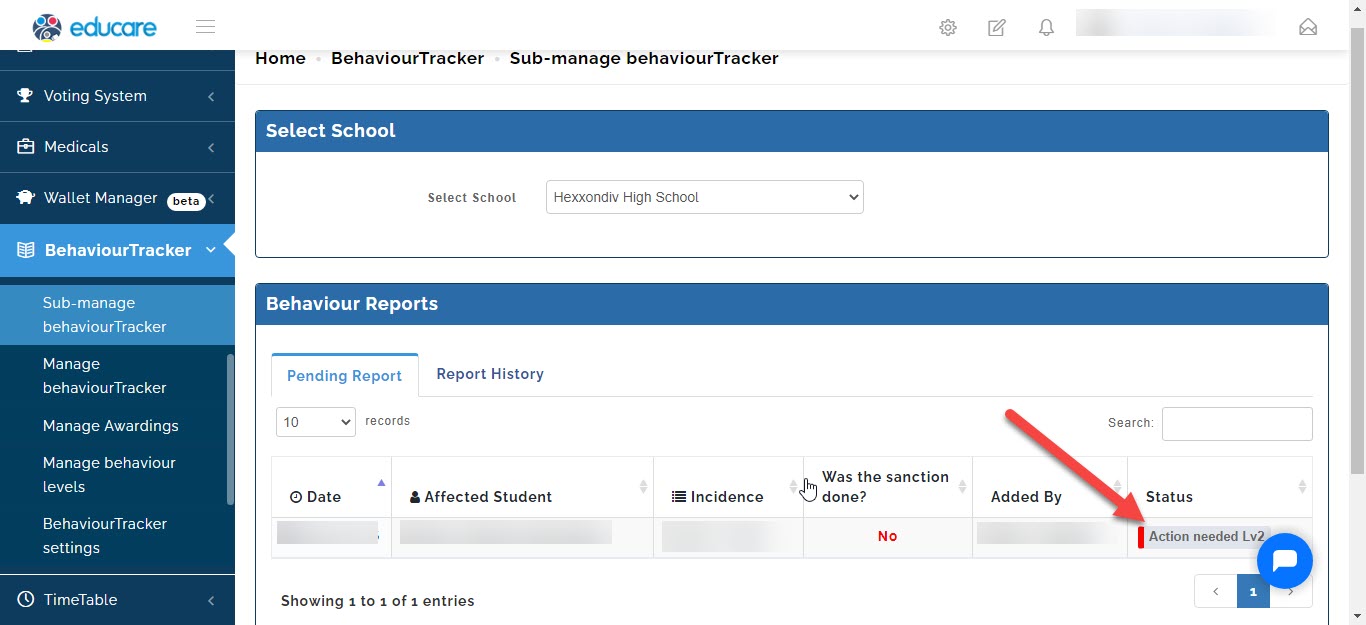
- To attend to it simply click on the action needed button and a window will open.
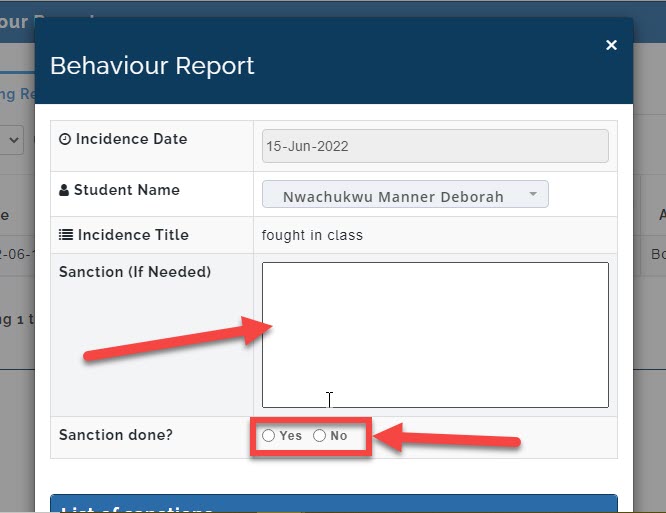
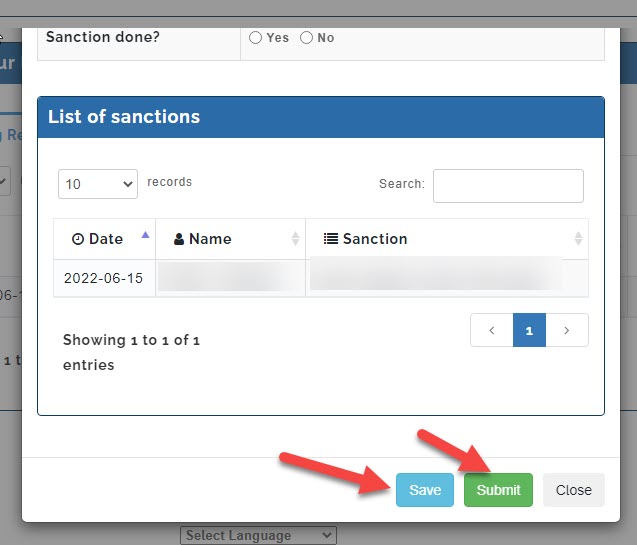
- If a new sanction was given to the student you can write it and select if it was performed or not
- When you scroll down you will see the list of sanction given to the student previously and the name of the teacher that gave them with the dates
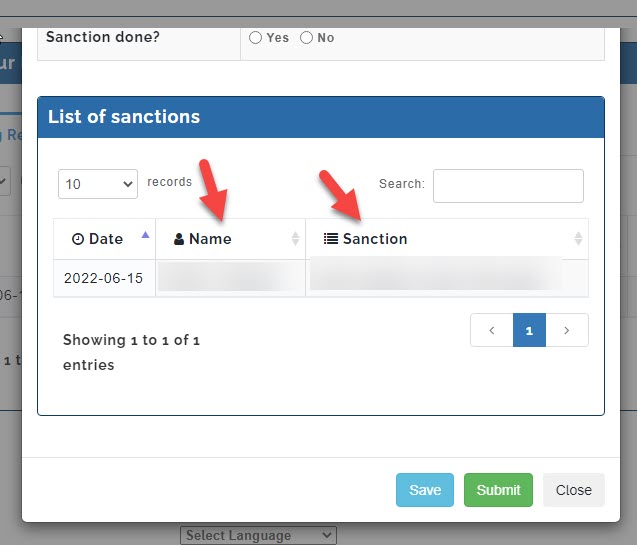
- Once you are through click on the save button to save so you can edit it later or submit button for final submission.
Report History
To check previous report pertaining a students incidents that has been resolved,
Follow these steps;
- Go to Behaviour Tracker
- Click on sub-manage behaviours tracker
A new page will open
- Click on report history
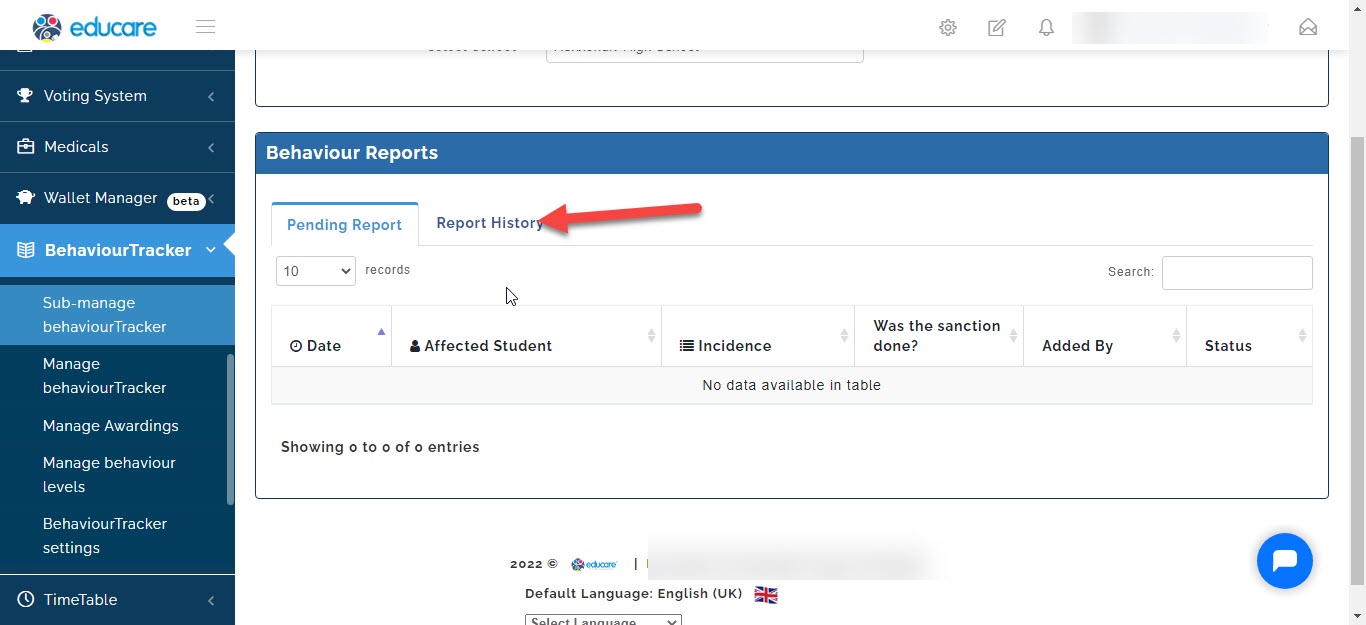
- Then you will be able to see the details of the report
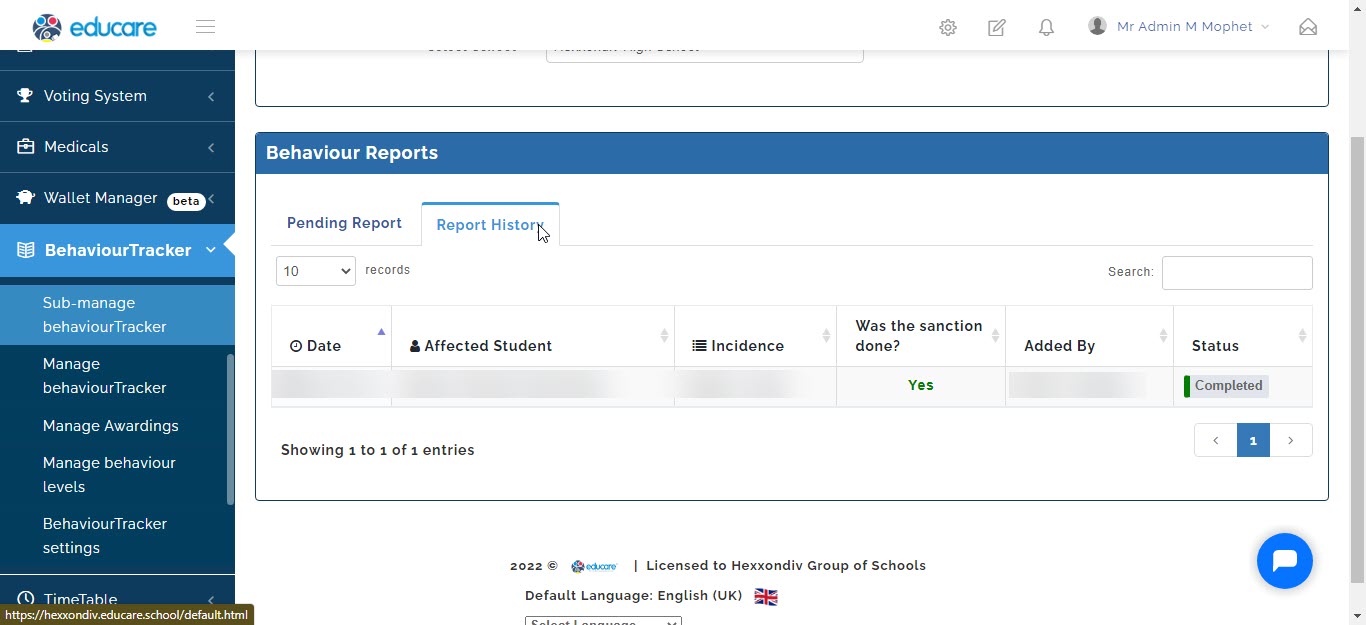
- To see the the full details click on the completed
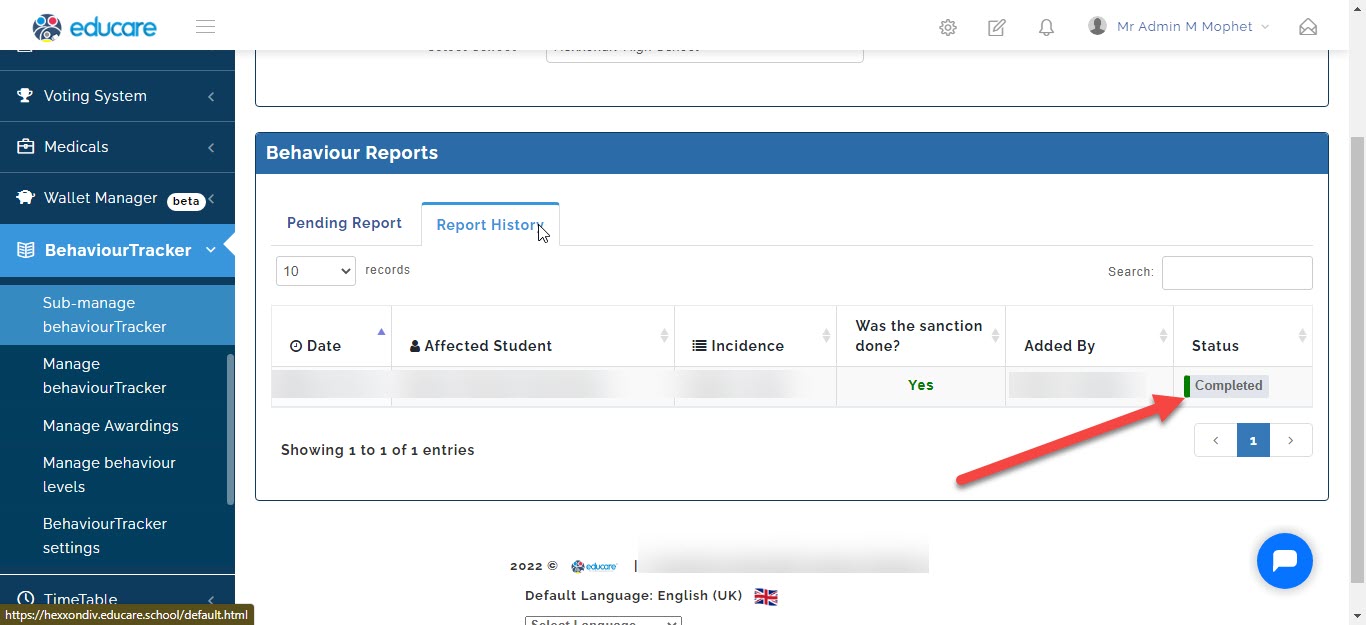
- A window will open containing the details.