In this Section, Teachers can enroll students to the subjects they take.
How To Enroll Students to their Subjects
This Step is only visible to Class Teachers. Follow these Steps to enroll Students in their Subjects:
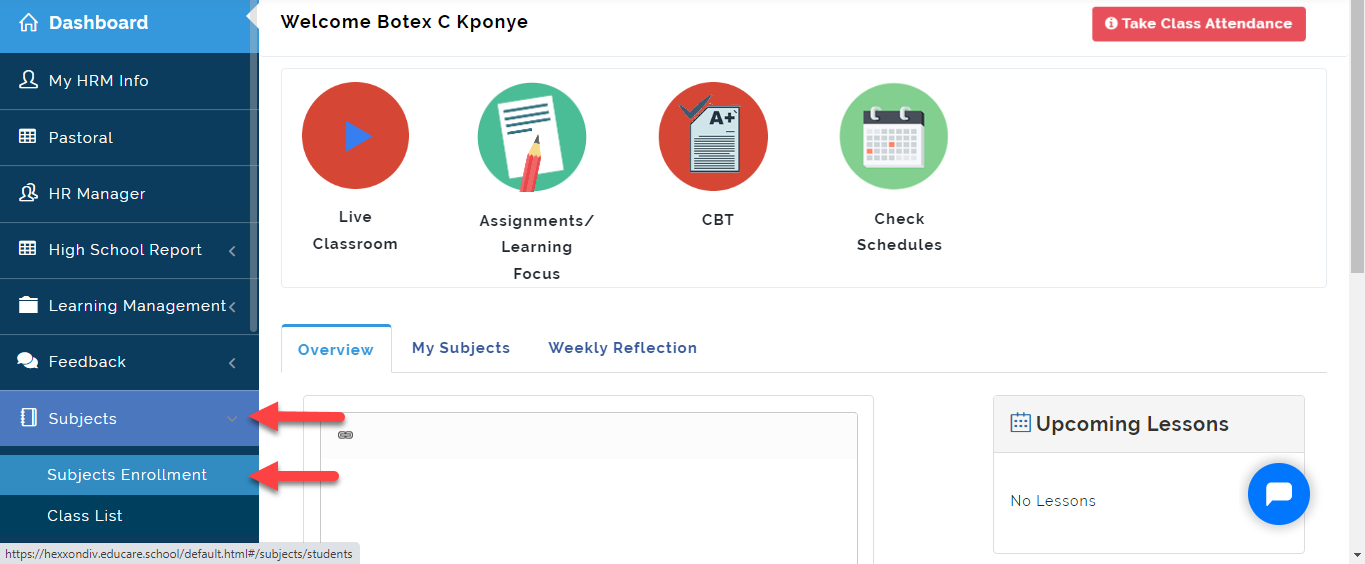
- From the Teachers Dashboard, Click on Subjects then Select Subjects Enrollment
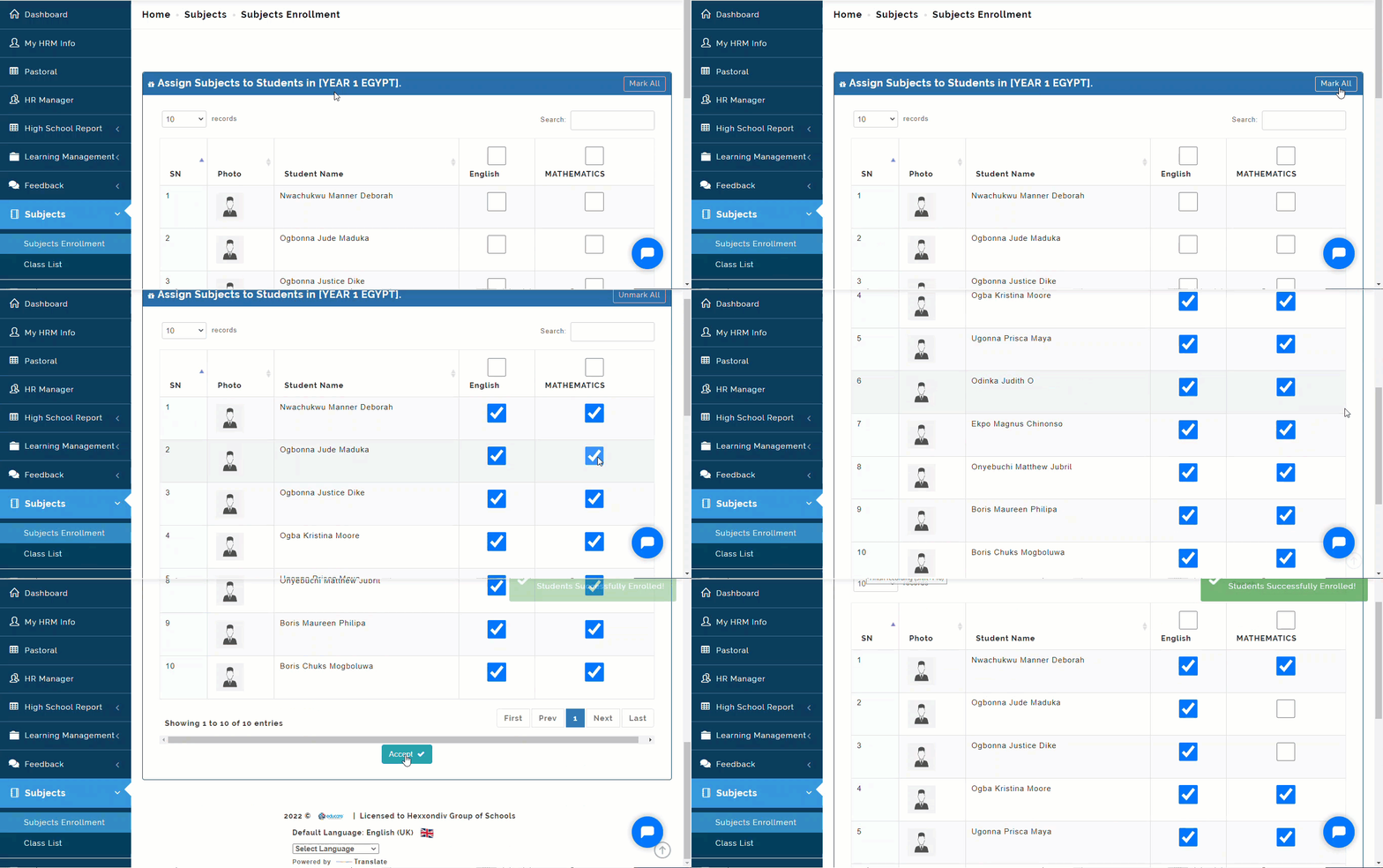
- You will see the list Student(s) in your class; Click on Mark all if all students take all the subject(s) as seen in the Gif Image below. This will tick the boxes for all students. Untick the boxes for subject(s) the student is not enrolled in. Click on Submit to register students for those subjects.
Note on Subject Enrollment
Class Teachers MUST Take Subject enrollment for all the students in their class to enable Subject teachers to accept the students they teach.
My Class List
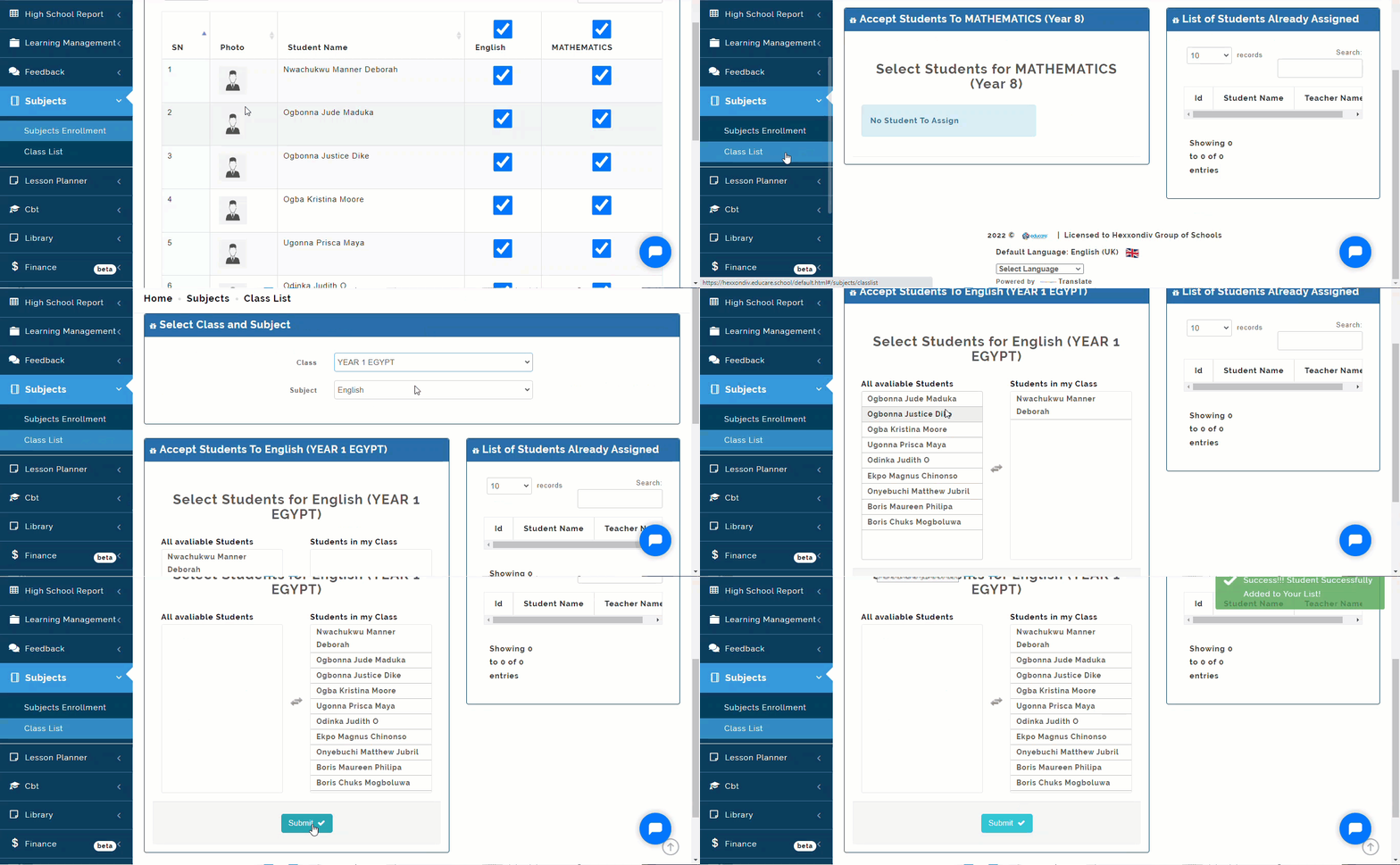
Here you will see how to Class and Subject Teachers can Accept Students into the Subjects they teach. Follow Steps below to add students into the class:
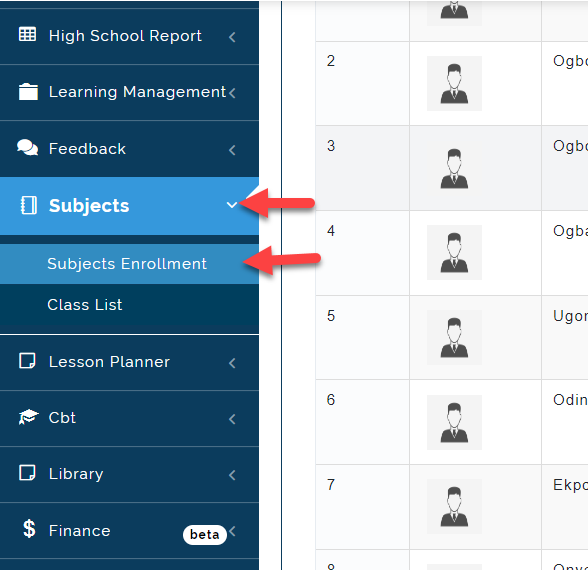
- Click on Subjects then Select My Class List.
- Click on the names of the students that offer your Subject(s) under All Available Students, they automatically move to Students in my Class, then click Submit.
For the Students who you do not teach, leave their names under All Available Students.