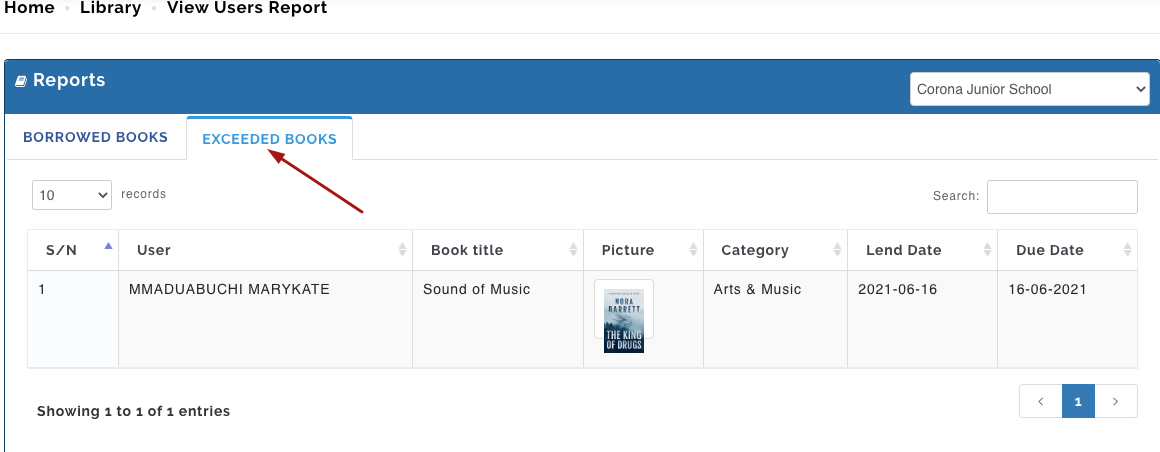
This displays detailed reports on all borrowed and exceeded Books.
Borrowed Books
To View Users Report on borrowed books, follow these steps;
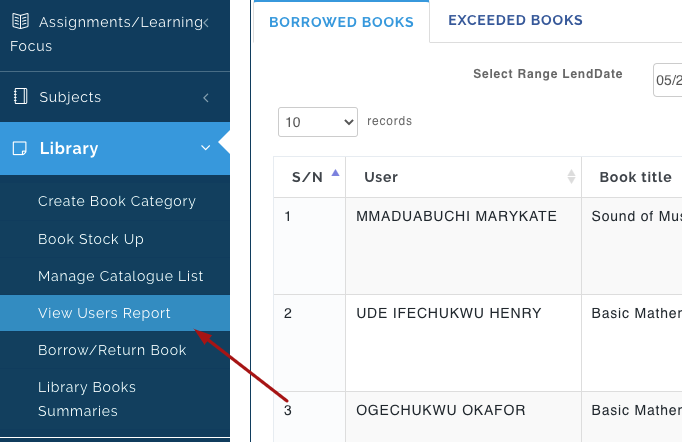
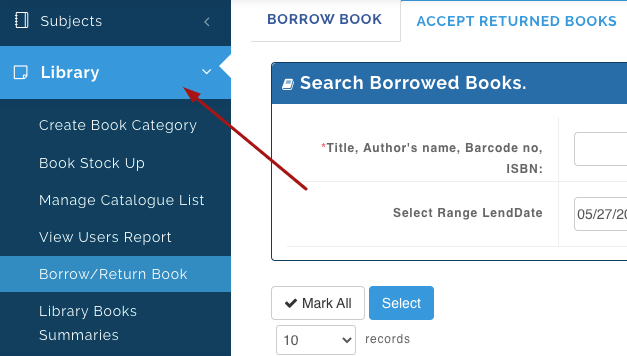
- From the Library Module, Select View Users Report.
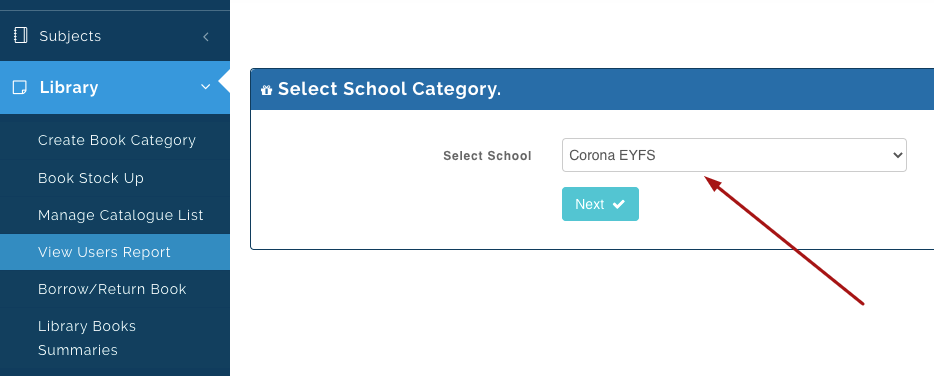
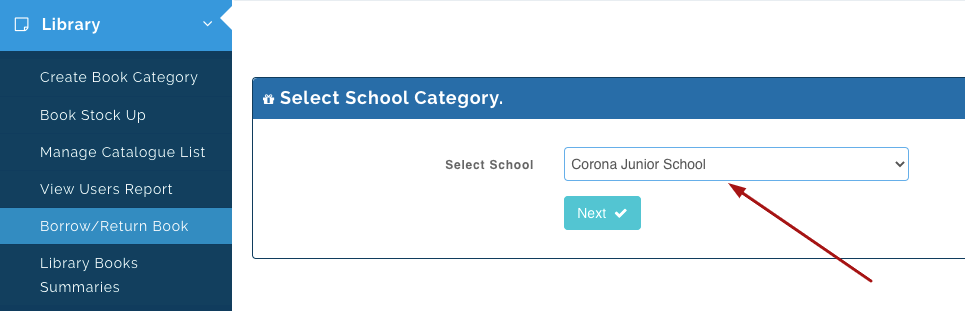
- Select the school you want to View report on and Click on Next.
- Under Borrowed Books Tab, you will see the list of Users that have borrowed a book(s) from the Library, the book borrowed, lent/ return due date and the status of the book (returned or not returned).
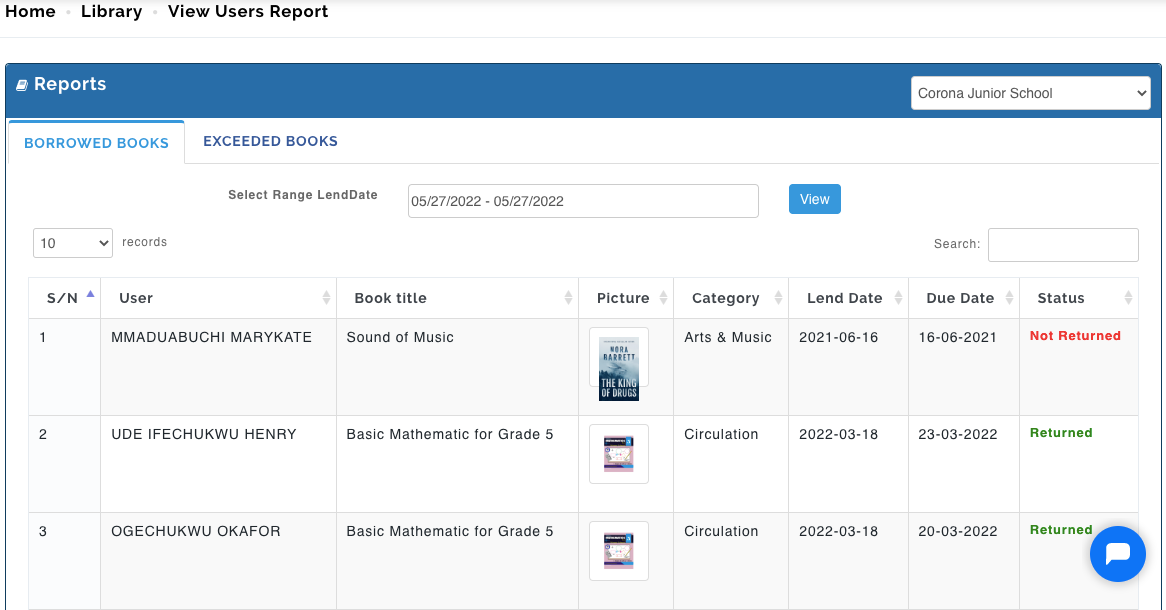
N/B: You can also filter your search to view a particular period of time. To do this, Select Range lend Date and click on Apply; when done, click on View.
Exceeded Books
This shows you the list of users that have have not returned books borrowed after the due date given by the librarian. With this, Librarians can follow up on these books to ensure they are returned and replaced.
To View exceeded Books, follow these steps;
- From the Library Module, Select View Users Report.
- Select the school you want to View report on and Click on Next.
- Under Exceeded Books Tab, you will see the list of Users that have borrowed books from the Library, the book borrowed, lent/ return due date.