A Physical library has different classifications to show the collection of books. This is where those classifications are created. For example; Arts, Sciences, references, Fiction etc.
How to Create a Book Category Classification
Follow the Steps below to create a New Category.
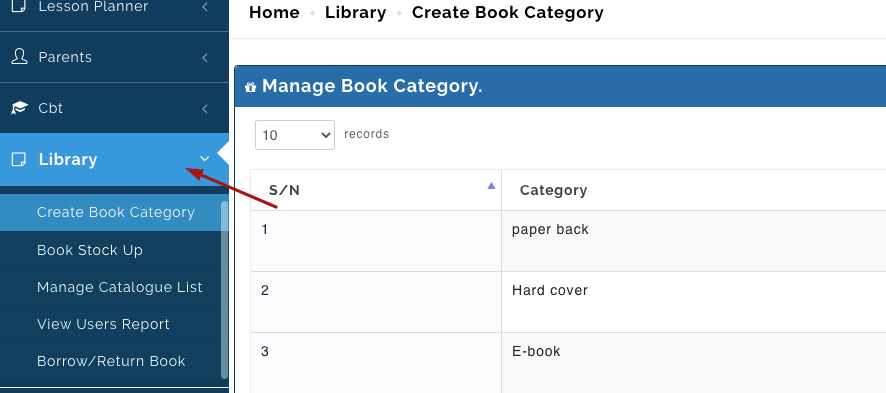
- Click on the Library from the list of modules on the left corner of the portal.
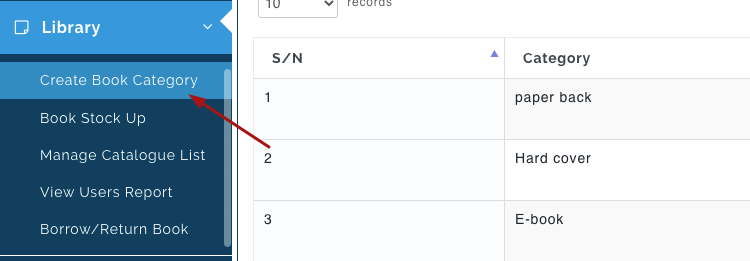
- Click on Create Book Category.
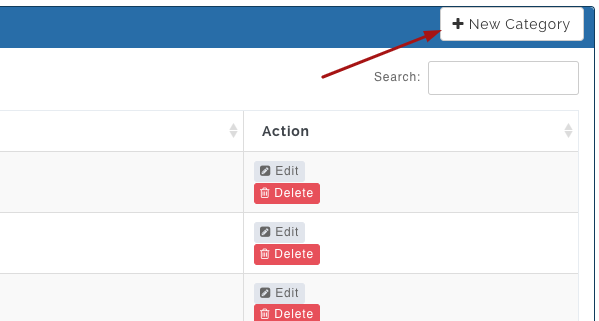
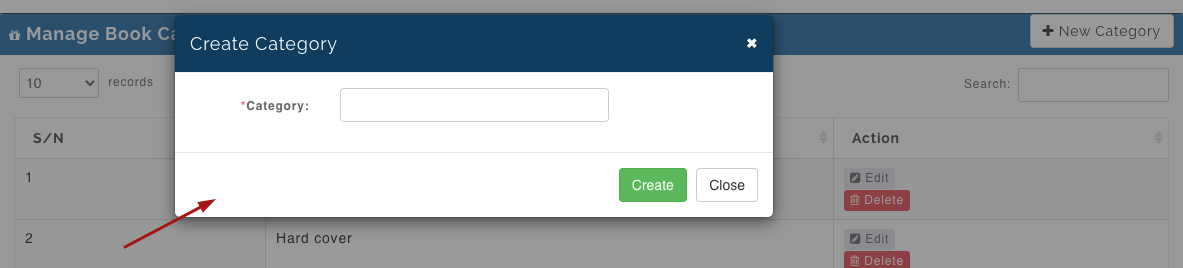
- Click on +New Category, enter the category name for the collection of book you want to create. Then click on Create when you are done to save it or Close to cancel.
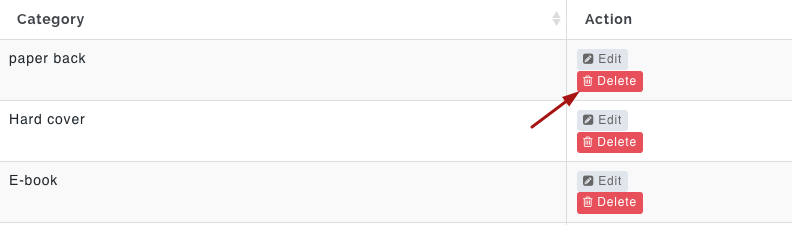
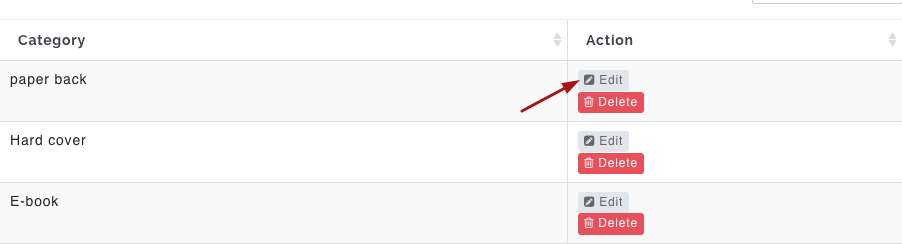
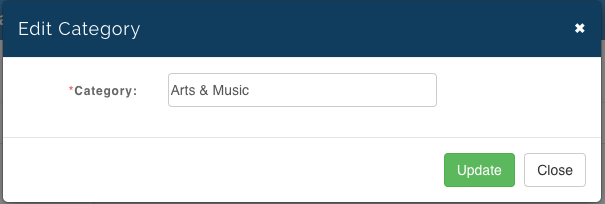
- To edit a category, click on the Edit button for the category that you want to make changes for; make your changes and then click on Update to effect the update or Close to ignore the changes.
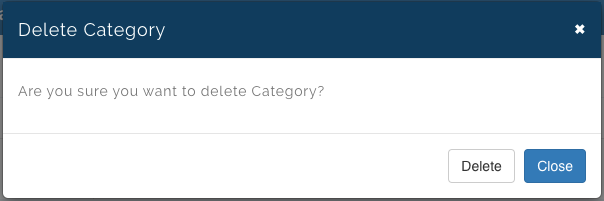
- To delete a category click on the Delete button and then confirm that you want to delete that particular category. This will be deleted from the list of categories you already have. Or click Close to ignore.