
This is where all employees have access to view their personal information. HR manager can also give access permission for employees to make changes to their personal information from "My Info" page.
How to go to My HRM Info
To go to My Info, take the following steps;
-
Go to HR manager from module menu
-
From displayed page click on My Info tab. Here you have access to all your personal details as an employee of the organization
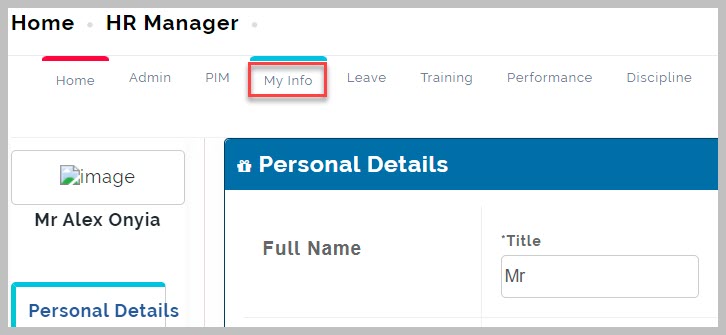
- Make changes to your personal details where needed. If you don't have access to make changes contact your HR Manager.
My Info Note:
Only an organization's HR Manager can enable employees to make changes to their personal details