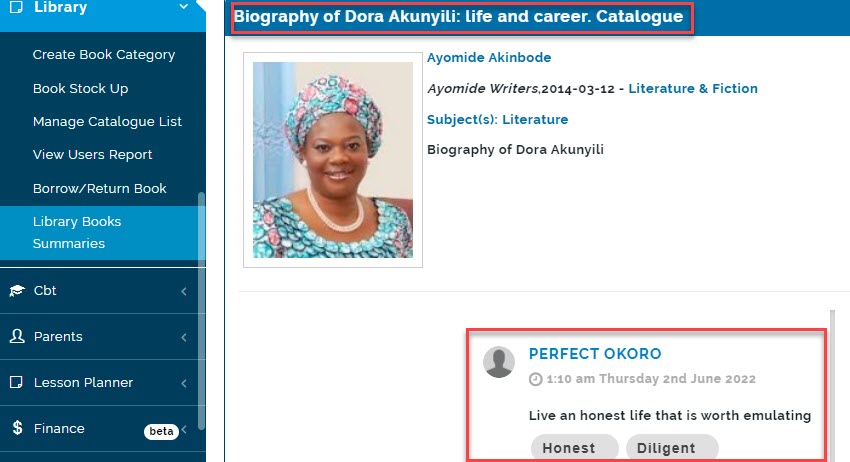
Library Managers can view book summaries made by the readers(both student and teachers). Readers can write down new words they learnt after reading a book in Library Book Summaries. They can also put down a summary of the book they read. Comments can also be made on these book summaries by the readers.
To View library book summaries follow these steps:
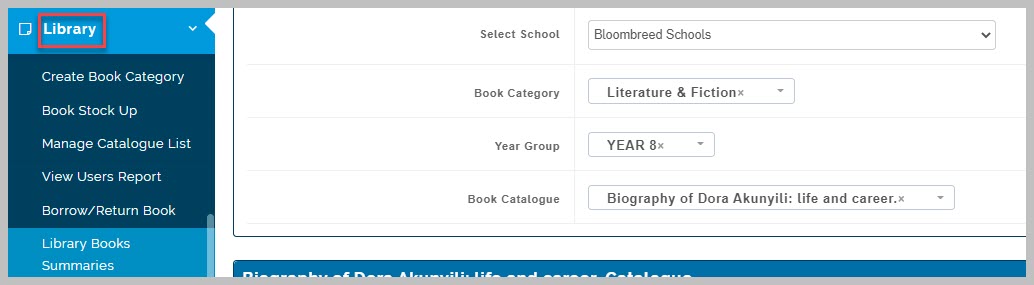
- Go to the Library Module
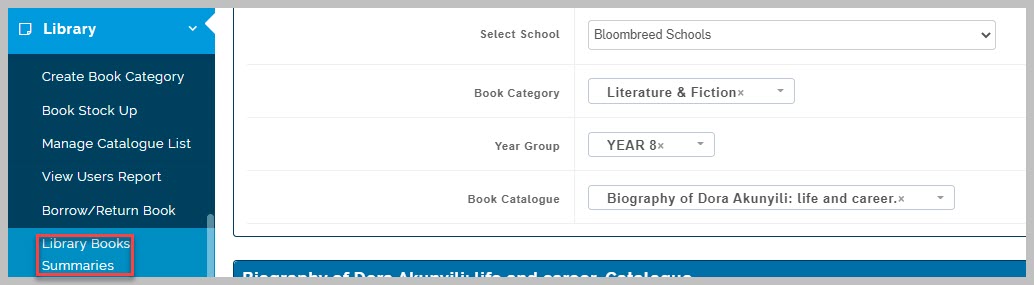
- Select Library Book Summaries
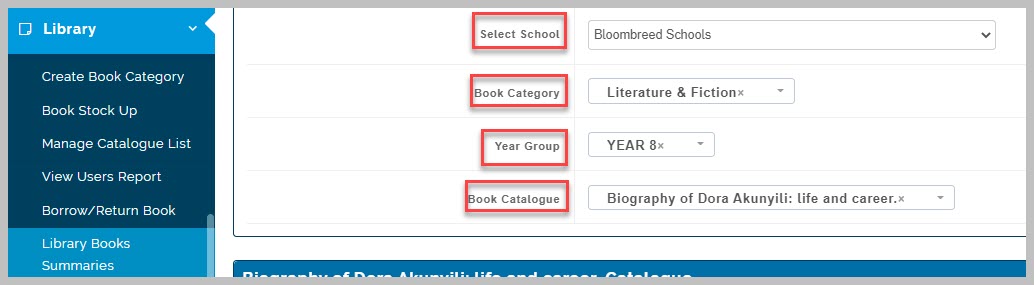
- Fill in the required fields by selecting the school you want to view summary on, the book category, year group and the book you want to view book summaries for.
- The system will showcase the book and summaries entered by the readers.