Staff can view past incident report report made for student. to do that we will take you through the steps.
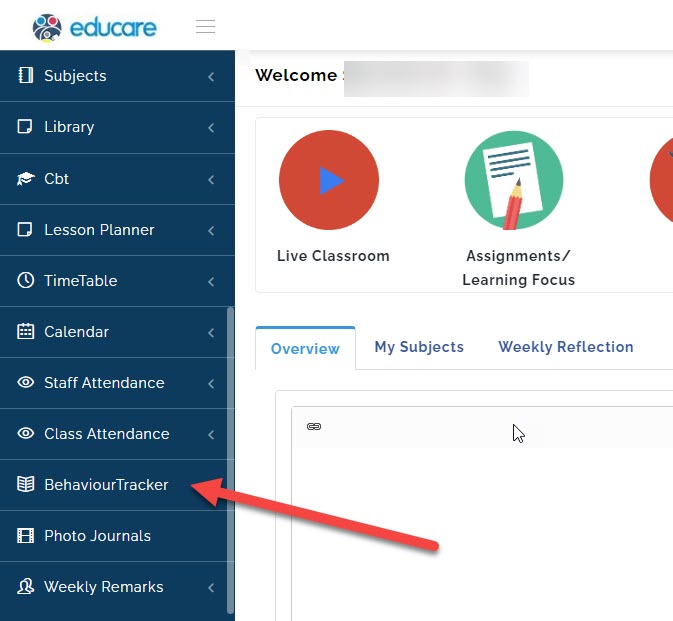
- Go to Behaviour Tracker.
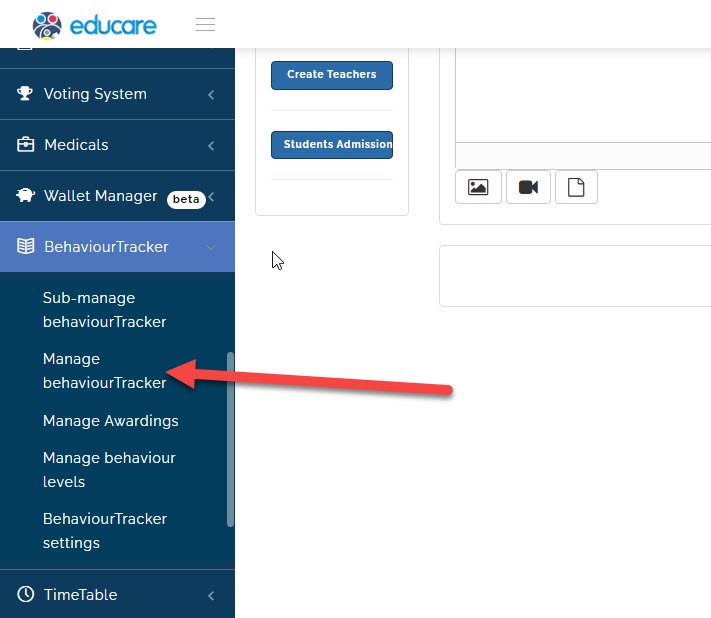
- Click on manage Behaviour Tracker
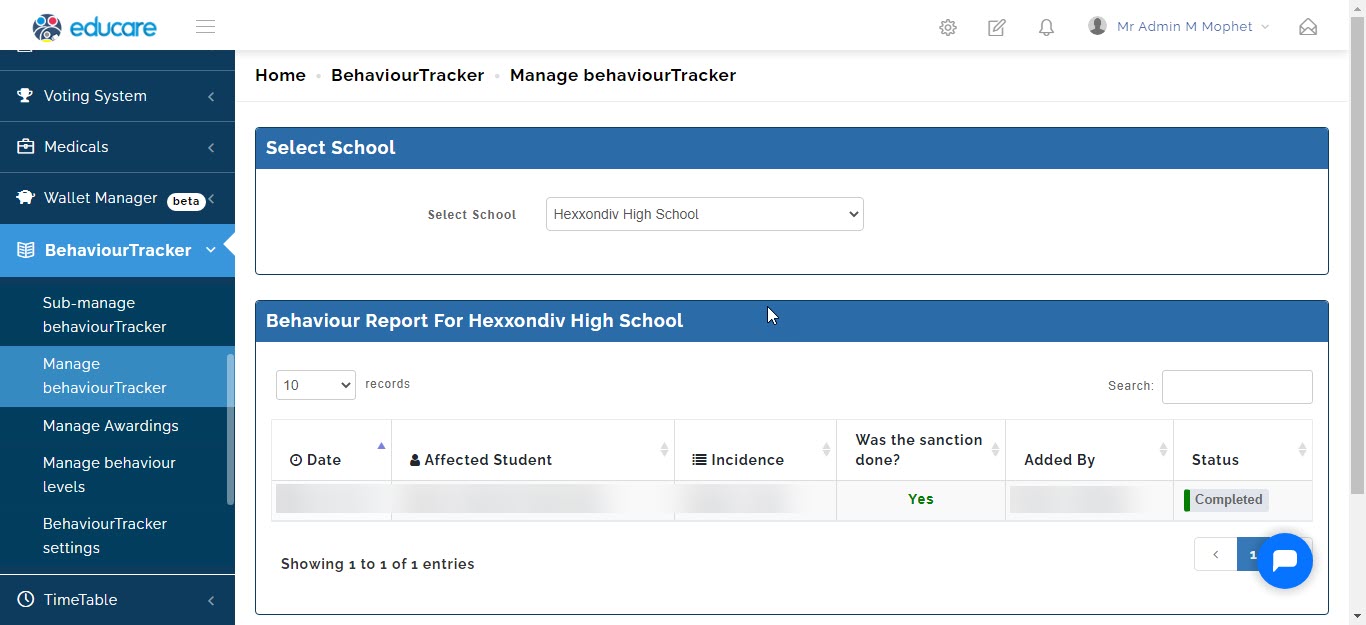
- A new page will open and you will be able to see the list of behavioural report that has been made
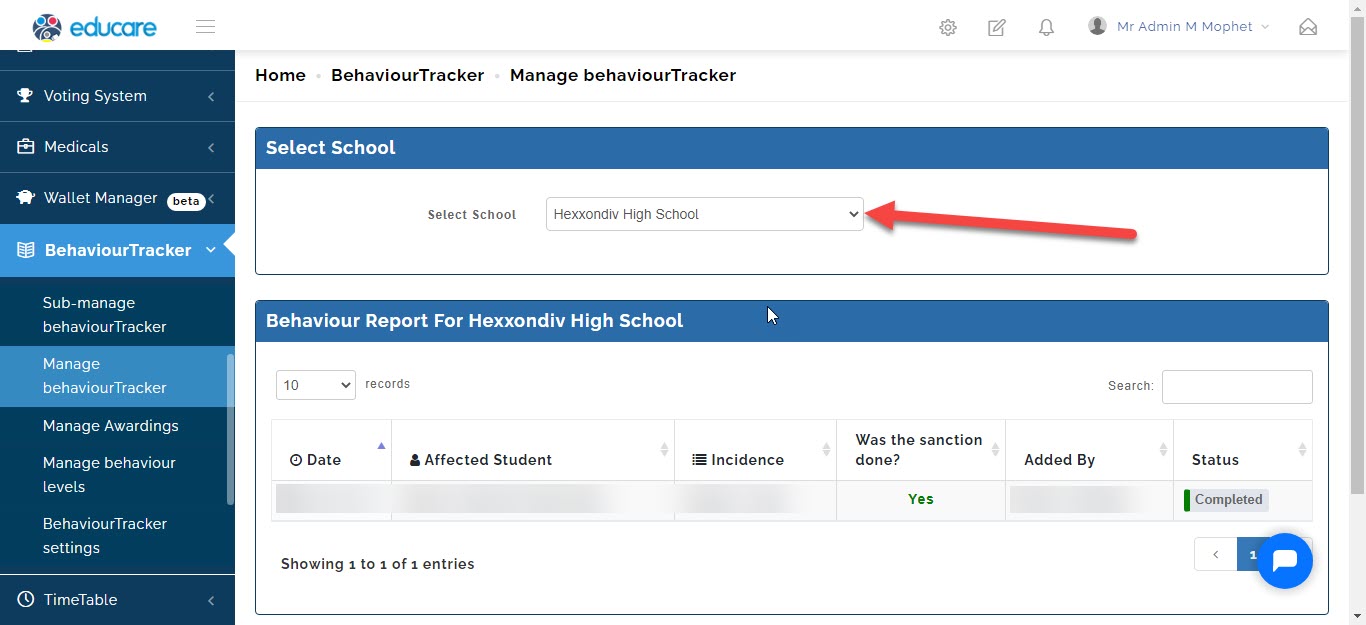
- To see report in a different arms of your school (i.e. Eyfs, Junior school or High school).
click on school to select the different arm of school you want to see the report for.