
The manage account menu is the menu used to handle all the different account heads that priorly have been created using the account setup.
The only account menus you can manage are the ones that you have permission to manage,
For instance, the school fees account is only on this list because as school admin I am allowed to manage school fees.
So select school fees,
click on the "next" button, and that will lead you to the school fees dashboard, where you can see the list of all the invoices that have been raised so far.
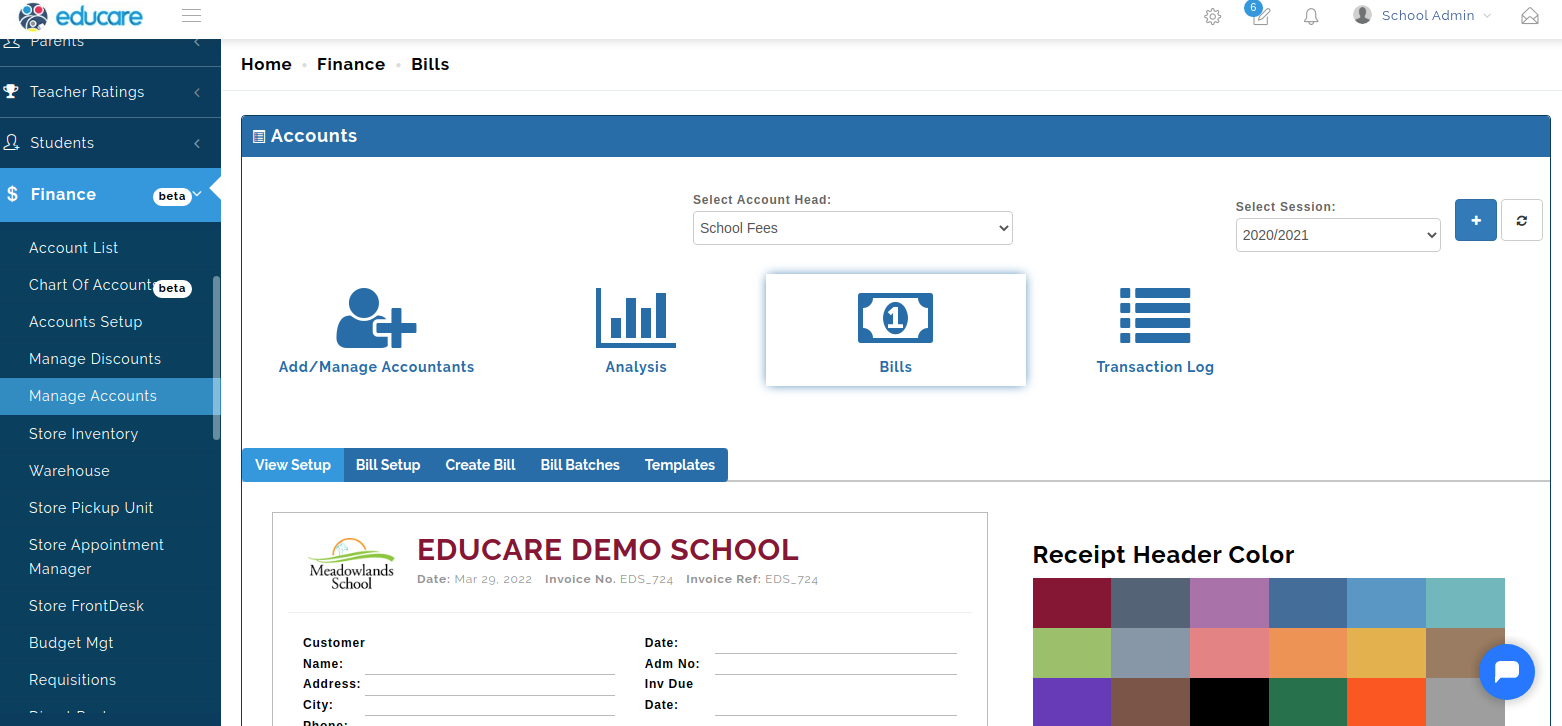
For a fresh system, school fees accounts will always show you zero open invoices, zero completed payments, zero debt, and so on and so forth.