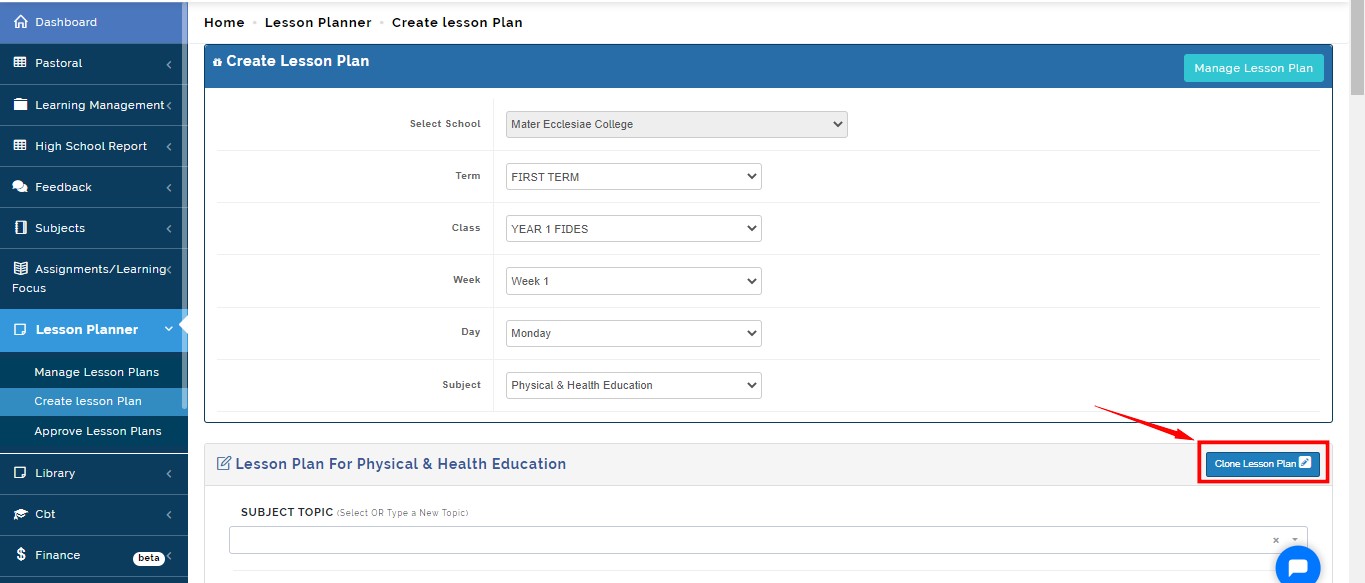
Create lesson plan
This is where teachers create lesson plan for each week of the term
Follow these steps
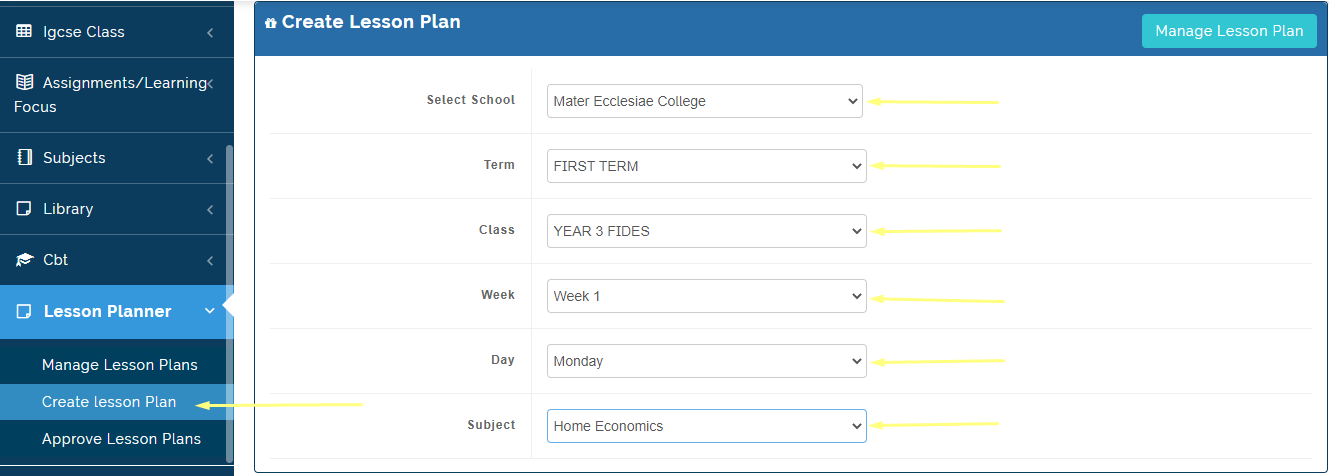
- On the teacher dashboard, go to lesson planner
- Select create lesson plan
- Select the class, week, and day you want to create lesson plan for.
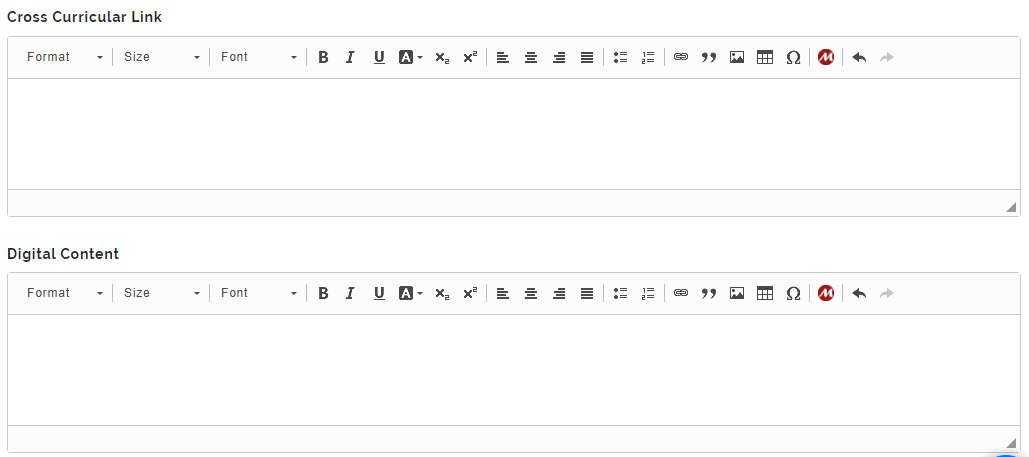
- Input your plan based on the attributes provided
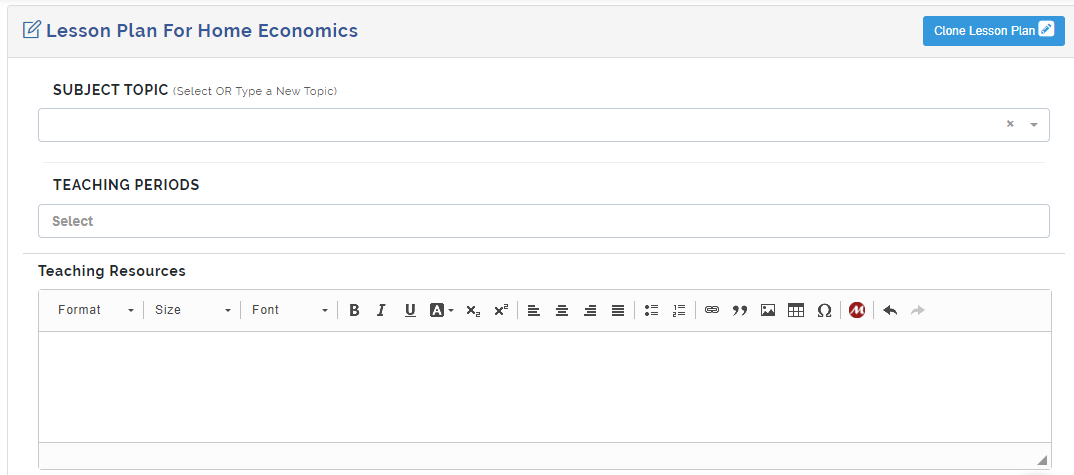
Clone Lesson Plan
Lesson plans can be cloned from the previous session or the current session depending on the location of the material a teacher wants to replicate. Instead of repeating the same process on entering the lesson plan which already exists on the system, a teacher can use the "Clone Lesson" feature to call up, edit if necessary and submit a lesson plan for approval.
Follow these steps to clone a lesson plan
After setting the parameters for entering the lesson plan
Click on the "Clone Lesson Plan" button indicated on the image below
A modal, where you can select the session the lesson plan you want to clone will appear
Once you locate the lesson plan you want to clone, click on the "Select" button under the "Action" title to open the lesson plan for editing
*After making your changes where necessary, click on the "Save" button if you are not ready to submit it for approval, or click on the "Submit for Approval" button to submit for approval.