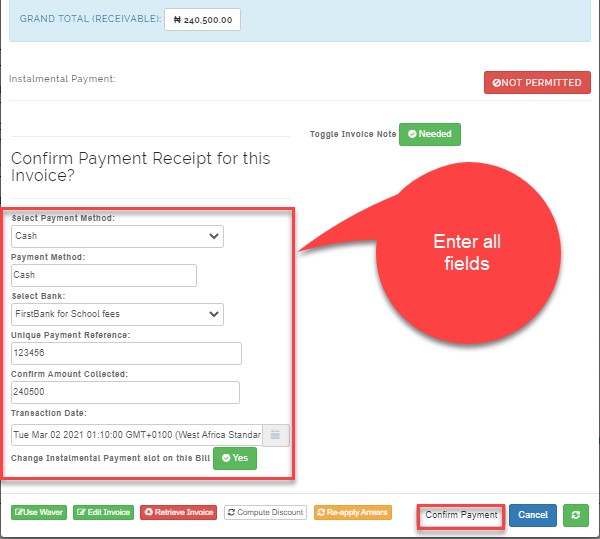
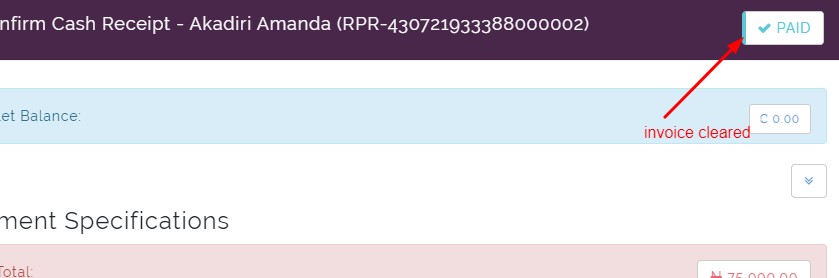
To manually clear an unpaid invoice without discount. First, click on the invoice status that reads not paid, then enter method of payment manually and click on confirm payment. Email will be sent to the parent automatically and the status will change to PAID
HOW TO CLEAR AN INVOICE MANUALLY
STEPS;
Search the student name and click on NOT PAID under status
Scroll to confirm payment Receipt for this invoice
Select payment method
Select bank
Enter unique payment reference
Confirm amount collected
Select transaction date
Click on confirm payment