here staff in charge of the school students can manage the student profile and information. from viewing students details, to editing information already put in their profile, to deleting their profile if necessary to deactivating their account if the need arises. to do that we will take you through the steps.
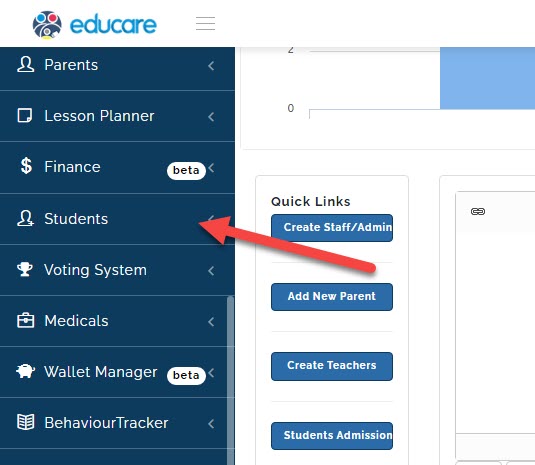
click on Students
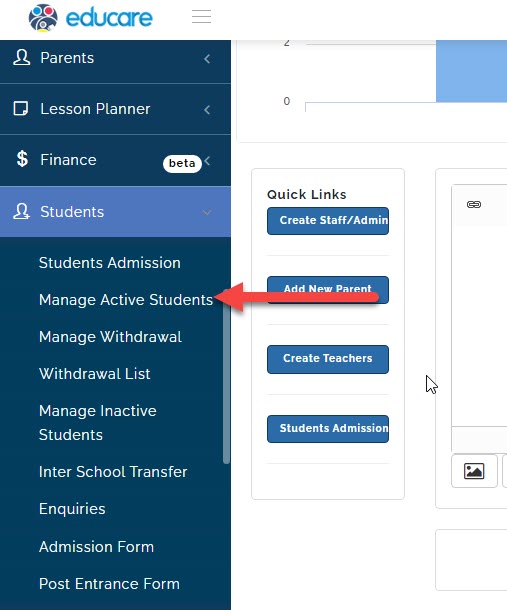
click on Manage Active Students
a new page will open
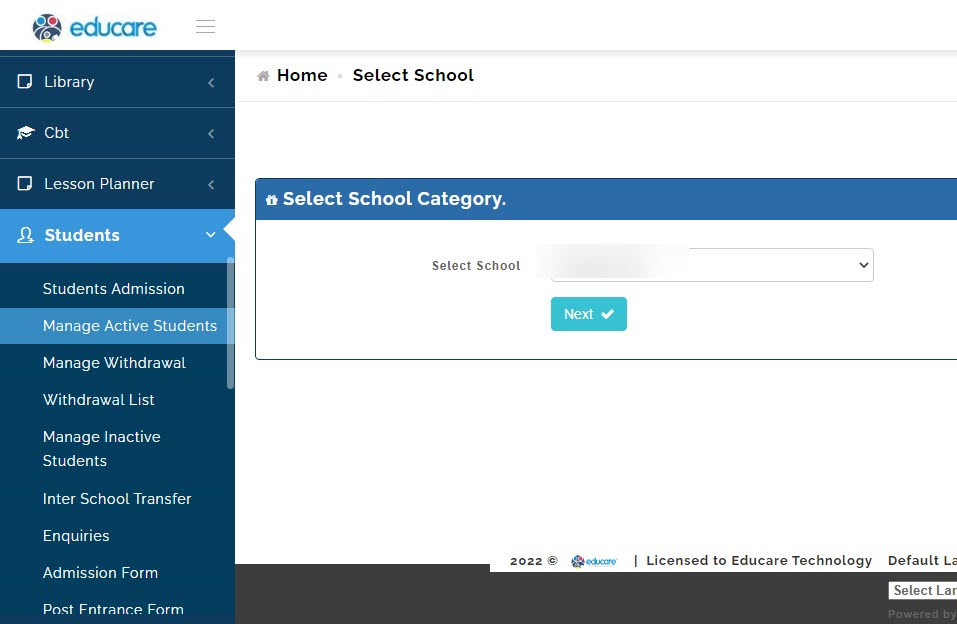
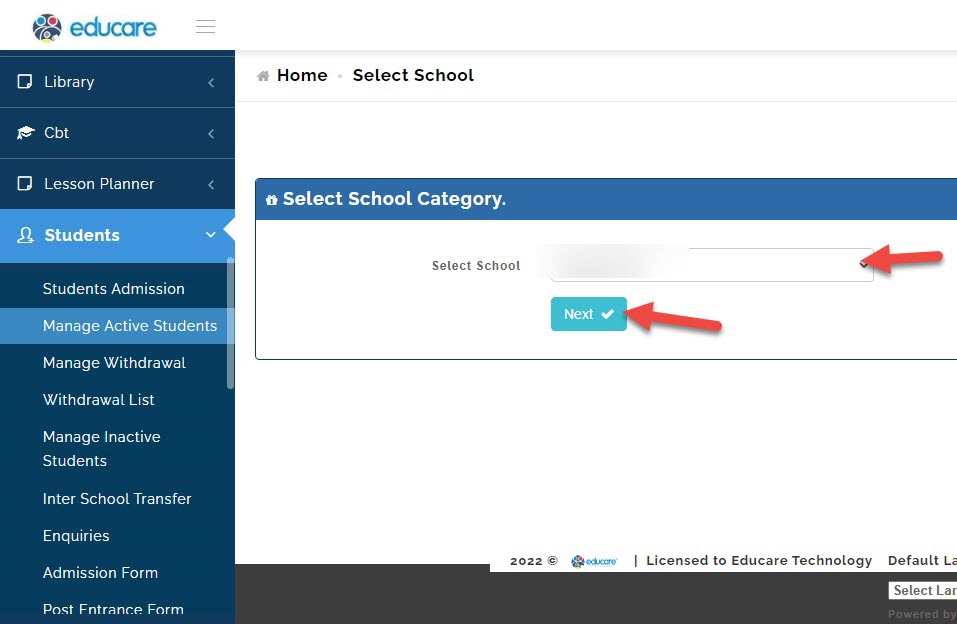
select the school (if your school has different arms like eyfs, junior school or high school) and click next.
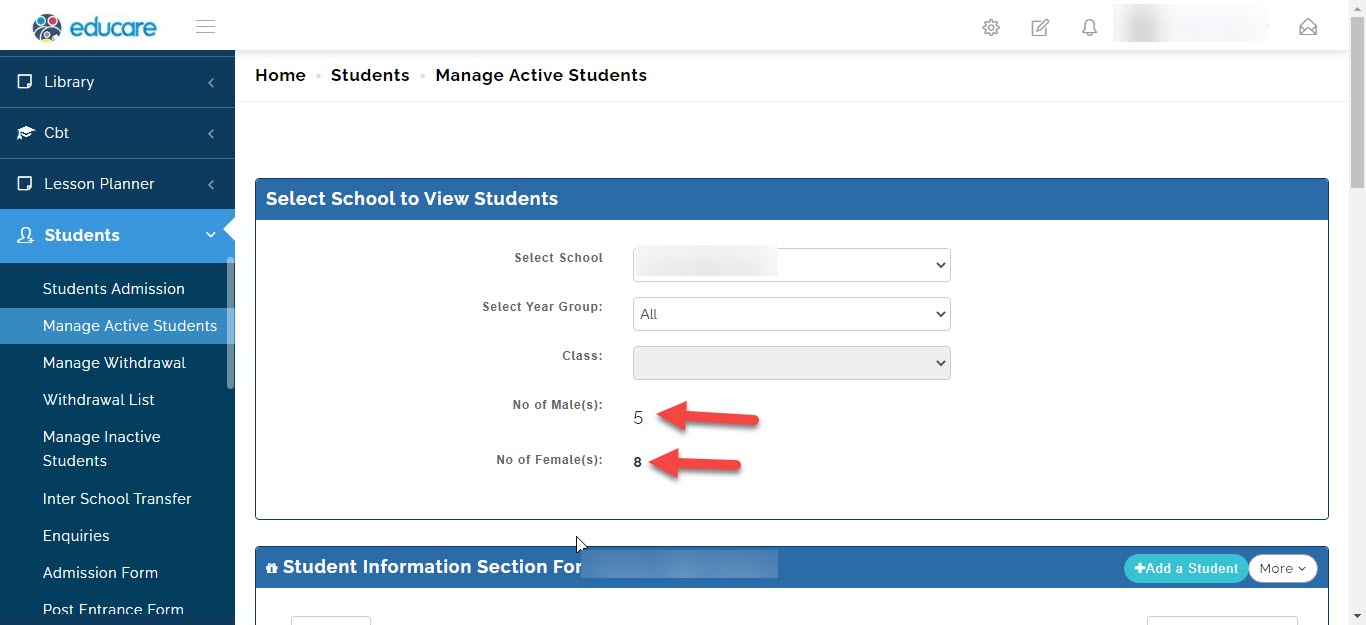
the first page shows total number of males and female in that particular school
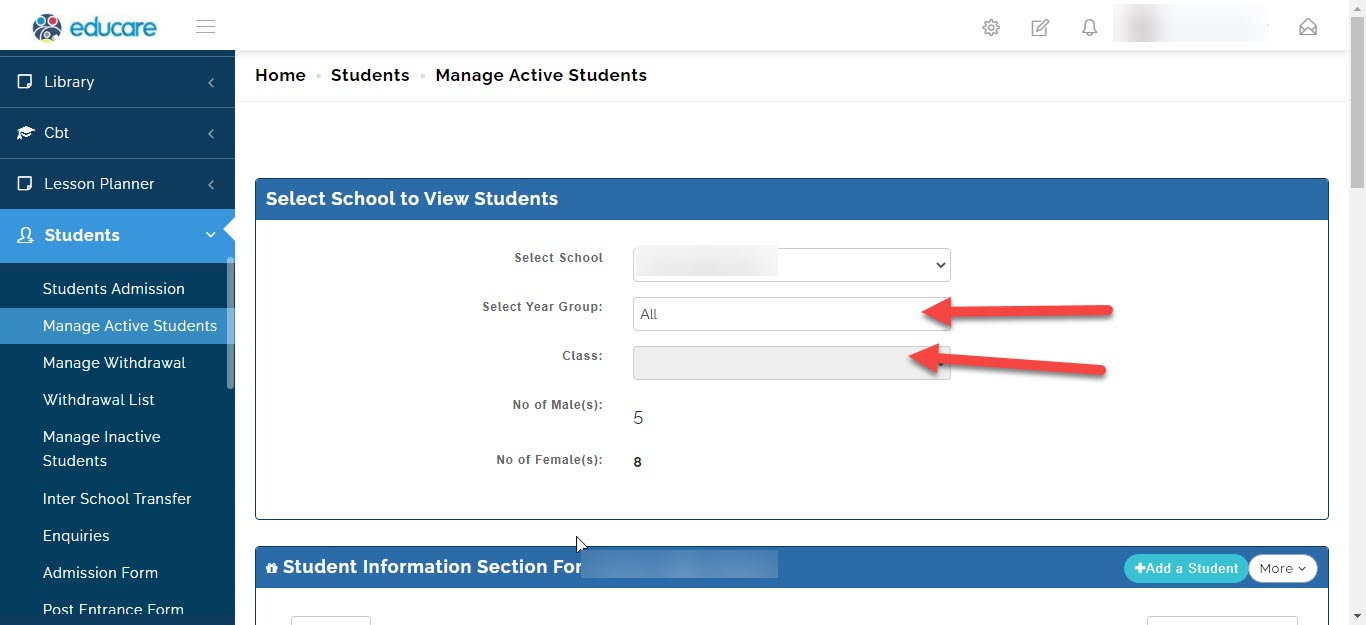
you can filter your search to particular year group and a particular class here
when you scroll down you see the list of students
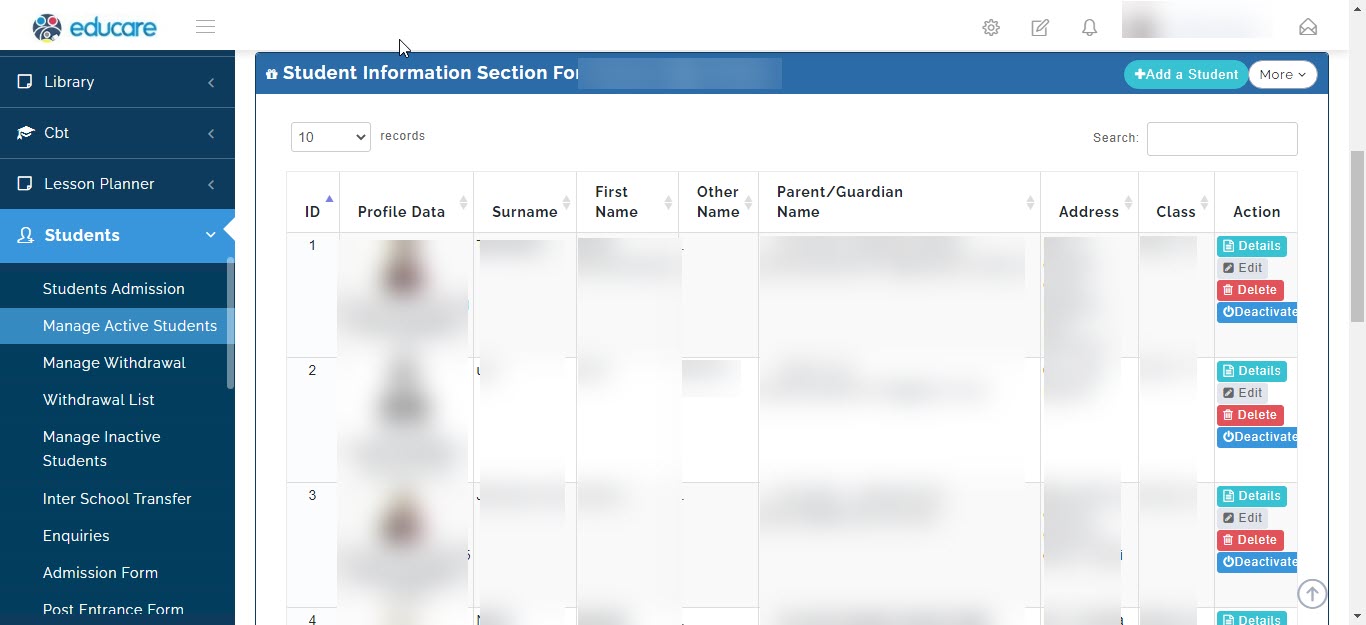
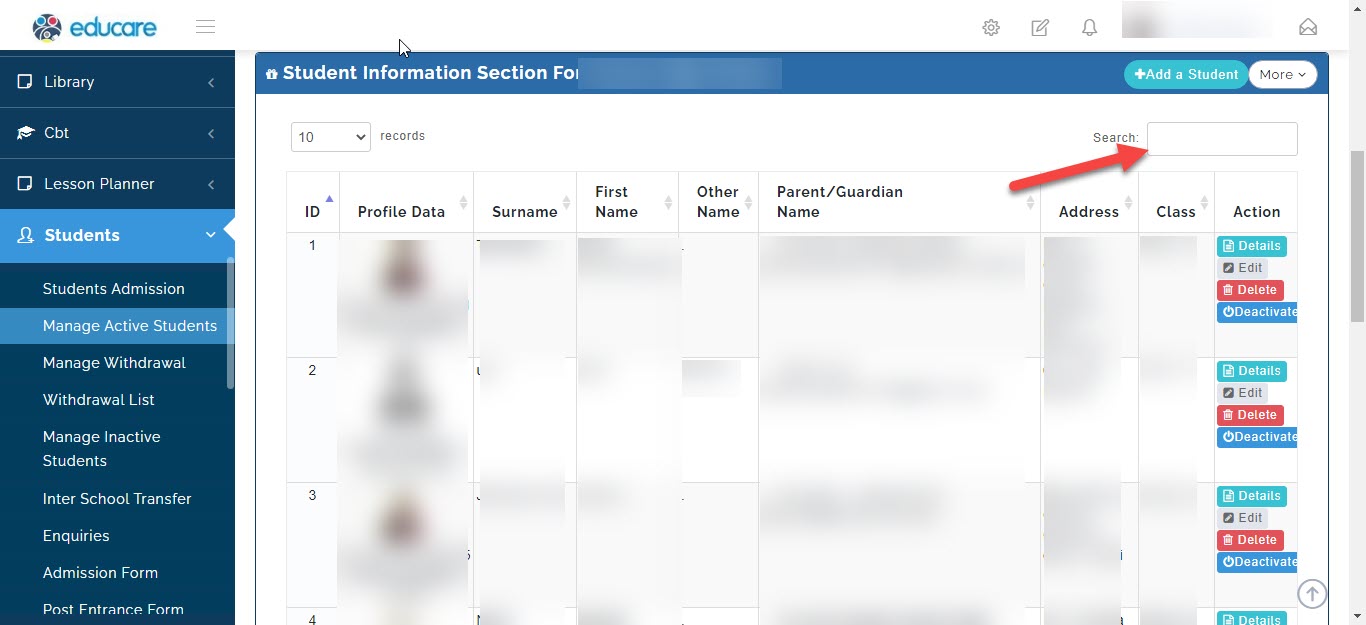
to search simply type the name of the student you want to enquire about here
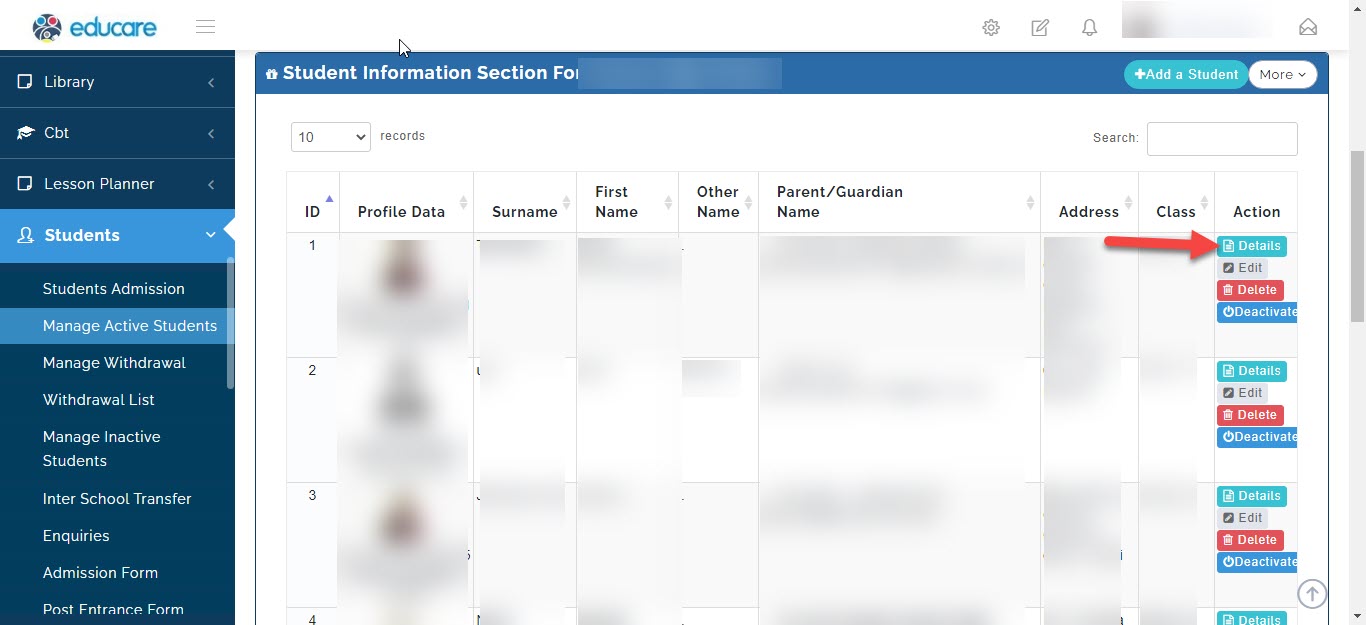
to view detail information of a student, click here
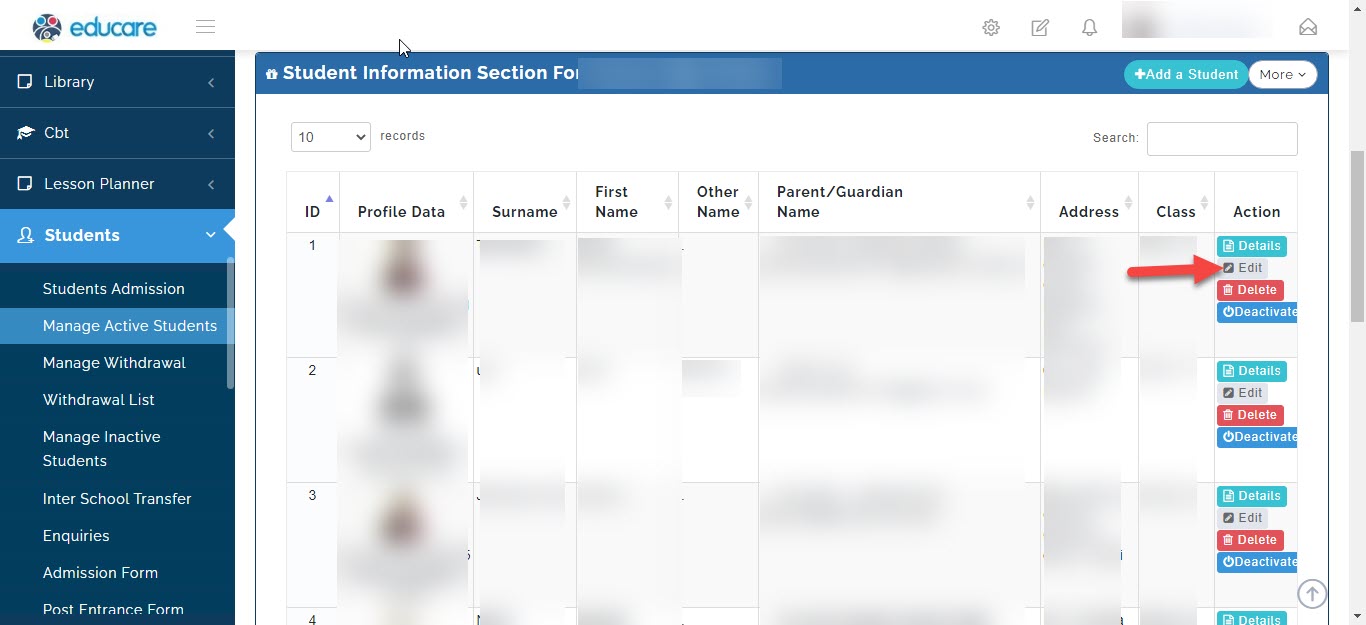
to edit a student's information, click here
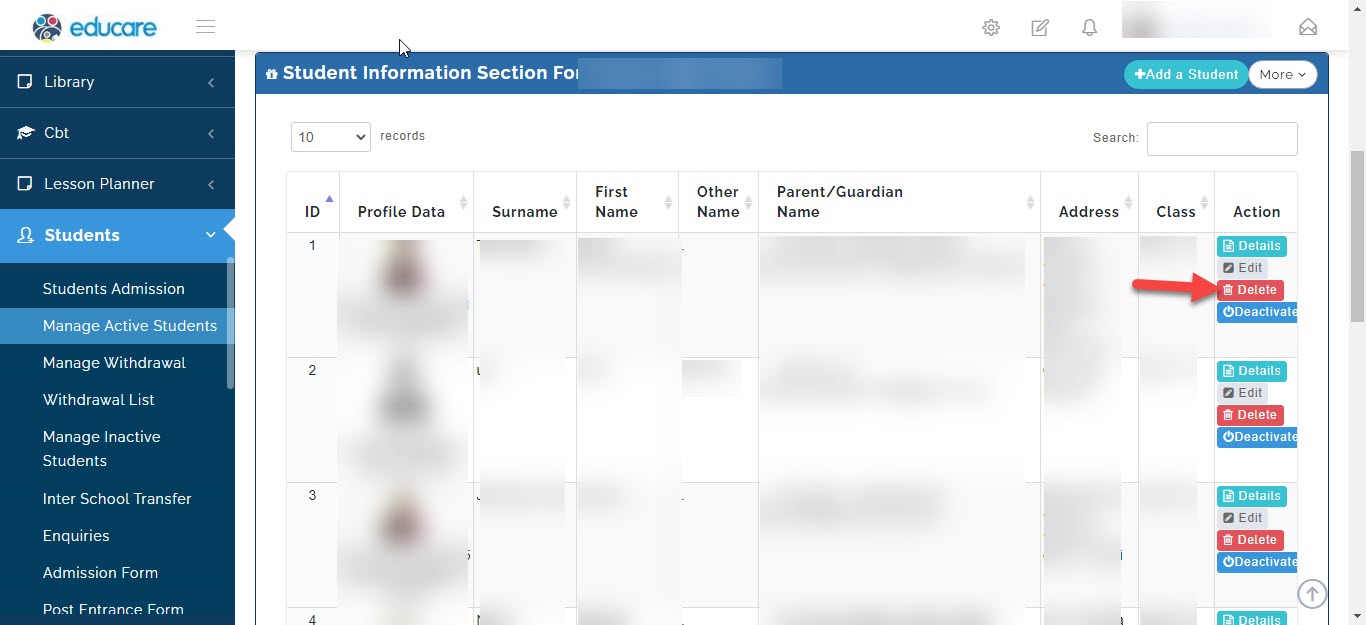
to delete a student from the system, click here
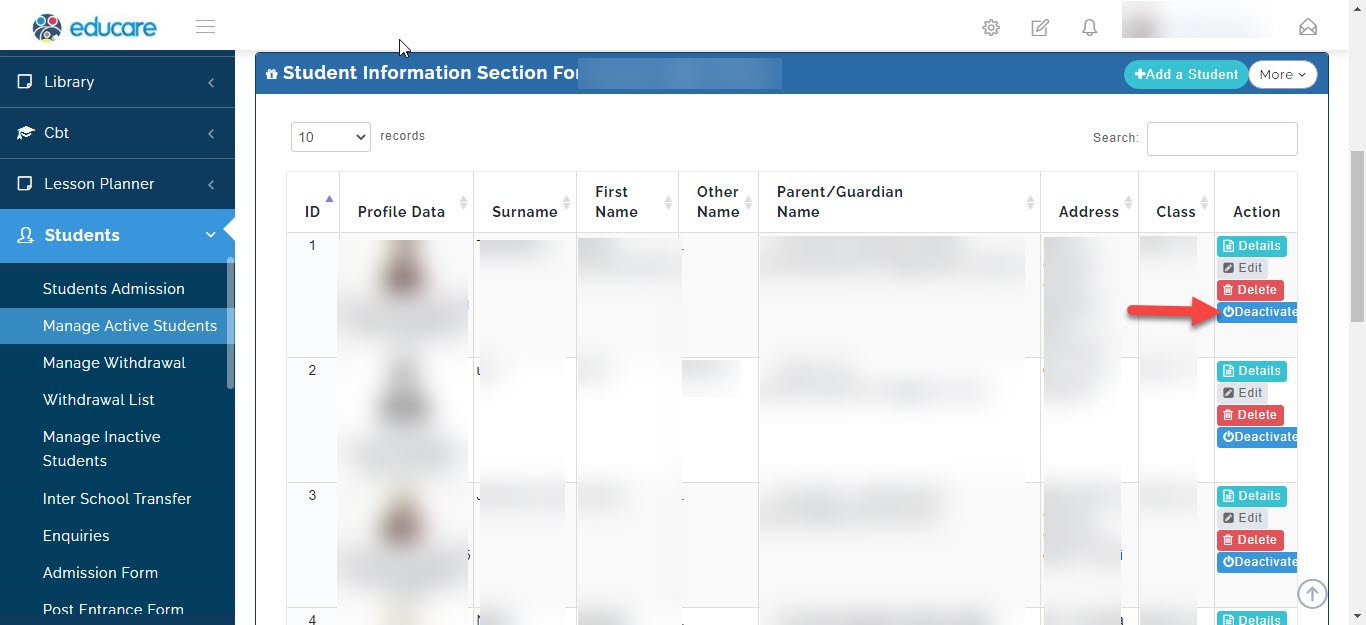
to deactivate a students account, click here
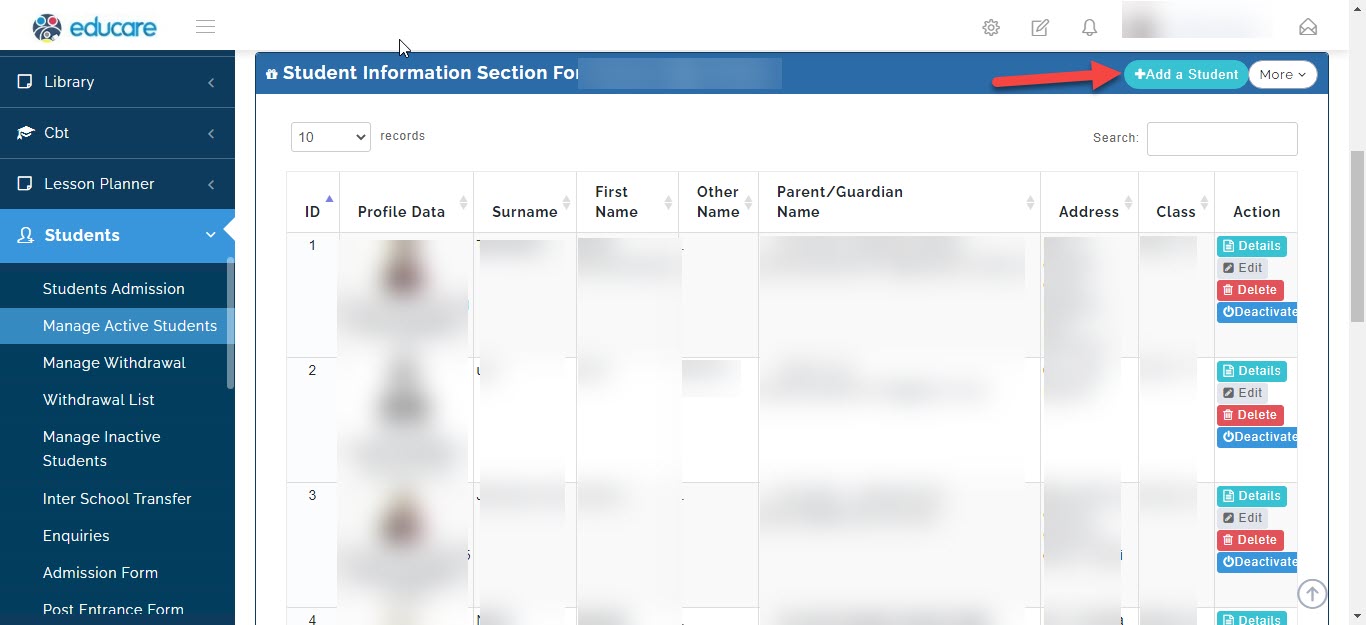
there is also a shortcut to add a student from here
Downloading student list
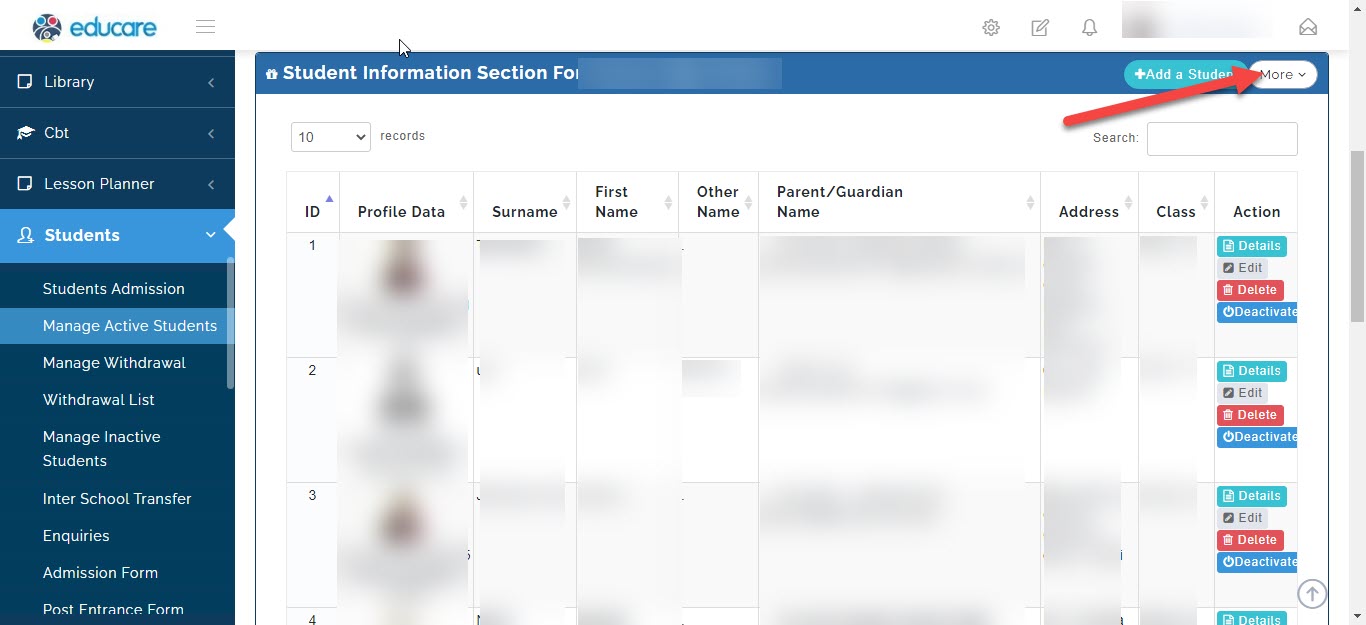
to download student list click on more
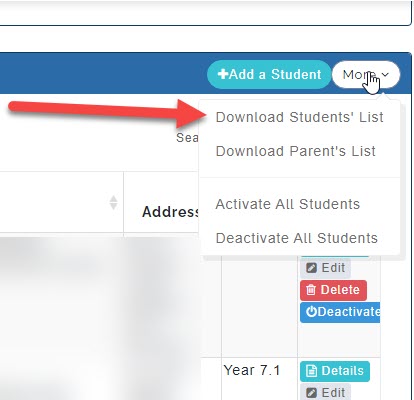
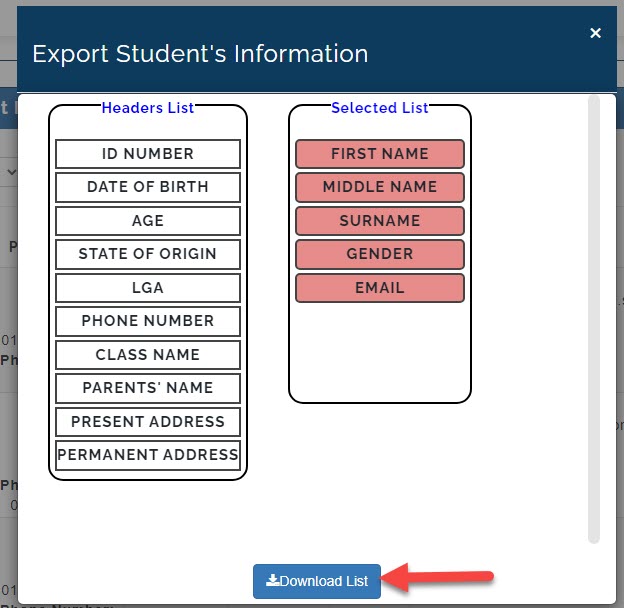
click on download student list
a new window will pop up
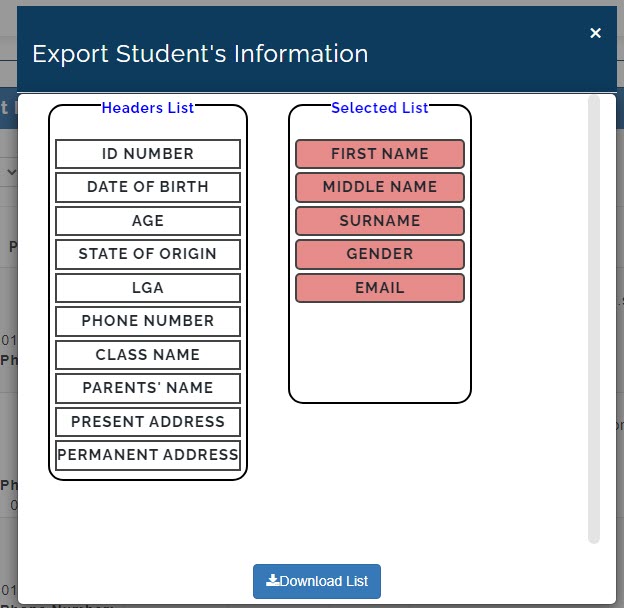
here you will see two list with title "header's list" and "Selected list"
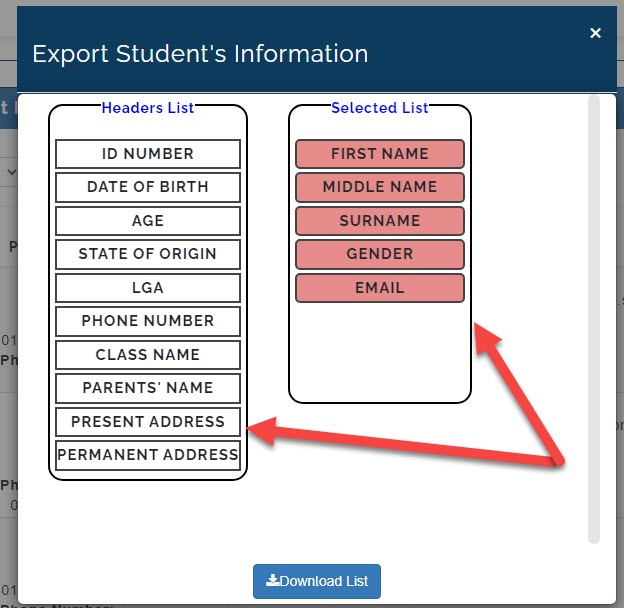
any information you want to download on student list, move it to selected list and click on download list
Downloading Parent list
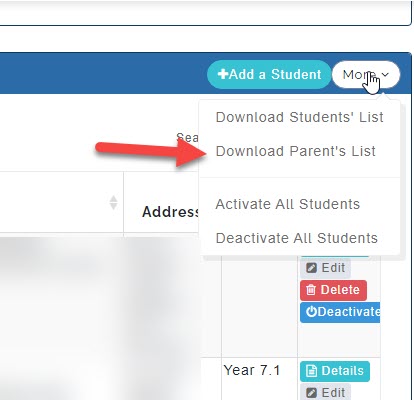
to download parent list click on more
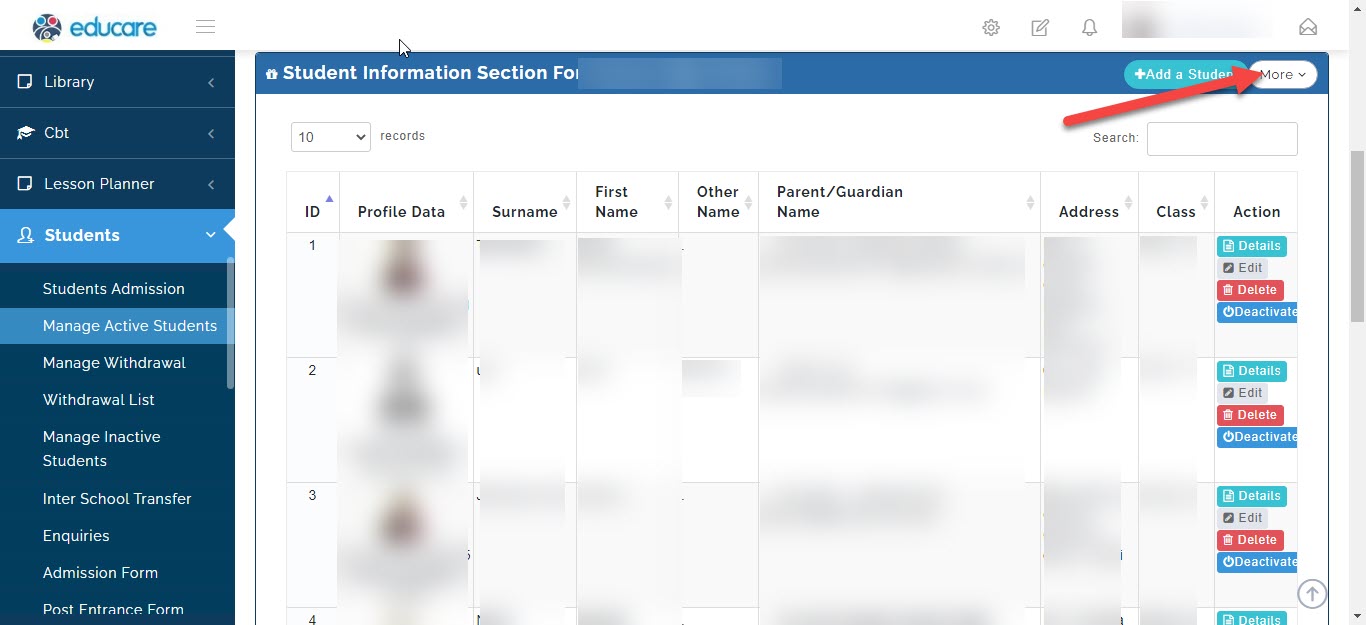
click on download parent list
a new window will pop up
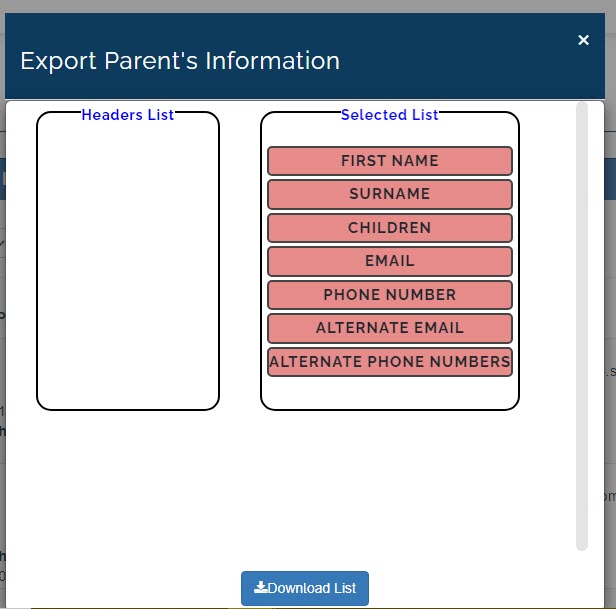
here you will see two list with title "header's list" and "Selected list"
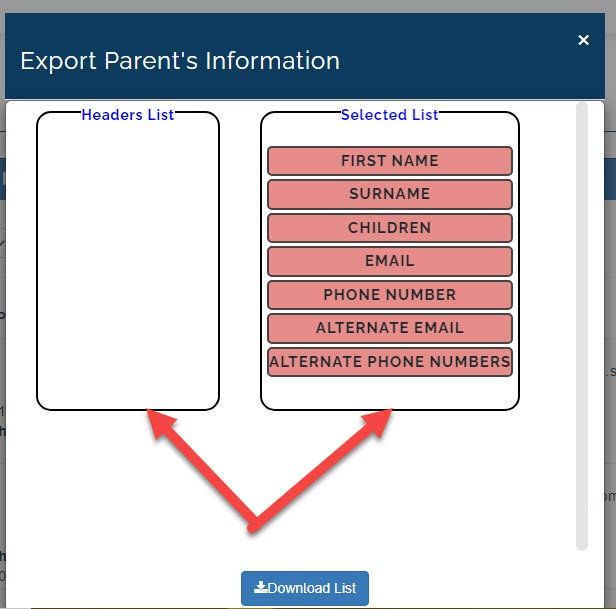
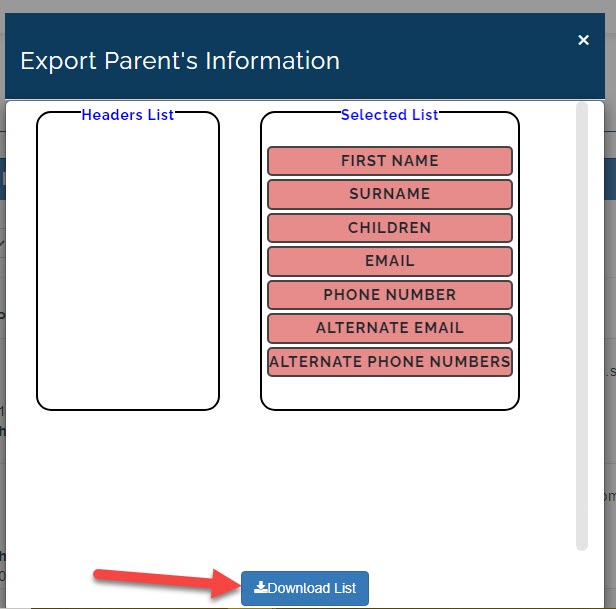
any information you want to download on parent list, move it to selected list and click on download list
to activate all students
to activate all students, click on more
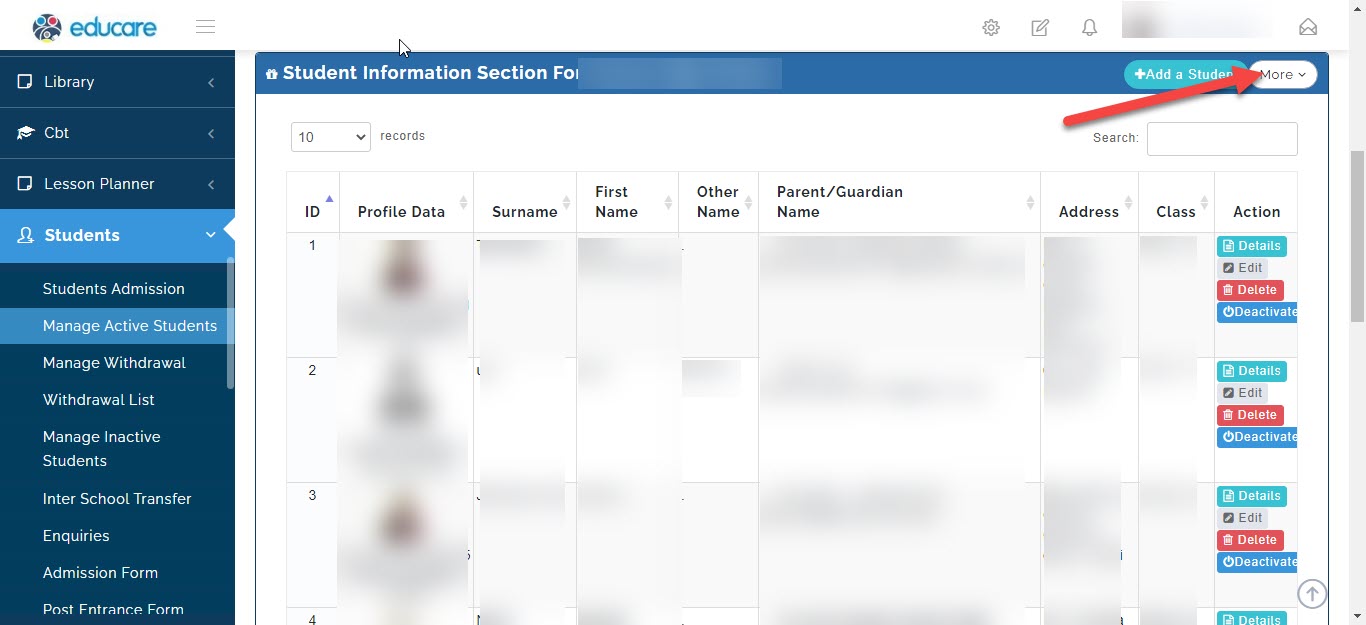
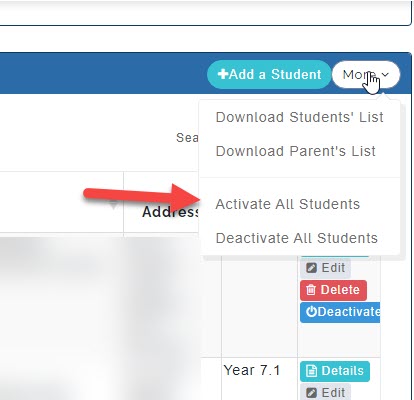
click on activate all students
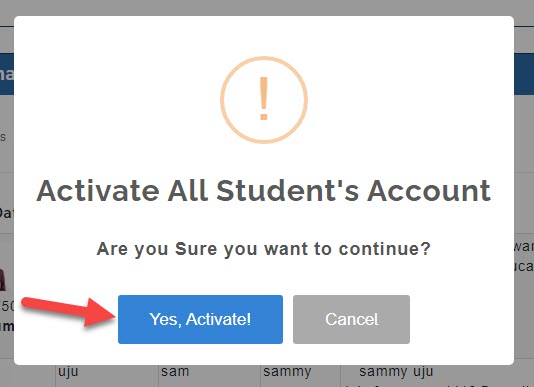
a new window will pop up asking if you are sure you want to continue, click yes, activate to continue
to deactivate all students
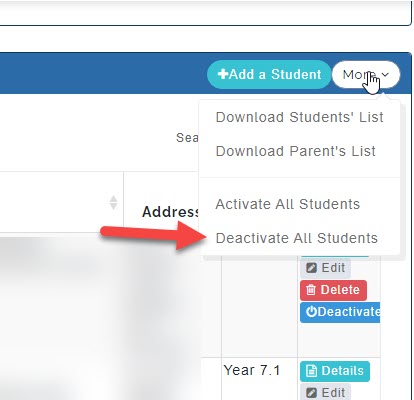
to deactivate all students, click on more
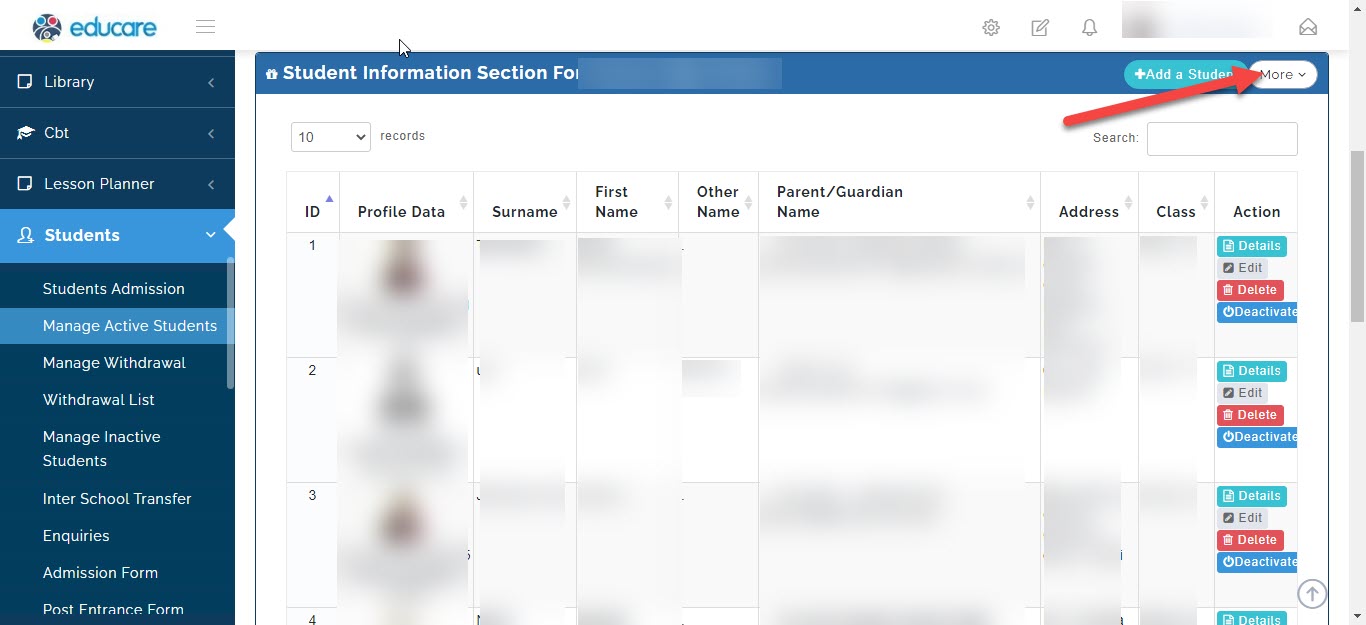
click on deactivate all students
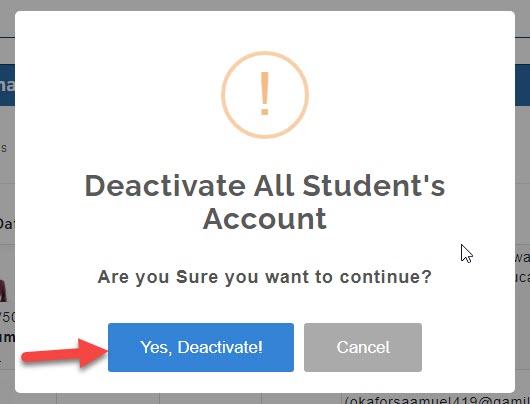
a new window will pop up asking if you are sure you want to continue, click yes, deactivate to continue