Broad view gives the chart distribution table of all transaction, reviewing each amount and the account heads .
It also shows the bank account statement, reviews all the activated bank on the system and how much has been paid into the accounts
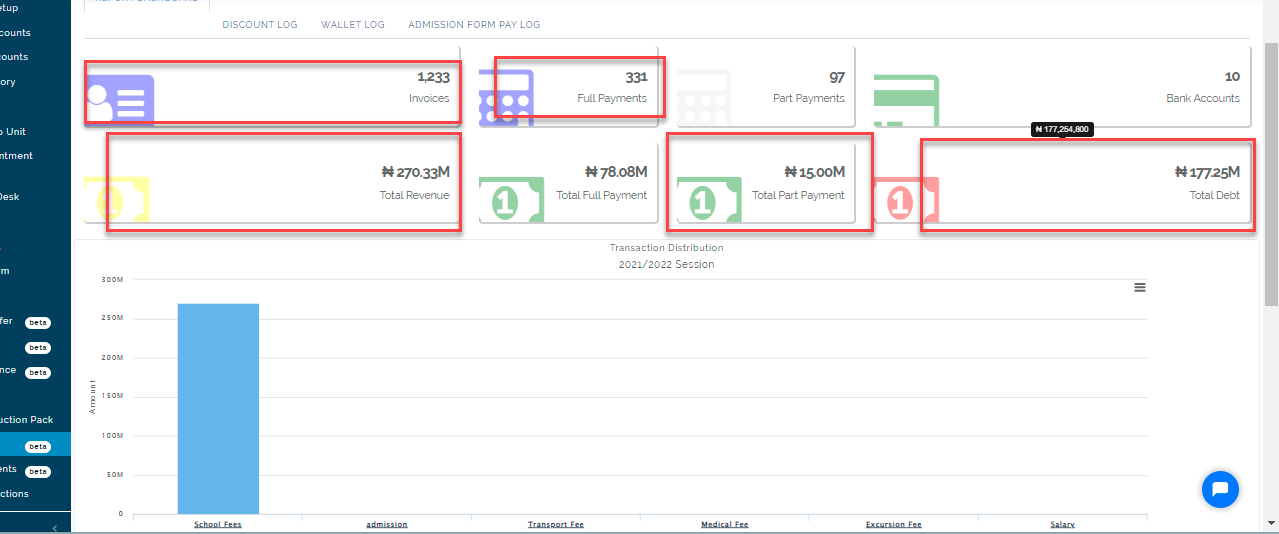
Report Dashboard
This dashboard gives the general overview of all transaction done for the selected session and term, showing total number of invoices generated, total revenue and total debt for record and account reconciliation purposes.
Broad View Note:
From board view, one can view the balance before transaction and balance after transaction done on direct post and direct transfer.
Invoice Item Report
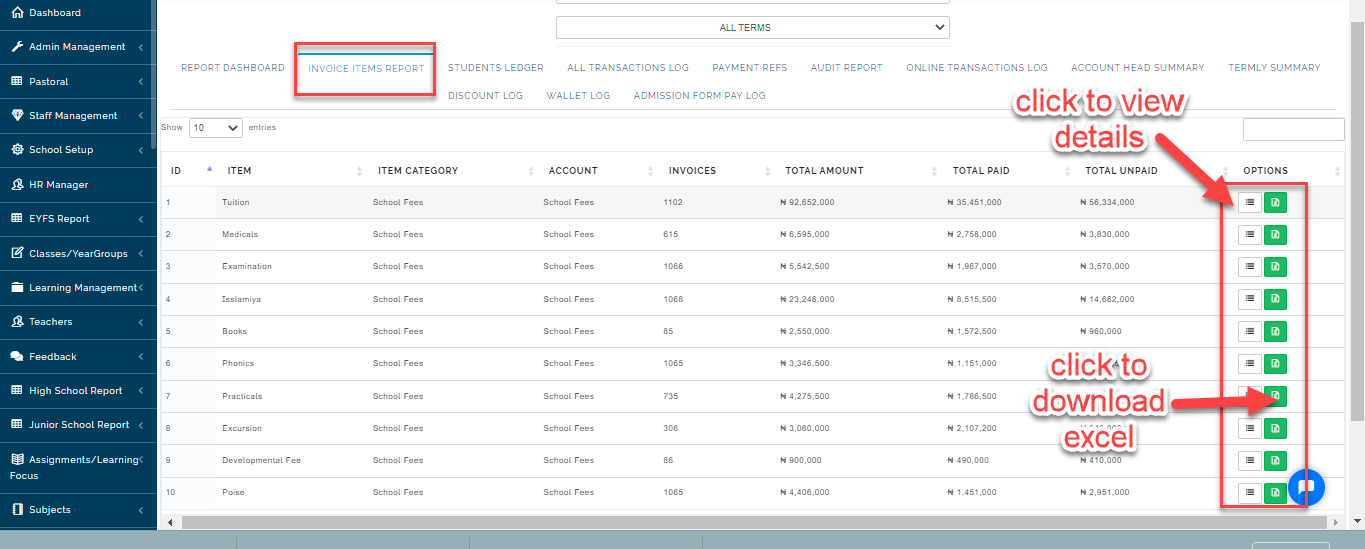
This table shows a list of item fees and the grand total generated from the invoices on each item fee type. It also shows the number of invoices generated for each item.
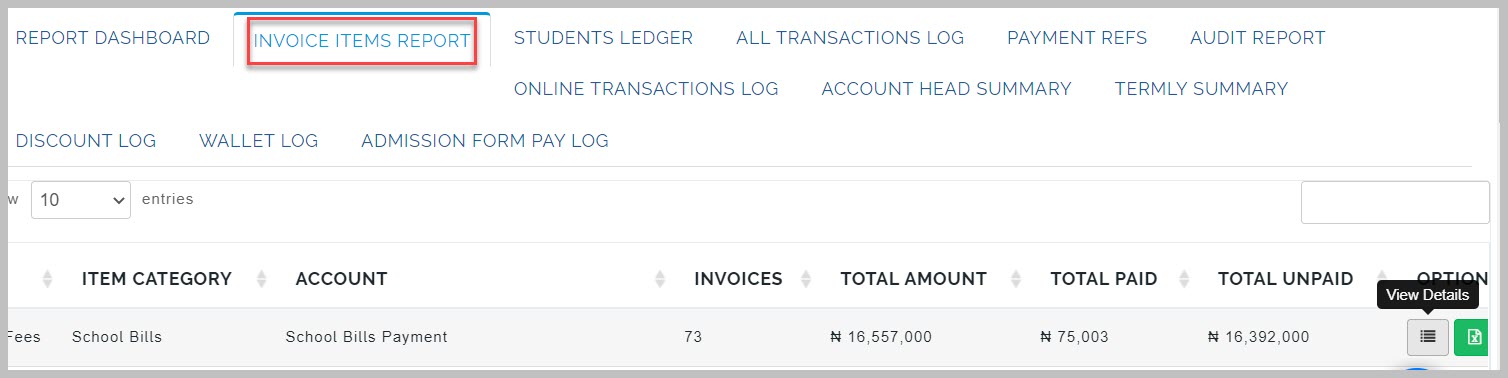
View details
This button gives a detailed analysis of all transaction that falls under different fee type created.
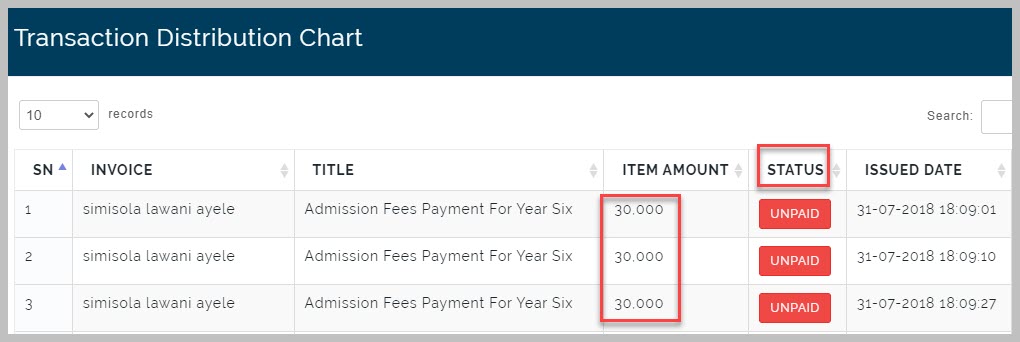
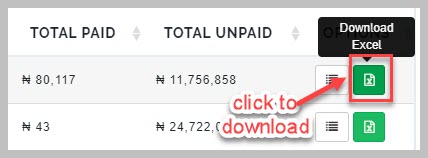
Download Excel
This button allows downloading of an excel sheet of the transaction chart for a fee item
View Debtors List Table
This table shows the list of students owing the school and their current classes along with the amount they are owing.
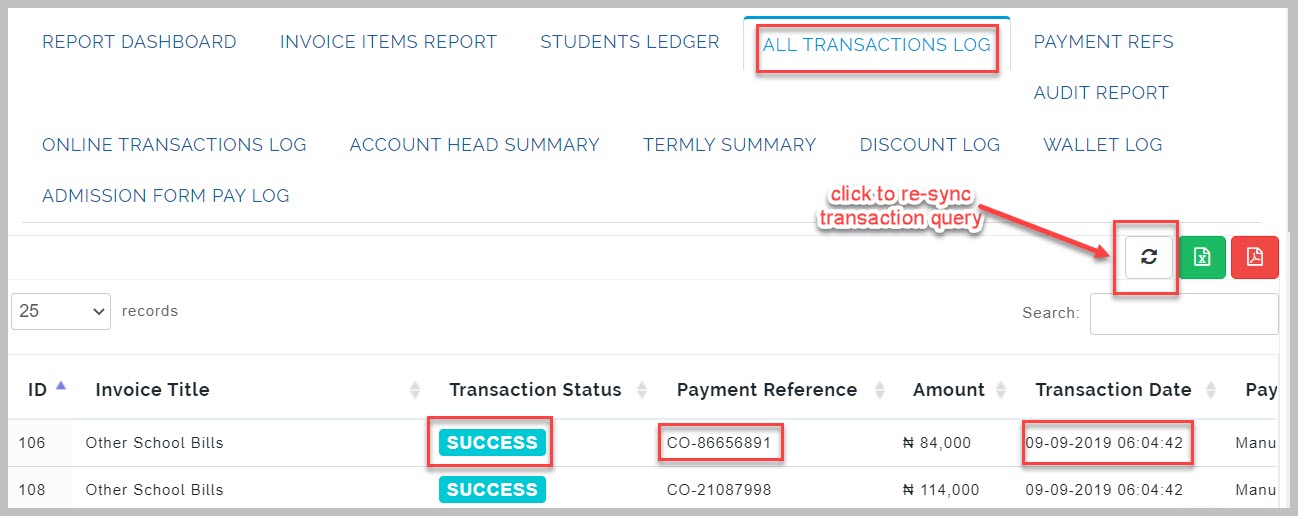
All Transaction Log Table
This table shows the list of all transaction that has taken place in the system both online and manually. It has the
invoice title, transaction status, payment method and transaction channel
Re-Sync Transaction Query
This button enable admin to request for all transaction statement from every transaction channel like paystack,
payU, rave etc.
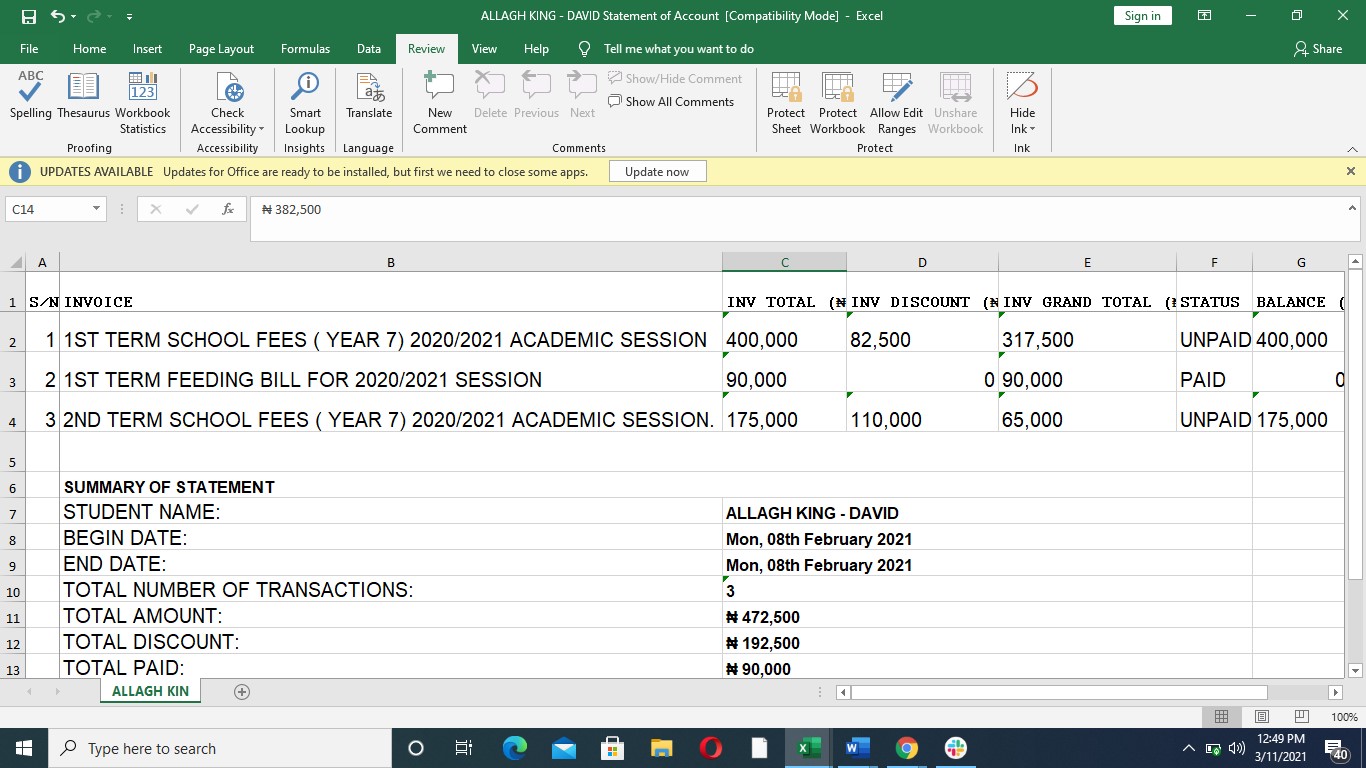
Download Excel Format
This button enables admin to download all transaction log in an excel sheet
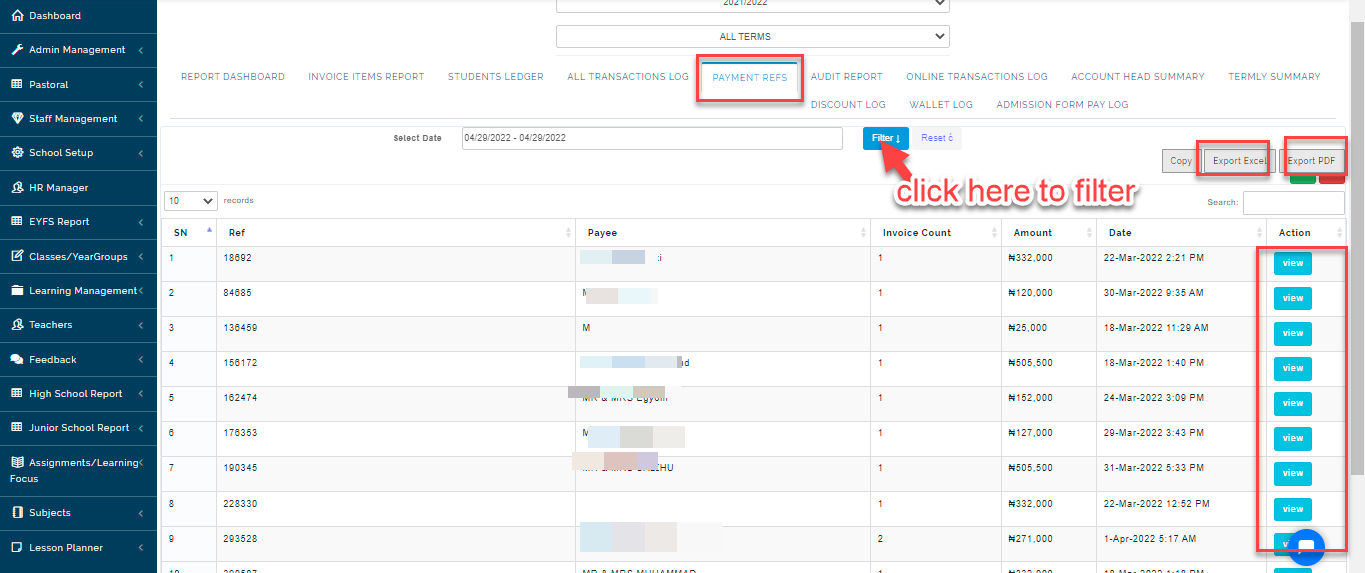
View Payments Refs Table
This table shows list of payment reference/code that the system uses to identify a particular transaction
Filter Date
This button is used to filter transaction from a particular date to another. Enter both dates and click on APPLY
system allows today’s date, yesterday, week or year to filter
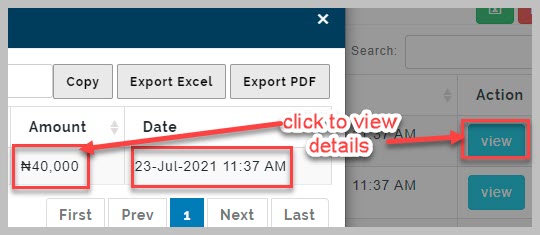
View Details
Click on view to get a detail of every reference code
Export Excel Sheet
Click on export excel to download an excel format of the transaction log
Export PDF Copy
This button enables admin to download a pdf format of a transaction log.
Discount Log Table
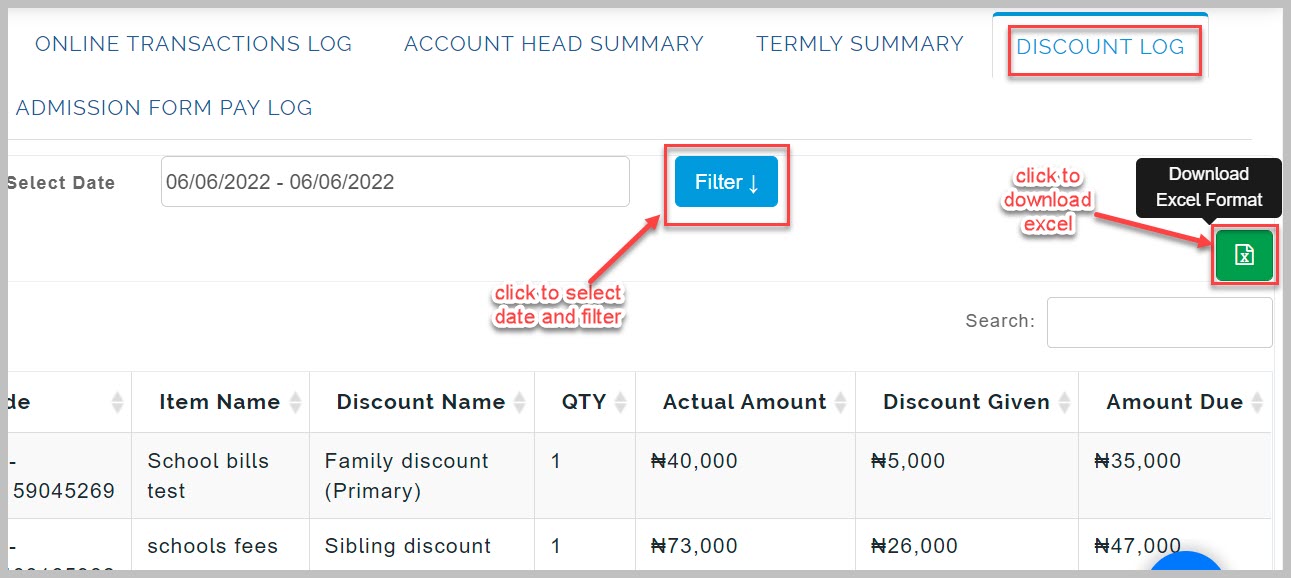
This table shows list of students and their allocated discount.
Filter By Date
Select date from custom range and click on apply to filter the date
system allows today’s date, yesterday, week or year to filter discount log.
Export Excel Format
Click on excel button to download an excel format of discount log.
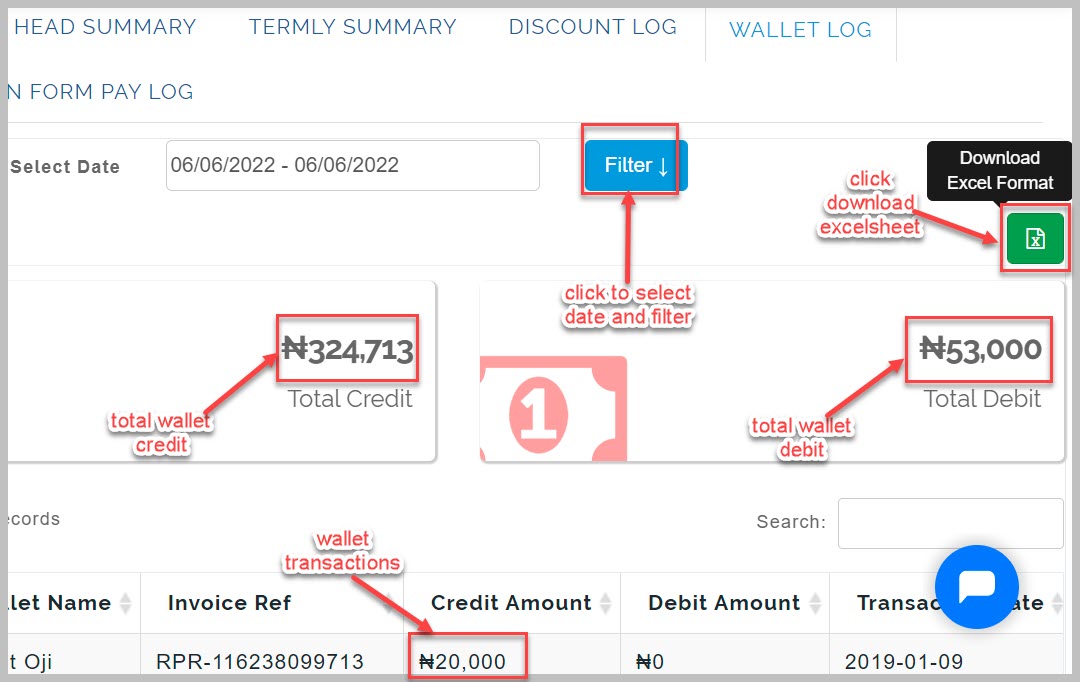
Wallet Log Table
This table shows list of all wallet transaction done on the system, it shows the total credit and debit on wallet
Filter by Date
Select date from custom range and click on apply to filter the date
system allows today’s date, yesterday, week or year to filter wallet log.
Export Excel Format
Click on excel button to download an excel format of wallet transaction