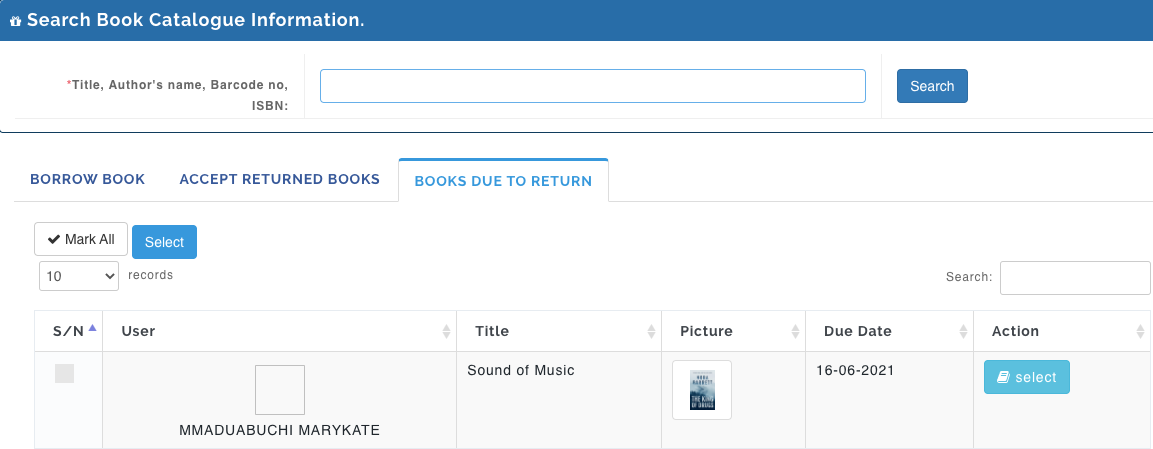
This is where the Librarian record books issued to students or any other user, here also captures a record of books returned by students.
Borrowing Books
To issue out books to users(students, teachers etc.) from the library, follow these steps to record the book:
- Go to the Library Module
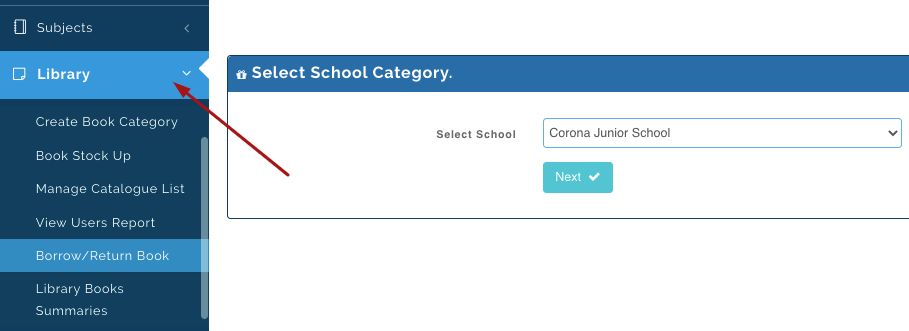
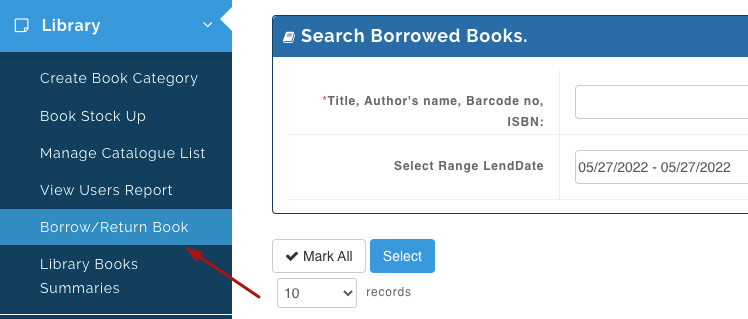
- Then select Borrow/Return Books.
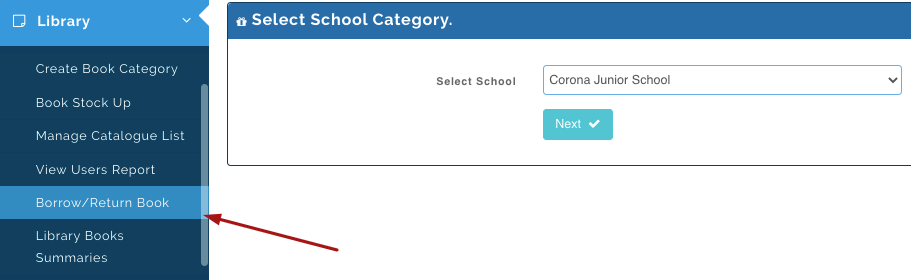
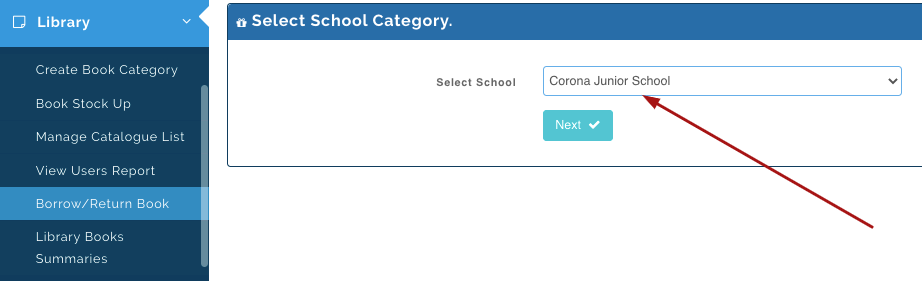
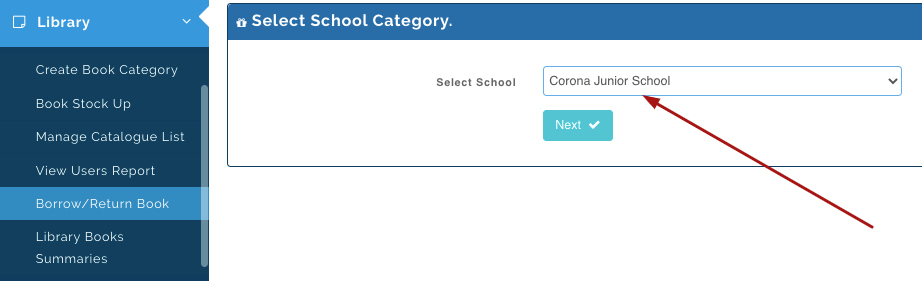
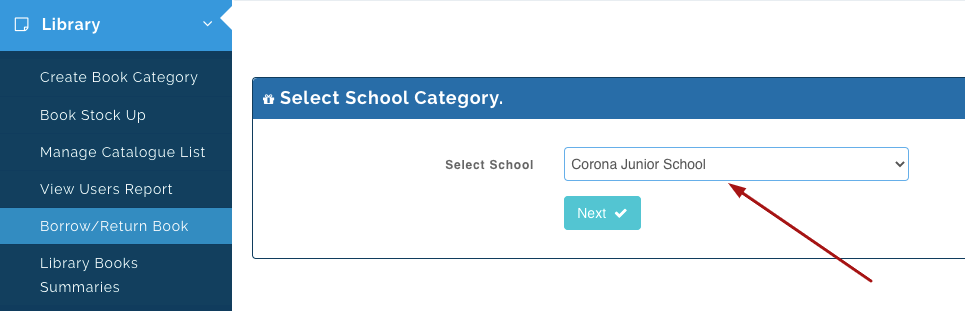
- Select the school the user borrowing the book is in and then click on Next.
- Under the Borrow book tab, you will see the list of hard books available in the library.
Search for the book the user wants to read and click on Borrow.
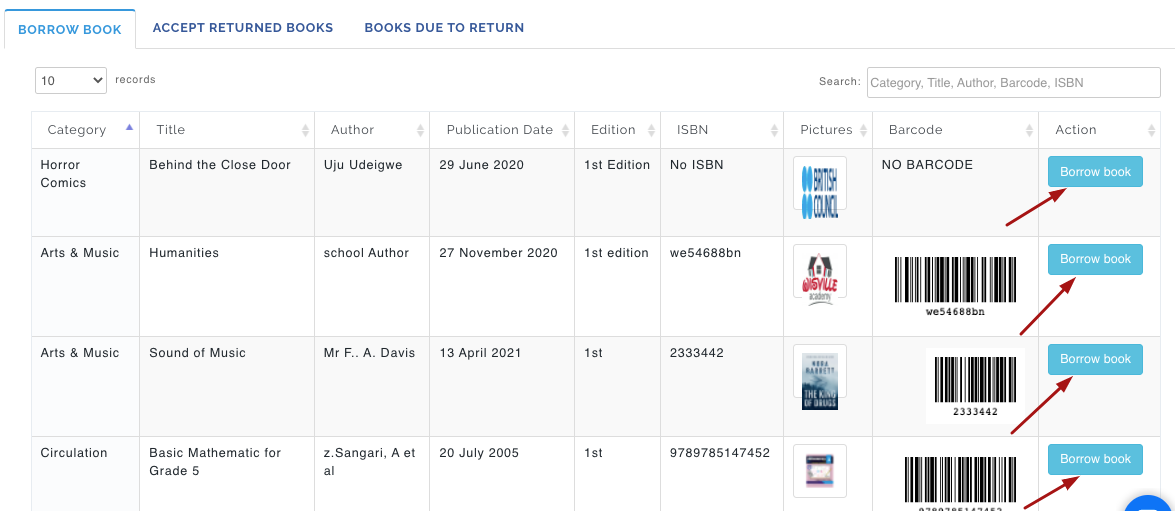
Pic 1
- This pops up a modal where you can;
- search for the name of the user and click on Select.
- Clicking on select displays the user's information on the "Selected Borrower" box
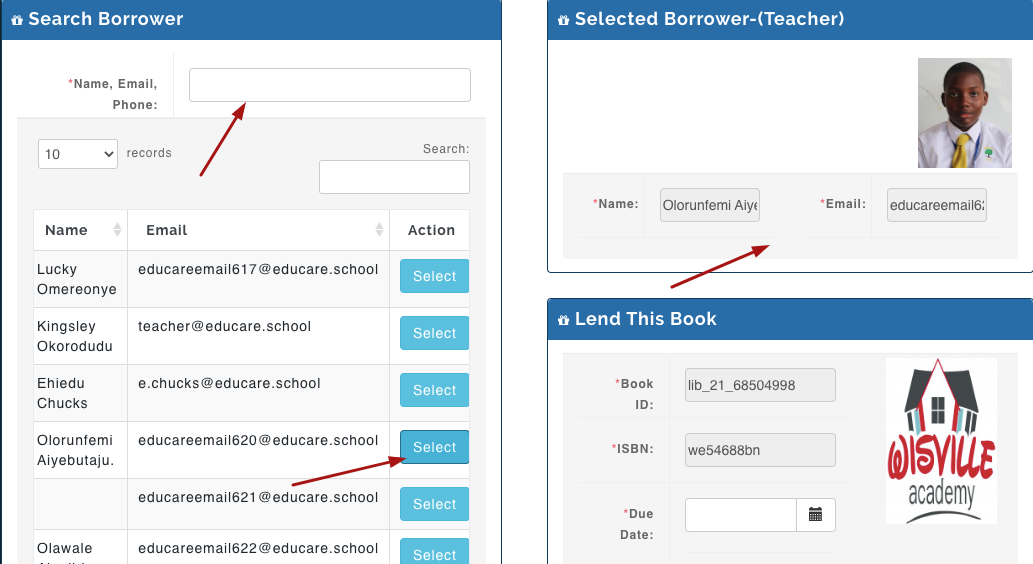
- Under the Lend This Book box, Select the date the user is expected to return the book.
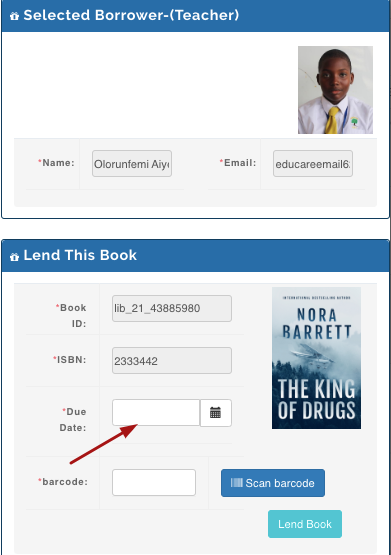
- Enter or scan the barcode that was generated by the system which you pasted on the book.
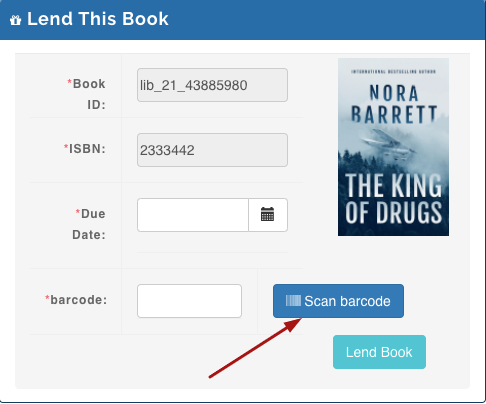
- Click on Lend Book
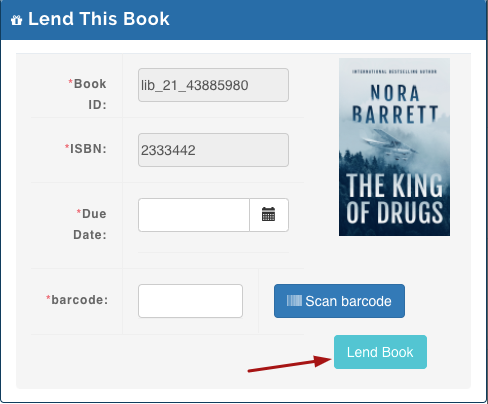
Pic. 3
Returning Books
Librarian: To receive books returned to the library, follow these steps;
- Go to the Library Module.
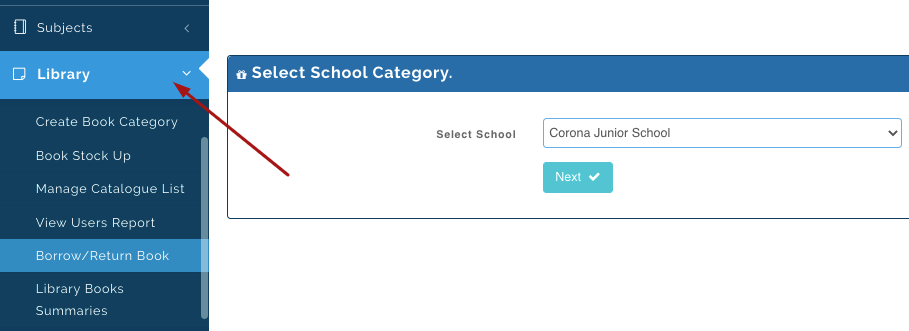
- Select Borrow/Return Books.
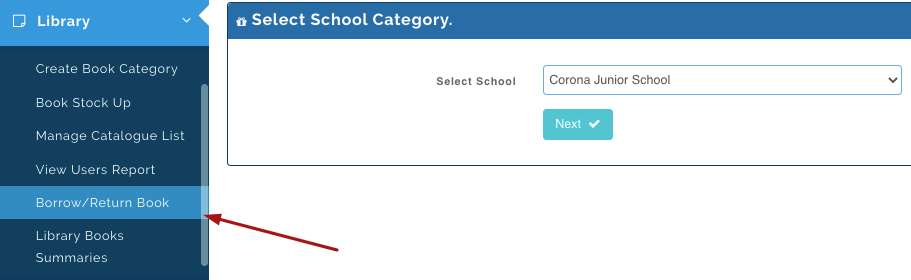
- Select the school the user returning the book is in and then click on next.
- Under the Accept Returned Books tab, you will see the list of books lent out to Users.
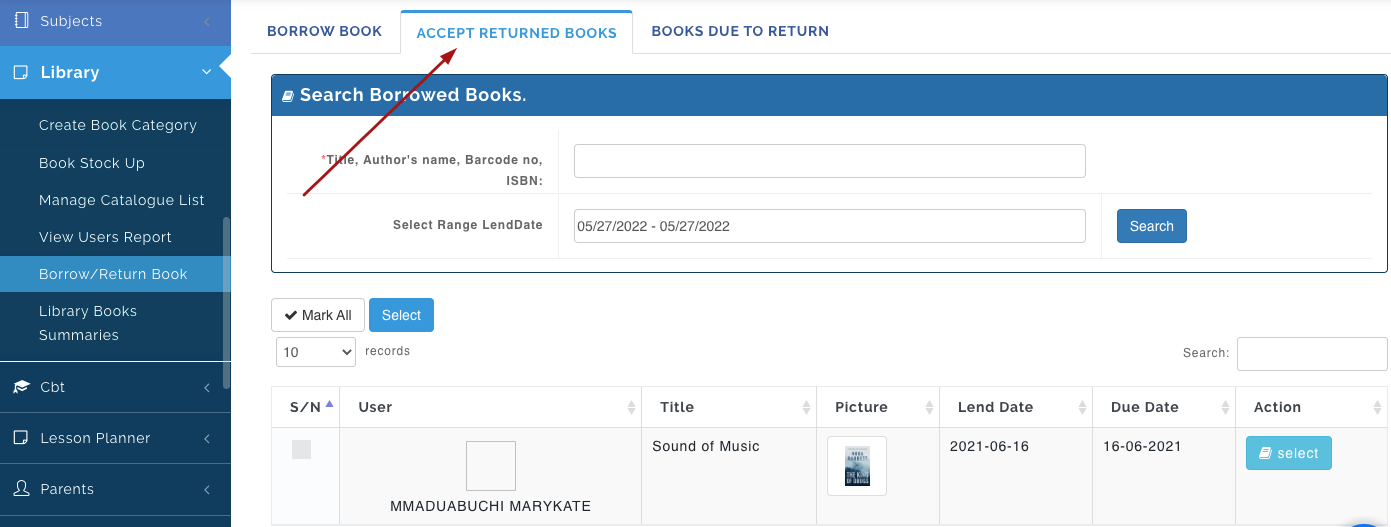
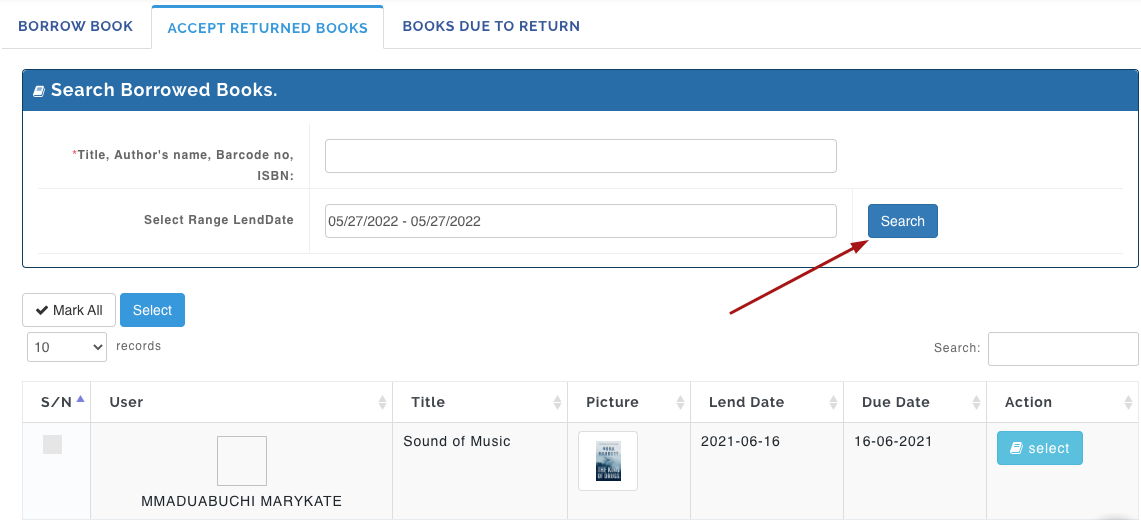
- Enter the Title, Author's Name, Barcode No, or ISBN pasted on the book and select the date the book was issued out to the student and click on Search. This should bring up the name of the user and the details on the book.
- Click on Select to return book.
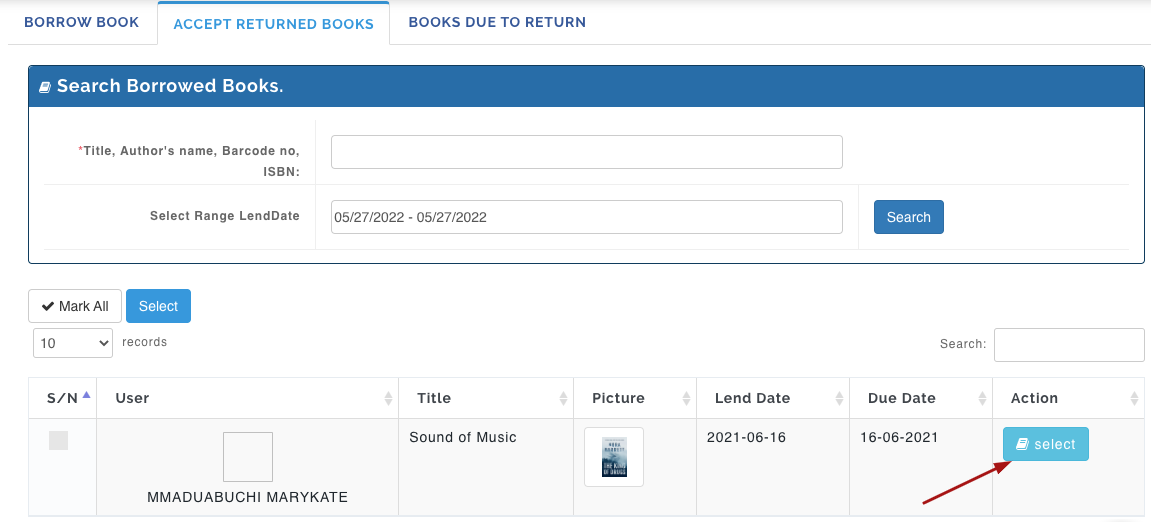
Pic. 4
Book Due To Return
This shows the list of users that have books due to be returned on a particular day. From this List, The Admin/ Librarian can identify the User to follow up with to return books to the library.
Follow these steps to view book due to return:
- Go to the Library Module.
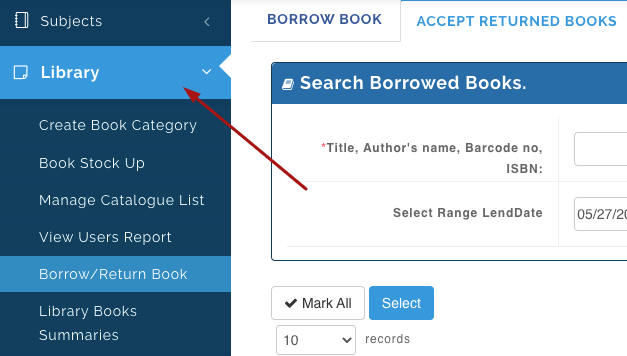
- Select Borrow/Return Books.
- Select the school the user returning the book is in and then click on Next.
- Under the Book Due to Return Tab, you will see the list of books lent out to users and also the due date for each book.