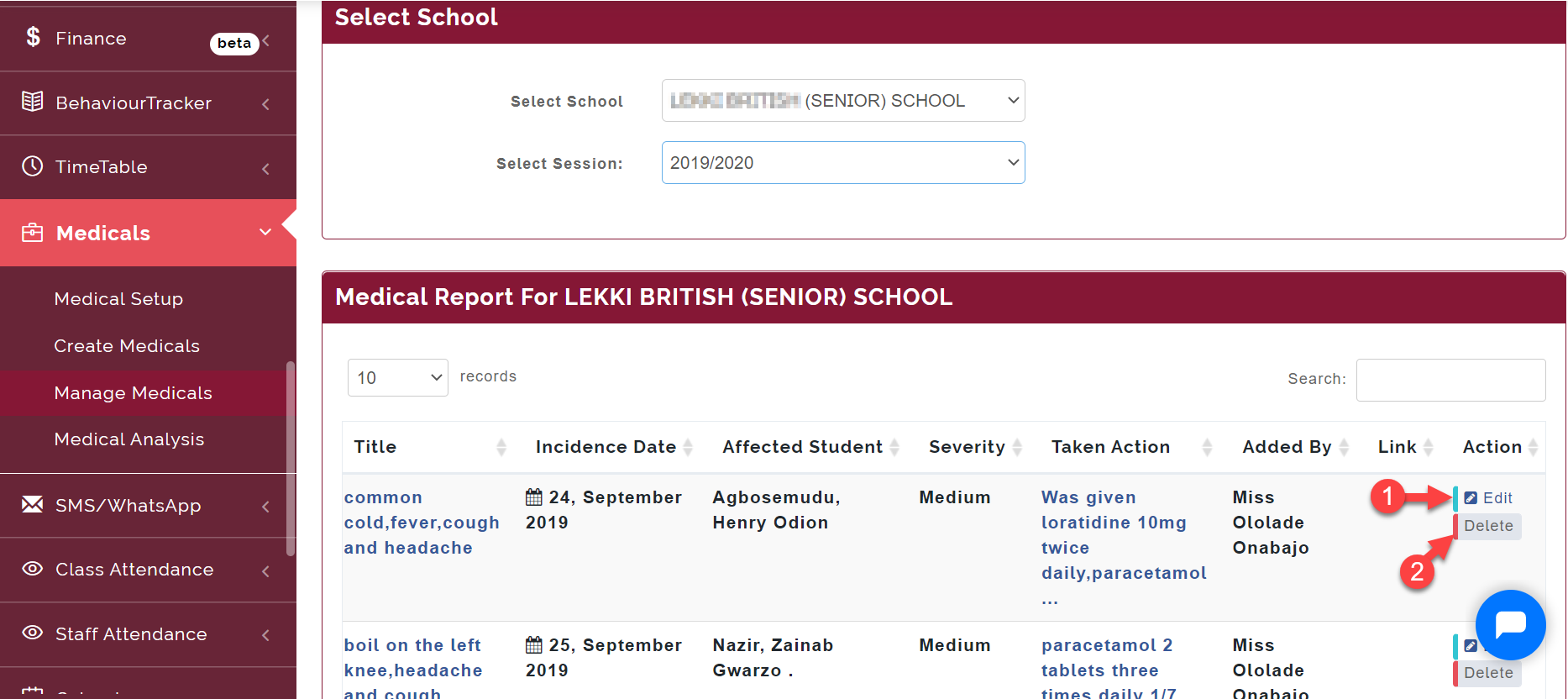
This is where you can manage and view the record of all students medical visit to the school's clinic.
Follow these steps to Manage Medicals
Step 1:
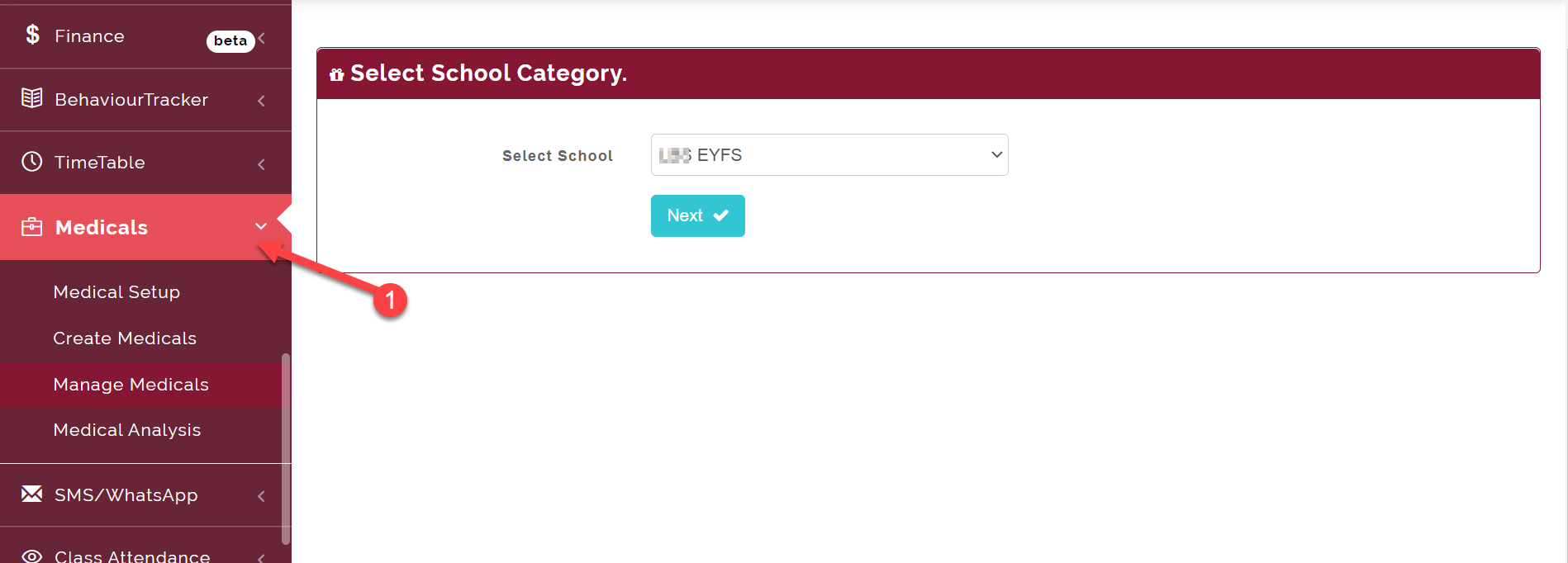
Click on Medicals
Step 2:
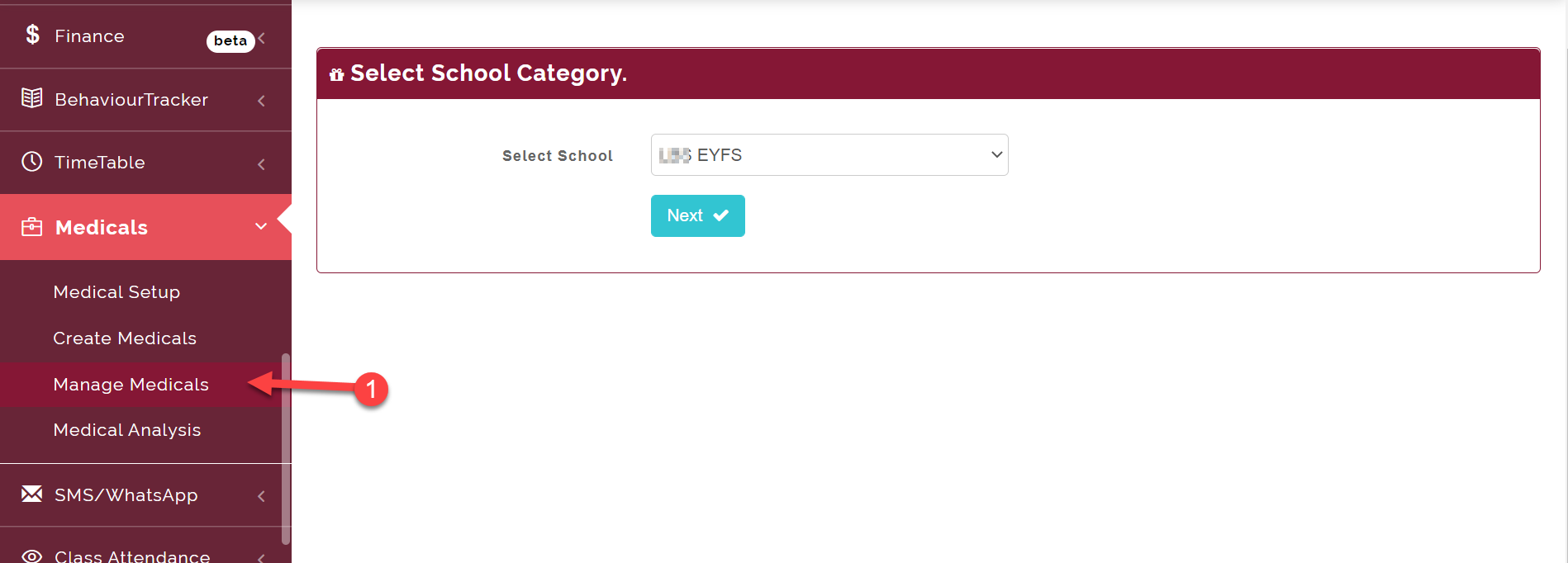
Select Manage Medicals
Step 3:
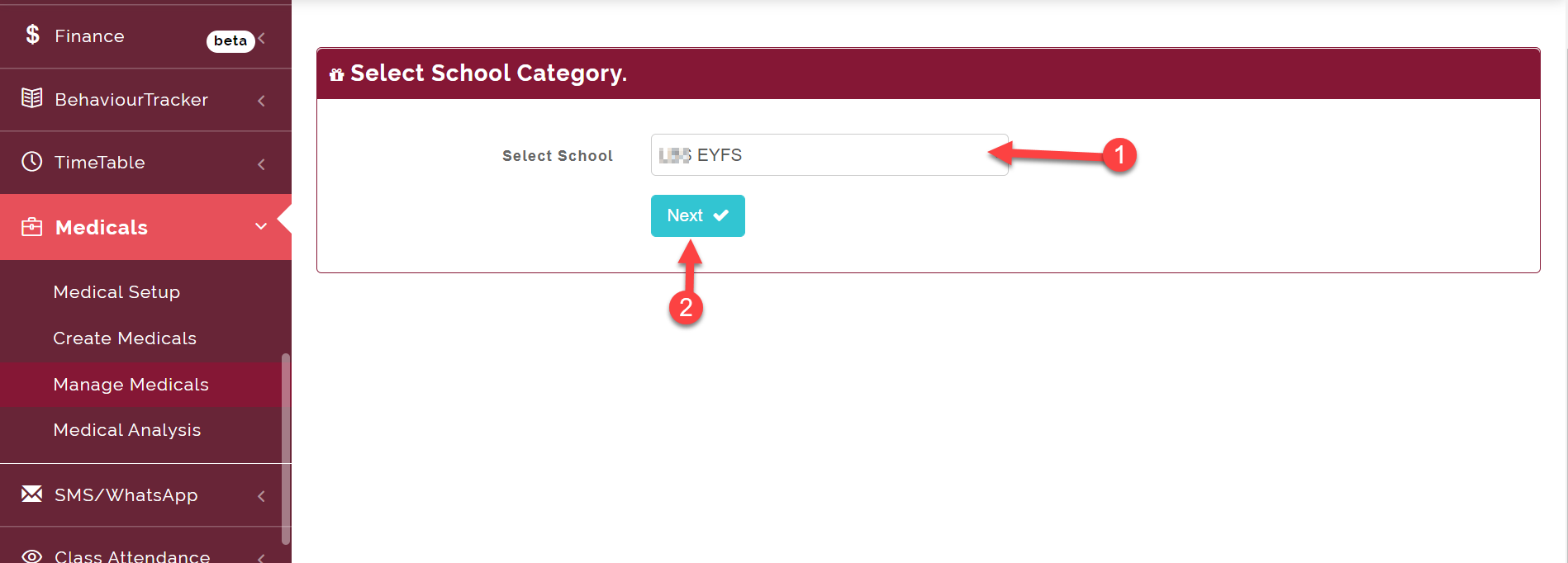
Select the school you want to Manage Medicals for (i.e. EYFS, Junior or High School) and click on Next button.
Here you will see the list of all the medical incidents in the school, you can either download, edit or delete a medical report.