
Track expenses, create & customise invoices, run reports, manage inventory and even more, all from one place.
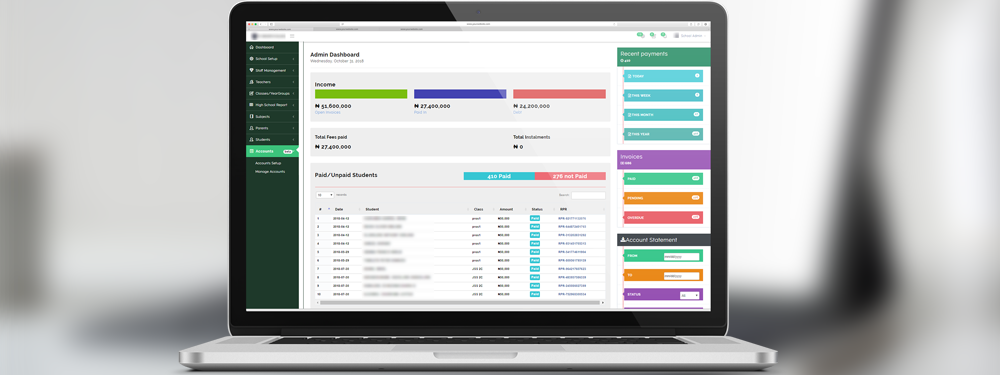
educare Finance is a complete finance solution carefully developed to address schools' finance needs. It seamlessly handles invoicing, expenditures, online payments, reporting, store inventories, discounts, payroll, requisition, budgeting, access controls and lot's more. It's very detailed and extremely easy to use.
What we achieved is to help schools manage their entire finance seamlessly in one place.
Breakdown of educare™️ Finance Module
The educare Finance module is broken down into three sections:
- The setup section
- The management section, and
- The reporting section.
The setup section comprises the following menus on the Finance Module:
- The Account List menu ,
- The Chart of Accounts (COA) menu,
- The Accounts Setup menu,
- The Manage Discount menu.
The management section comprises the following menus on the Finance Module:
- The Manage Accounts Menu ,
- The Store Inventory menu
- The Warehouse menu
- The Budget Management menu
- The Requisition menu
- The Direct Post menu
- The Direct Transfer menu
- The Petty Cash menu.
For reporting, we have:
- The Broad View menu,
- The Financial Statement menu,
- The Cash Transaction menu.
educare Finance Setup Menus
We are going to be starting with the setup section.
For this first part of the series, we are going to be dealing with the setup of the account module.