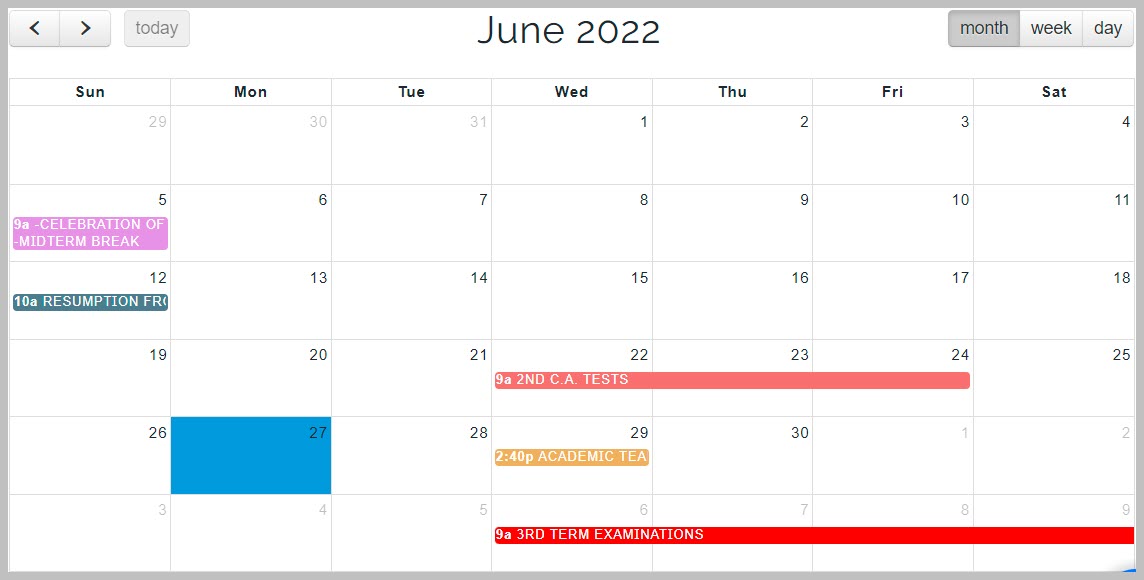
Calendar displays all events that will take place within the current term. Schools can add events for the whole session to their calendar. Users on the platform can view calendar events from view calendar feature in their profile.
Events are displayed on a monthly overview by default. Users can select to view events either by weekly timeline or daily timeline by clicking on the Week and Day button at the top right corner of the calendar page.
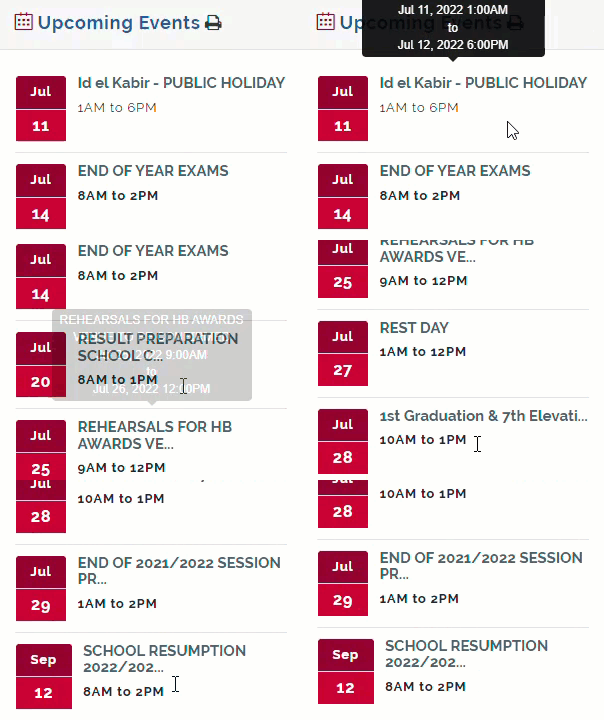
Upcoming Events
Events timeline when added to the calendar can also be viewed from the Dashboard of every users profile under the Upcoming events display feature. Upcoming events displays the date of event, title of event and duration of event.